Crutchfield - North America's electronics authority since 1974

1.888.955.6000
 
 
Free Shipping on Everything.  60-Day Money-Back Guarantee  |  Lifetime Tech Support
 
Featured Product
2 people say
Full-motion wall mount for 37"-65" flat-panel TVs
$299.99
If you like our website,
you'll love our people. See why.
1-888-955-6000

Flat-panel TVs offer some of the best pictures available, plus a sleek design that looks great in almost any décor. Their slender shape and light weight make them ideal for wall mounting.

In this guide, you'll find in-depth info for a safe and easy wall mount installation. For a basic overview of the steps involved, you can watch our video on wall-mounting a flat-panel TV. For tips on concealing your TV's power and audio/video cables, check out our articles about managing home A/V cables and installing in-wall wire.

Some people don't feel comfortable with certain aspects of the flat-panel TV installation process. If you'd prefer not to do it yourself, call our A/V Designers at 1-800-555-9407 and they can set you up with a certified professional installer in your area.

Before you get started

Make sure that you have a thorough understanding of local building and fire codes. Make sure you know what's behind the wall before drilling or cutting. Read and follow the safety guidelines below, as well as those in the owner's manual.

Can you do it yourself?

Take a look at the chart below. What kind of installation do you want to do? Do you feel confident with the skills and tools involved?

You should be able to do this... ...if you're comfortable with these household tasks... ...and know how to use these tools.
Wall-mounting your own TV
  • hanging pictures
  • mounting shelving
  • power drill and drill bits(see owner's manual)
  • measuring tape
  • level
  • stud finder
  • pencil
  • soft material (like a blanket)
  • you may also need a screwdriver, sockets and a ratchet (see owner's manual)
Routing the A/V cables inside your wall
  • installing new light fixtures, phone lines, or security wiring in your existing home
  • wiring a whole-house computer network
  • patching and repairing drywall
  • touch-up painting
  • power drill and drill bits
  • measuring tape
  • level
  • stud finder
  • drywall saw
  • utility knife
  • fish tape (longer runs may require 2 tapes)
  • electrical tape
Needed Tools Some of the tools you'll need include: (A) electrical tape; (B) measuring tape; (C) a stud finder; (D) a utility knife; (E) a drywall saw; (F) string (for pulling wire short distances); (G) a fish tape (for pulling wire longer distances)

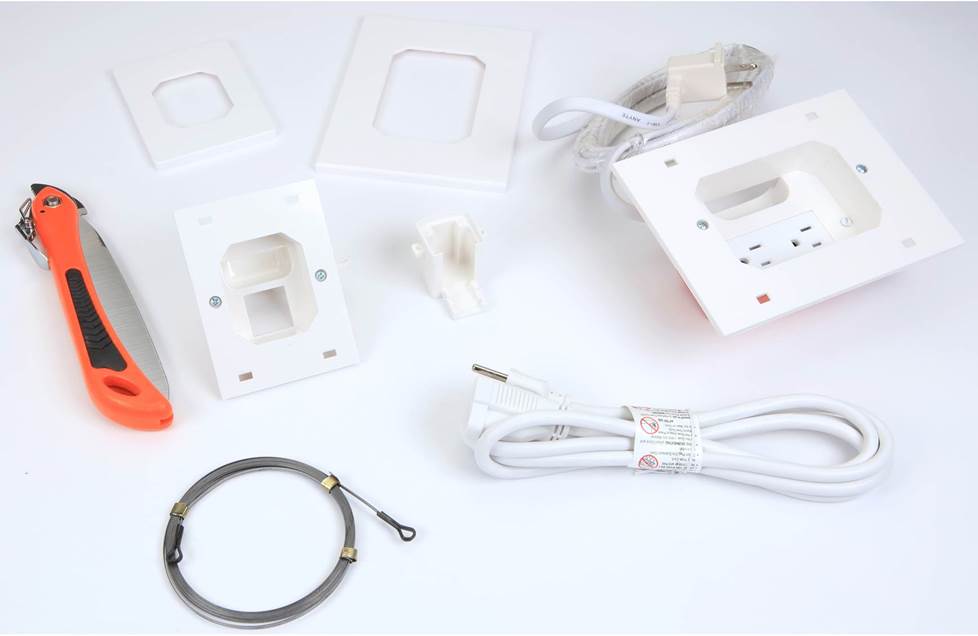
Take a look at the chart above to determine which tools you'll need. You'll also need a partner to help you with some of the installation steps. Please note that your TV's power cable isn't made to be safely installed in your wall — that means that if you want to keep that cable hidden, you'll need to hire an electrician to install a recessed AC outlet on the wall behind your TV. If you do hire an electrician, you could also ask him or her to pull your A/V cables.

Safety tips

  • Be sure to use A/V cables that meet local building and fire code. Most codes require UL-rated wire labeled CL2 or CL3 for in-wall installations.
  • Don't route your TV's power cable through your wall — it's not rated for safe in-wall installation.
  • Make sure the area behind your wall is clear before cutting (using the techniques discussed in our in-wall wiring guide).
  • If you drill through a fire block or firebreak, patch it with comparable material. If you drill holes between floors, seal them with fire-resistant caulk per National Electric Code standards.
  • Turn off the power in areas you'll be drilling or cutting to avoid electric shock.
  • When working in the attic:
    • If it's not a finished attic, be careful to walk only on ceiling joists.
    • These areas are often poorly ventilated. Stay hydrated and use a fan to circulate air if you can. Make sure someone knows that you're up there, and take breaks when you need to.
  • When working on a ladder:
    • Place your ladder in a stable position close to where you're working. Don't reach.
    • Always have one hand on the ladder.
    • Face the ladder when ascending or descending.
    • Don't carry heavy items up the ladder that could cause you to lose your balance and fall.
  • Before you connect your A/V cables to your TV, make sure both your TV and the source component (ex: receiver, DVD player, etc.) are unplugged.

Mounting bracket shopping tips

Most TVs don't come with their own mounting hardware, so you'll have to purchase it separately. If you haven't already purchased your wall-mounting bracket, check out our tips below on picking out the right fit for your TV.
  • Check your TV's owner's manual for mounting guidelines. Some models require use of a specific bracket, but most models are compatible with a number of brackets that follow VESA (Video Electronics Standards Association) standards. You'll see the word "VESA" followed by a number, which tells you how far apart the holes on the bracket or TV are in millimeters. For example, VESA 75 means that there are 4 holes in a square, and each side of the square is 75mm long. VESA 100/200 means that the holes are in a rectangle, with two sides measuring 100mm and two sides measuring 200mm. You should be able to find that information in the owner's manual, or you can measure the holes yourself to determine which VESA standard fits your TV. Many mounting brackets are compatible with more than one VESA standard, so finding one to fit your TV won't be difficult.
  • Always check the screen sizes that the bracket says it can hold, and stay within the appropriate range. You should also to check the maximum weight a bracket can hold and make sure that it can support your TV.
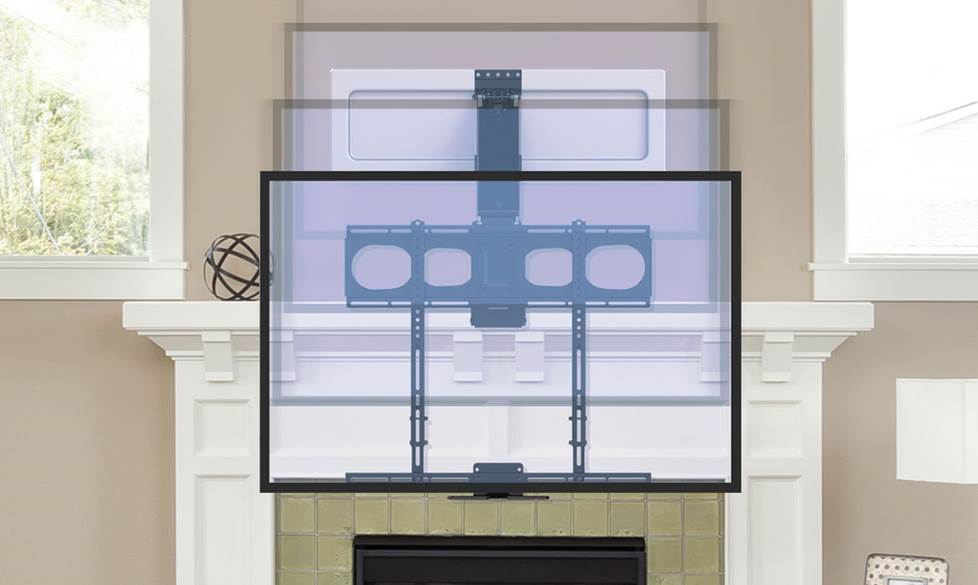
  • Think about what you want your bracket to be able to do. Do you want to be able to swivel the TV left and right to avoid glare, or get a better view from different seats? Do you want to be able to nudge your TV up and down in case you don't get the bracket exactly where you want it the first time? There are lots of options out there, so keep such conveniences in mind.


Where to mount your TV

Obviously, your TV needs to be easily, comfortably viewable from your couch and other viewing spots. But what other factors should you take into consideration? Below, we've addressed two key points that are often overlooked.

Height
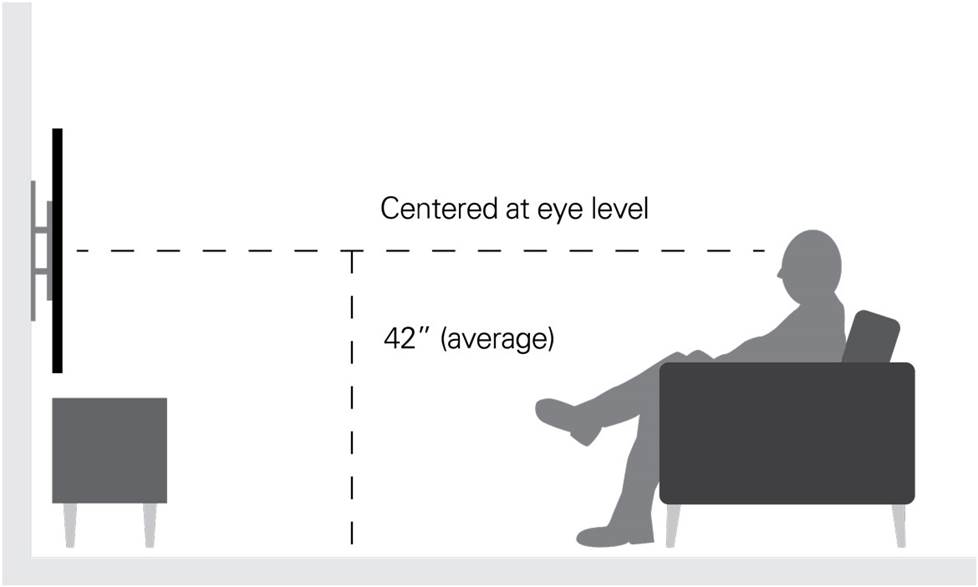
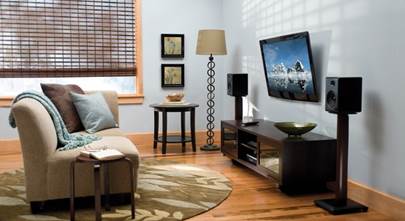
Ideally, the middle of your TV screen needs to be at about eye level while you're seated. You'll want to be comfortable while watching TV, and mounting it too high can result in neck strain. Plus, you'll probably see the best-looking picture when you view your TV head-on, rather than at an angle.

However, lots of folks find that mounting their TV that way looks too low, and move the TV up so that the middle of the screen is around standing eye level. If you do opt for a higher mount, try adjusting your seating to compensate. Move your couch further back so that you don't have to look up at such a steep angle, or recline when you're watching TV. You might also consider using a tilting wall mount to angle the TV down — you'll see a better-looking picture when you view the screen straight on, rather than at an angle.

Screen glare
Sit in your favorite TV-watching spot and look at the place on the wall where you plan to mount your TV. Is there light reflecting off that area? If so, is it something fixable (by closing the curtains, or by moving a lamp)? Screen glare can be distracting, and detract from an otherwise beautiful picture, so be aware of potential sources of glare. A tilting or swiveling mount can also help you cut down on glare, by allowing you to angle the TV's screen away from the light source.

See our article on TV placement for more tips on placing your TV for optimum viewing.

Where you're going to run the wires

There are a number of ways to conceal your power and A/V cables — from quick and simple cover-ups to more labor-intensive in-wall options. It's a good idea to figure out how you'd like to manage your wires before deciding where to mount your TV, since some spots may be more conducive to your preferred method than others. You'll find an overview of some common options below. Also, check out these illustrations to get an idea of what's involved with some of these methods.

  • If you'd like to run your wires on the outside of your wall, but avoid that tangled, unattractive look, you're in luck. You can use paintable cable management raceways that attach to your wall. They'll hide your TV's A/V and power cables between your set and an A/V cabinet below.
Wall-mounting your flat-panel TV Easy-to-install cable management raceways hide your TV's A/V and power cables between your set and an A/V cabinet below.
  • If you need to run cables further than just straight down to your A/V cabinet, check out our article on managing your A/V cables for some simple options, like running wire behind your baseboard or crown molding. By running your cables in places that won't require drywall repair, you'll save yourself lots of time and effort.
  • If you want a really clean, professional look, and you feel comfortable with the tasks described at the beginning of this guide, running wires inside your wall may be the option for you. There are some important things to consider before going that route:
    • Try to avoid mounting your TV on an exterior wall, since these walls have extra bracing and insulation that can make running wire difficult.
    • Obtain a copy of your local building and fire codes from your government office, and follow them. In many cases, this means you'll need to get UL-rated A/V cable labeled CL2 or CL3. The Underwriters Laboratory (UL) looks at heat generated from current flowing through wire, how quickly the cable will catch and spread fire when exposed to flame, and the wire's susceptibility to damage from external stresses.
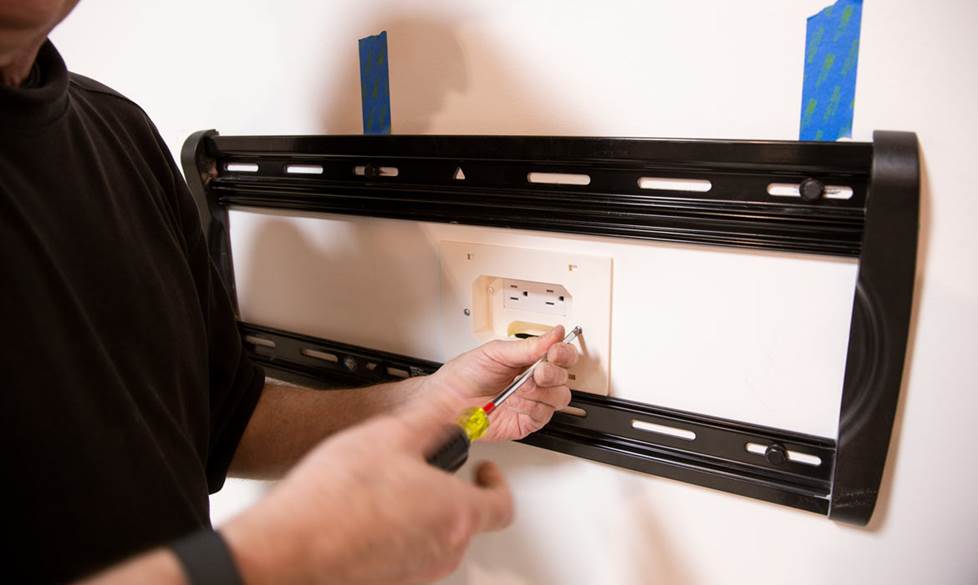
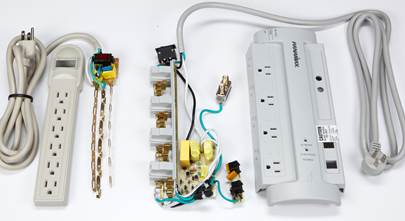
    • An important note about your TV's power cable: If you're planning to route your A/V cables inside your wall, you might be tempted to run your TV's power cable in the wall as well. But those cables aren't designed or rated for safe in-wall use, and can pose a safety hazard. So if you want the power cable hidden, we strongly urge you to hire a licensed electrician to install a recessed AC receptacle in the wall, in a location where it will be covered by your TV, and not obstructed by the mounting bracket. You and your electrician may also want to consider an in-wall power protection unit, because these offer built-in surge protection and power conditioning. Another option is to route the A/V cable in-wall, and use a small wire raceway on the outside of your wall for the power cord.
    • See our comprehensive guide to in-wall wiring for more info.

Making sure you have enough wire
After planning where you're going to route your wire, calculate how much you'll need. Remember that it's better to have a bit too much than too little. Here's an example:

Running wire from the receiver to the wall 4 feet
Running wire horizontally inside wall 8 feet
Running wire vertically inside wall to TV location 6 feet
running wire from wall to TV (with slack) 3 feet
subtotal 21 feet
+ 15% fudge factor 24 feet total

Below, we've laid out the steps involved in wall-mounting your flat-panel TV. We've also shared some installation tips that we've found to be useful, but only follow them if they don't conflict with the TV's or bracket's owner's manuals.

Attaching the TV portion of the bracket

Wall mounts are generally composed of two pieces — one that you'll attach to the TV, and another that you'll mount to the wall. The portion on the TV then attaches to the piece on the wall, and voilà, you've got a wall-mounted TV. Your first step will be to attach the TV portion of the mount to the back of your TV.

  • Most flat-panel TVs don't have their mounting holes exposed — they'll be covered by a plastic cap. Just use a screwdriver to pry them off.
Wall-mounting your flat-panel TV Like most flat-panel TVs, the one pictured above has four plastic caps over the holes used for wall-mounting. You can use a screwdriver to pry them off.
  • Avoid lying the TV face down on the glass, since it can be permanently damaged. We recommend using the TV's pedestal to keep it upright. If you don't go this route, you can lean it up against a couch or table, using soft material (like a blanket) to protect the glass. If you do lay it on the floor, lay it on a soft blanket, and keep it well out of the way of foot traffic.
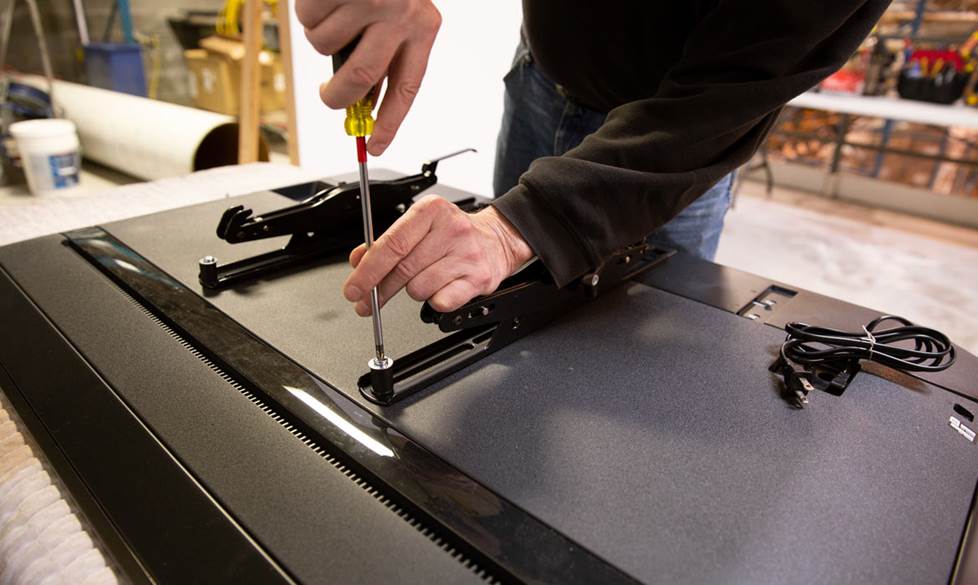
  • The TV portion of the bracket often comes in two pieces. Make sure that you line up the screw holes on each side, so that the mount is level.
  • If you're using a tilting or swiveling mount, make sure the screws attaching the mount to the TV won't impede the mount's movement. If they do, don't worry — wall mounts typically have multiple sets of screw holes to choose from, and you can simply use another set.

Measuring for your TV

Follow the steps below to figure out how high to mount your bracket on the wall. Also check the owner's manual for additional tips.

  • Start by attaching the wall portion of the bracket to the TV portion of the bracket already on your TV.
  • Next, measure the distance from the bottom of the panel to the bottom of the wall portion of the bracket. Since the bottom edge of the TV probably isn't on the same plane as the bracket, you can use a level to ensure you get an accurate measurement.
  • Measure the height of your panel, and use a pencil or masking tape to mark this measurement on your wall. Make sure the middle of the TV screen will be at around seated eye level, and that the screen will cover up any power or A/V outlets you're planning to install behind your set. It might take a couple of tries to figure out exactly where you want your TV screen.
  • Once you've figured out where the bottom of your screen should be, use your previous measurement to determine where the bottom of the bracket should be. Mark that spot.
Wall-mounting your flat-panel TV To figure out how high to mount the bracket: (1) Measure the distance from the bottom of the wall bracket (A) to the bottom of the panel (B). (2) Make a mark on the wall where you want the bottom of the TV to be. (3) Using your measurement from (1), mark the wall where the bottom of the bracket should be.

Attaching the wall portion of the bracket

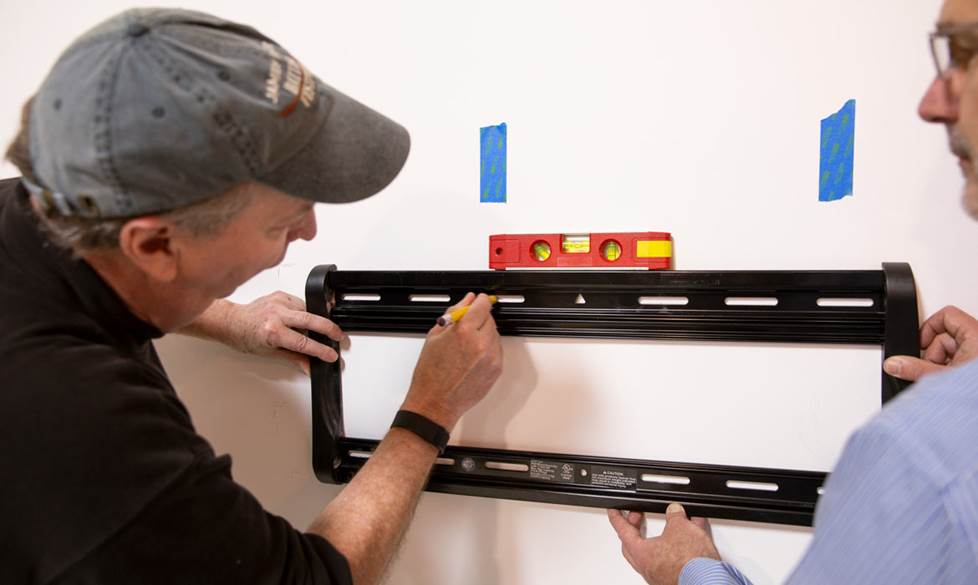
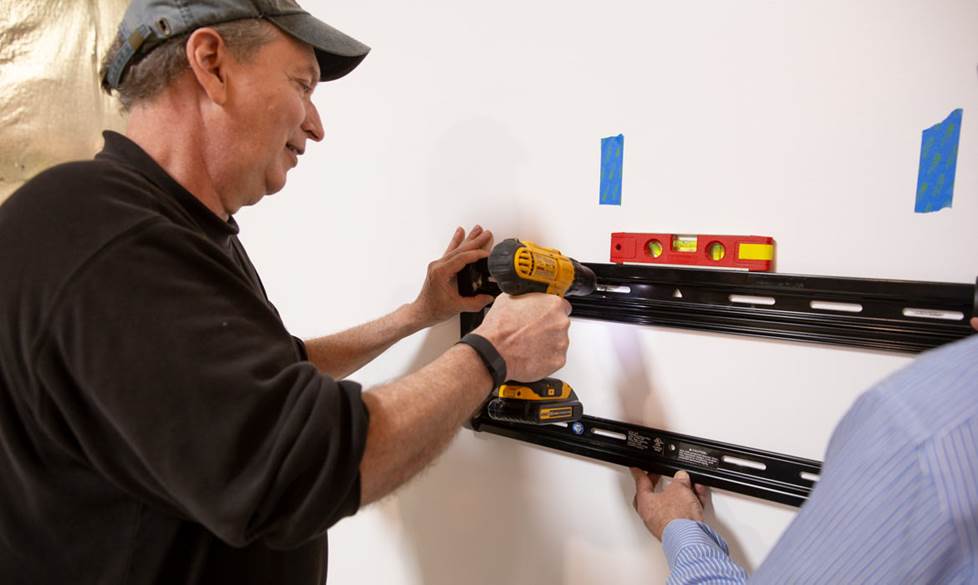
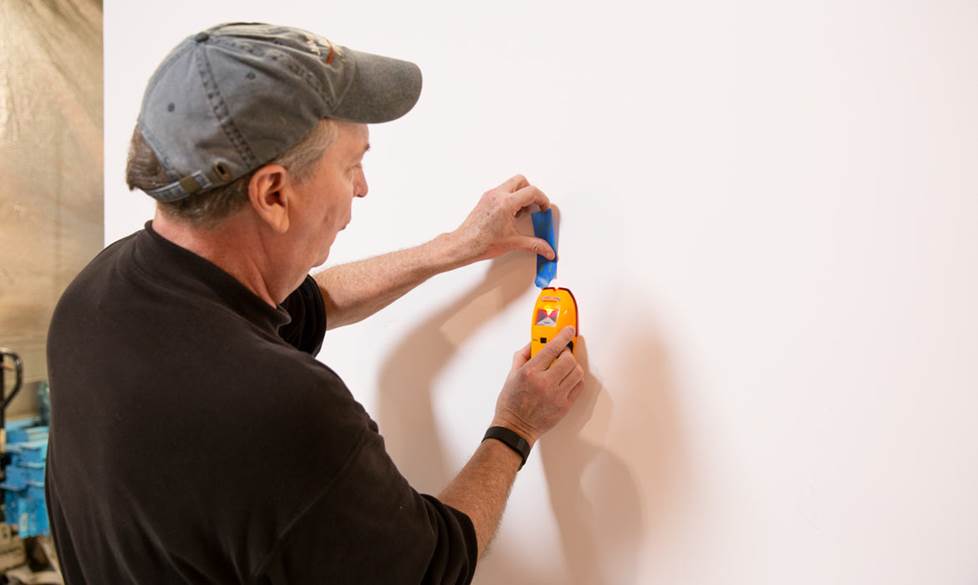
  • To safely and securely mount your TV to the wall, you'll need to drill the bracket into wooden studs. After you've chosen your ideal TV mount location, use a high-quality stud finder to locate nearby studs. We recommend using one that can tell you where the exact center of each stud is, to ensure that your TV is securely mounted. Mark each stud with a pencil or masking tape.
  • If your stud finder can't tell you where the center of the stud is, you'll need to figure it out manually. Once you've chosen which studs you're going to use, verify where each stud is located using an awl or thin nail. Hammer the nail into the wall partially until you hit the stud, then pull it out, move it about 1/4" to the side, and repeat until you only hit drywall. Do the same in the other direction. Then, find the middle of the stud by measuring the distance between the two drywall-only holes. Mark it — you'll want to mount the bracket on that middle line.
  • Verify that the mounting holes in the bracket line up with the center of the studs.
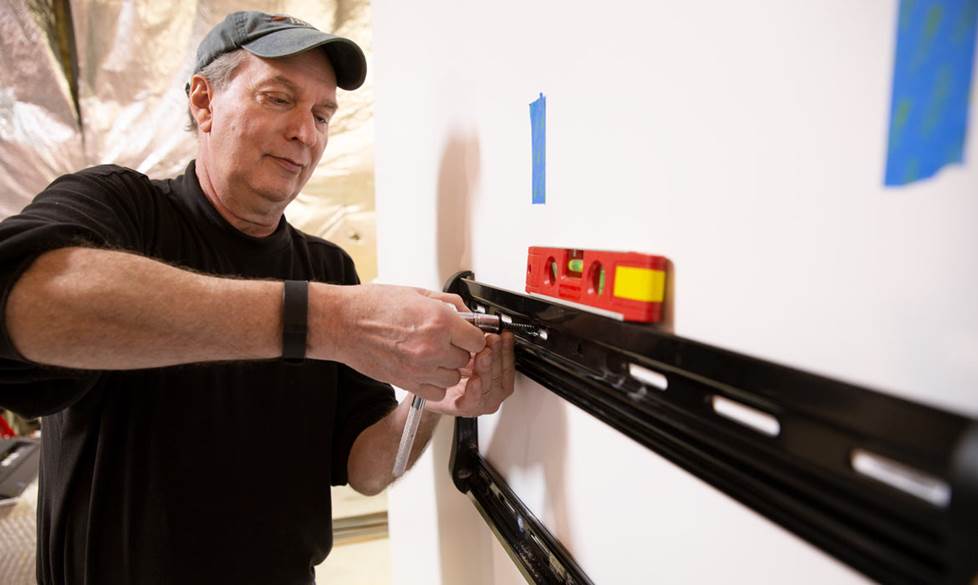
  • Always use a level to verify that the bracket is level before securing it to the wall. Follow the mounting directions in the owner's manual. Have your helper keep it stable while you screw it into the wall to make sure it stays level.
  • Verify that the bracket is level before mounting the TV. It's much easier to make changes now than after the TV's on the wall.
  • Note: Brick, solid concrete, and concrete block mounting — Not all brackets are mountable on concrete or brick, and only some will include the appropriate hardware. You may need to order additional materials from the manufacturer or purchase some supplies from your local hardware store, such as concrete wall anchors. Be sure to follow the instructions in the owner's manual.
  • Note: Metal studs — If your house has metal studs, you should not wall-mount your TV. Most metal studs are too weak to support that much weight.

Routing cables for your TV

Below, we'll cover some basic things to keep in mind when running the power and A/V cables for your TV. You can find complete details on concealing wire outside your walls and routing wire inside your walls in our wiring guides.

  • If you route your cables along the outside of your wall, you'll want to keep the power and A/V cables separate to avoid interference. Don't bundle them together, and try to keep a couple of inches of distance between them throughout the run. Some cable management raceways include two separate wiring channels for this purpose.
  • If you're going to run the A/V cables inside the wall:
    • Shut off the power to the area you're working in.
    • You'll need to cut holes for the A/V cables to enter and exit the wall. Use your stud finder to check for obstacles behind the wall. Then drill a pilot hole. This is a small exploratory hole, drilled in the center of the space. Use caution when drilling pilot holes, so you don't plunge your bit into a pipe or electrical conduit. Next, insert a sturdy wire (such as a bent coat hanger) into the pilot hole, and explore the space behind the wall where you'd like to cut. You should also explore nearby crawlspaces or review your electrical and plumbing plans (available from your builder) to make sure you know what's behind the drywall before you cut. Don't cut unless you know that the area behind the wall is clear.
    • When cutting drywall, use a hand-held drywall saw (not an electric one) and cut slowly. Cut the drywall in one piece, on an inward slant, so that it's easier to patch later if necessary.
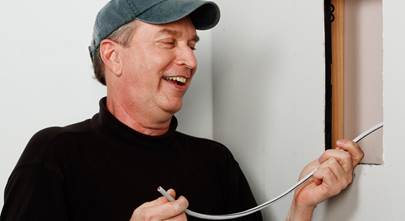
Wall-mounting your flat-panel TV Use a sturdy wire (such as a bent coat hanger) to explore your pilot holes. Be sure that the space behind the wall is clear before cutting.
Wall-mounting your flat-panel TV Many brackets have pre-existing holes for A/V cables. Trace the one that's closest to the A/V connectors on your TV. Drill a pilot hole, and explore the space behind the wall where you'd like to cut. Once you know that area is clear, cut the hole in one piece using a drywall saw.

Hanging the TV on the wall

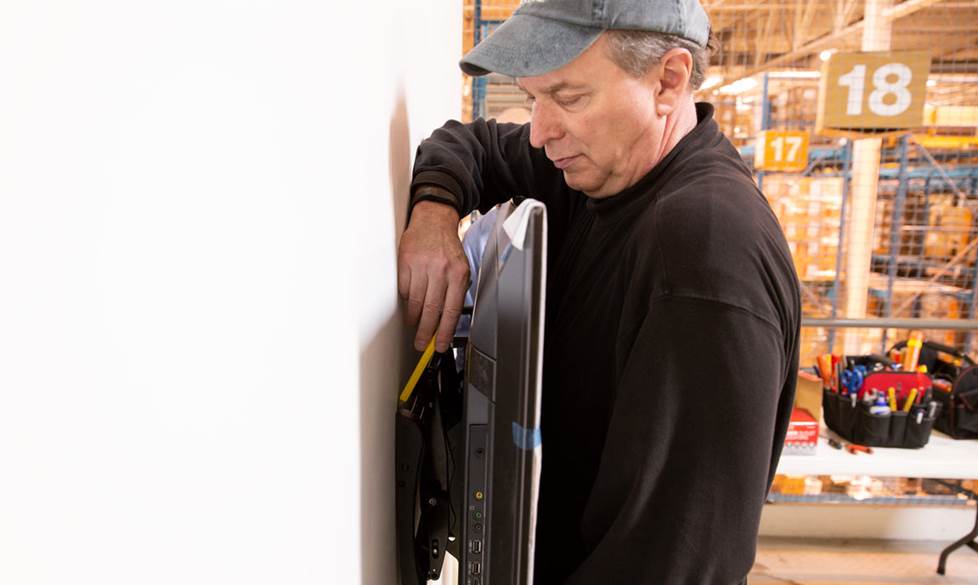
  • Do not attempt to do this part on your own. Ask a helper to assist you in lifting the TV and lining up the bracket. Have him or her keep it steady while you screw the bracket on the back of the TV onto the bracket on the wall.
  • Before you fully secure the two bracket portions, check that your TV is level one more time. If your bracket allows for tilting or swiveling, now is a great time to make any minor adjustments.
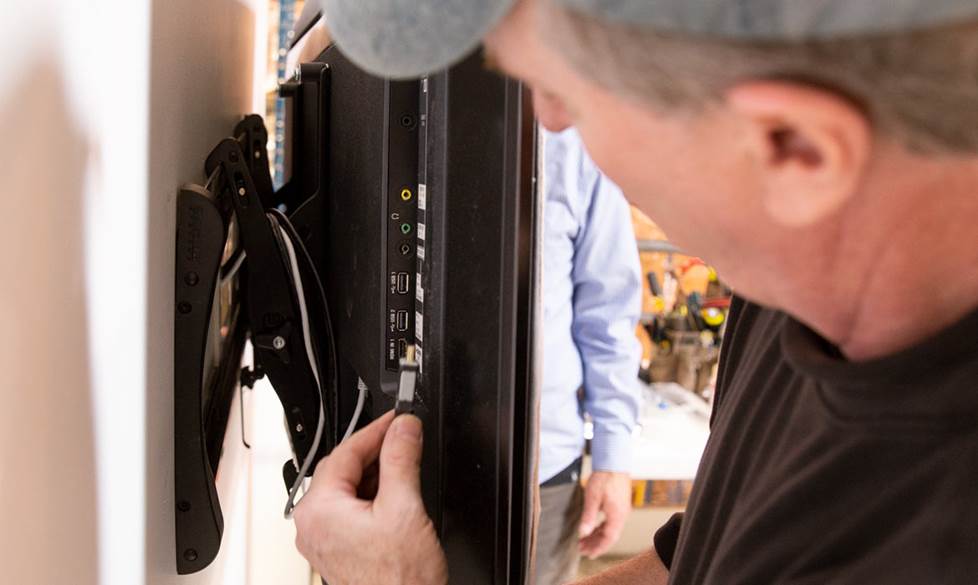
  • Finally, connect the A/V and power cables to your TV.
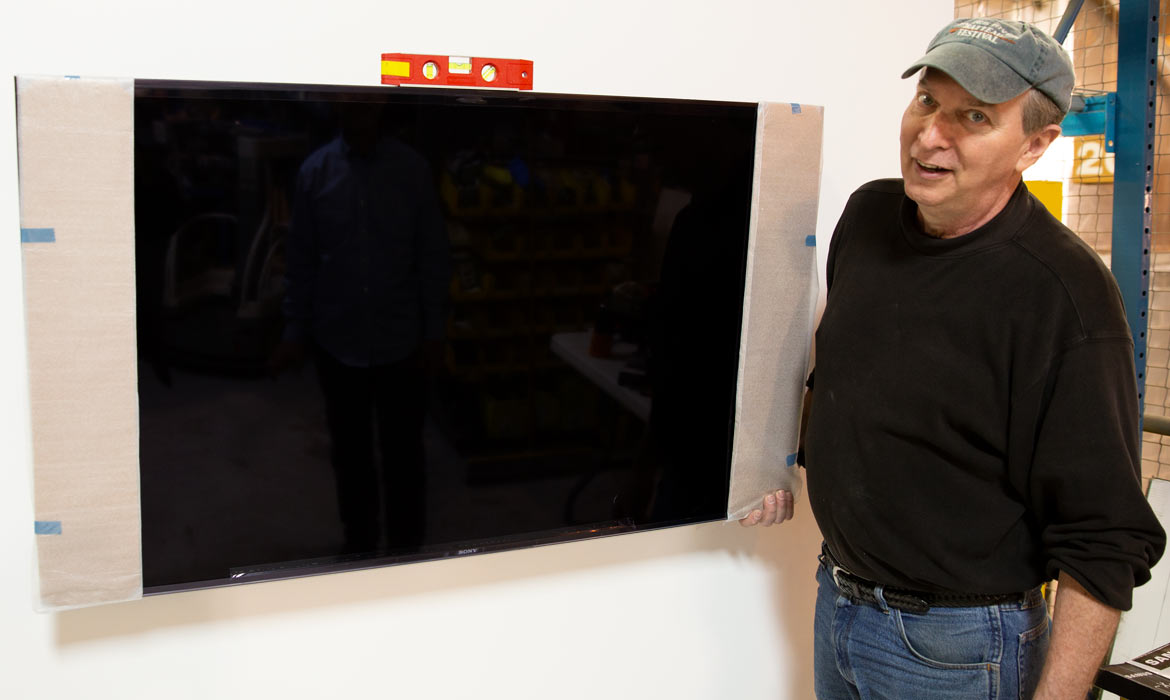
Wall-mounting your flat-panel TV When you attach the bracket on the back of the TV to the bracket on the wall, have your helper assist you in lifting the TV, lining up the bracket, and keeping it steady. If you have an adjustable bracket, use a level to position the screen.