Is 4K Blu-ray worth it?
And other frequently asked Blu-ray questions

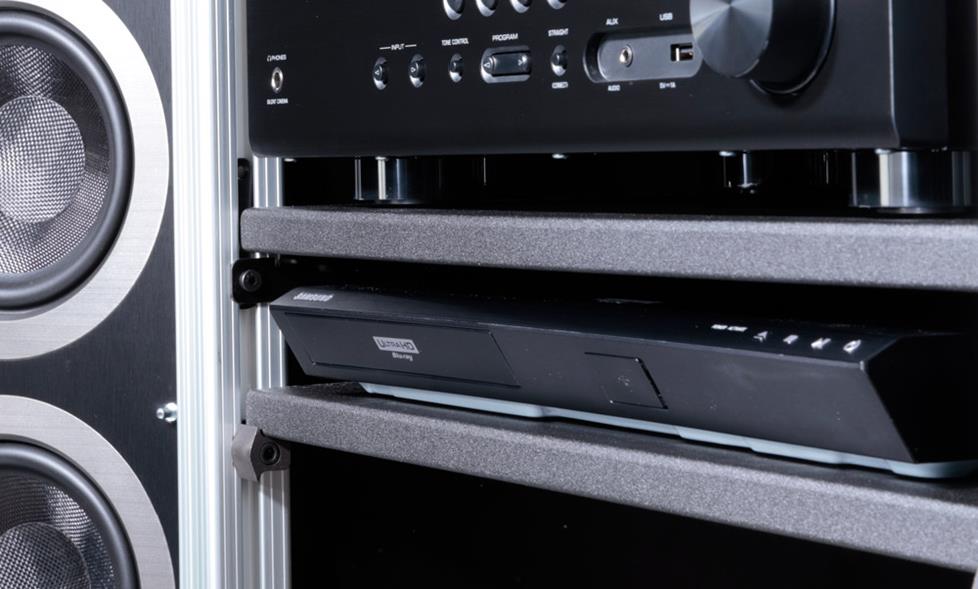
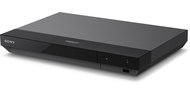
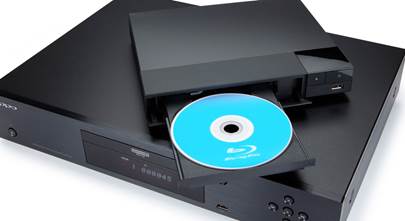
A 4K Blu-ray player is a super edition to any top-notch home theater system.
4K Ultra HD has sparked new interest in the world of Blu-ray players — and some new questions from our customers. I spoke to some of our Advisors and collected the most popular questions they hear these days.
Why 4K Blu-ray is worth it
If you have a 4K TV and you want to see its best picture, you’ll want a 4K Blu-ray player. Ultra HD Blu-ray discs can hold much more data than standard Blu-ray discs, so they can deliver full 4K resolution along with enhanced color and contrast.
4K Blu-ray produces the sharpest, most textured picture quality I’ve seen on a 4K screen. Movies with HDR (High Dynamic Range) are particularly striking – closely matching the vibe of the full theater experience.
What is HDR?
HDR is a breakthrough technology that drastically improves 4K picture quality by increasing the contrast range. It allows compatible TVs to display extremely bright and dark black picture content together within the same image.
Ultra HD Blu-ray movies with HDR are the current gold standard for picture quality.
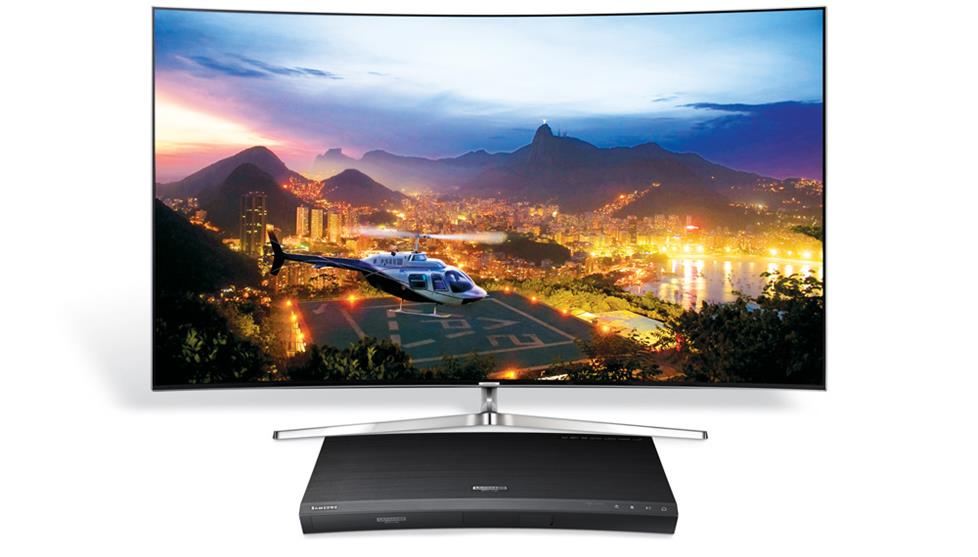
Ultra HD Blu-ray movies with HDR can really pop on a 4K TV screen.
What movies are available on Ultra HD (4K) Blu-ray?
Next Generation Home Theater keeps a pretty thorough, updated list of titles. All of the major movie studios are on board with 4K Blu-ray, so we’ll see the number of movies grow.
Will a 4K Blu-ray player play standard Blu-ray and DVD discs?
Yes.
Will they look any better?
Standard 1080p pictures can be upconverted by your 4K player or Ultra HD TV. Some standard Blu-ray discs can look much smoother when upscaled for a 4K screen – but you shouldn’t expect full 4K quality.
Do I need to replace my cables to enjoy 4K Blu-ray?
You’ll need an HDMI cable that supports HDMI v2.0.
Do I need to replace my other gear?
Whether you're connecting the player to a home theater receiver, sound bar, or directly to your TV, you'll need to make sure the inputs on your device are HDCP 2.2 compatible.
If you don’t have a 4K TV, you can still watch 4K Blu-rays on a 1080p TV, but obviously won’t get the full effect. Same thing with HDR content on a non-HDR screen—it will play, but not to its best potential.
If I mainly watch Netflix, do I need a Blu-ray player?
I stream most of the shows and movies I watch, but still think of my Blu-ray player as an essential part of my TV setup. Here are a few reasons why:
- Reliability – You don’t need a strong internet or Wi-Fi connection to play a disc. A Blu-ray player ensures movie nights won’t be thwarted by problems with your network or service provider.
- Picture quality - Standard Blu-ray players deliver Blu-ray discs in 1080p resolution. Since they don't require compression, discs can deliver a better picture than standard HD streaming services.
- Choice – With Blu-ray players, you don't have to pick between streaming and discs. Many of them offer both.
You’ll find more benefits in our Blu-ray player buying guide.
Can standard Blu-ray players play 4K Ultra HD Blu-ray discs?
No.
Can standard Blu-ray players play DVD discs?
Yes.
Can I get a region-free Blu-ray player?
No. The players we carry accept Region “A” Blu-ray discs and Region “1” DVDs.
What Blu-ray player do I need for Dolby Atmos?
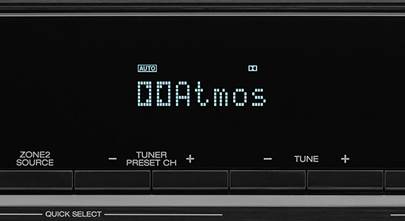
All of our Blu-ray players can pass Dolby Atmos soundtracks. You’ll just need to make sure the Blu-ray disc is encoded for Atmos. Here’s a list of available movie titles.
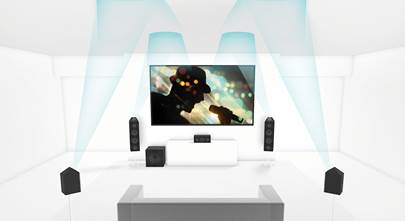
To enjoy the immersive sound of Dolby Atmos soundtracks, you'll need a Dolby Atmos compatible home theater receiver (plus speakers). Or you could opt for a compatible sound bar. Be sure to connect using an HDMI cable, and set the Blu-ray player's output to "bitstream."
What Blu-ray player do I need for DTS:X?
The answer is similar to Atmos: All of our players can pass the soundtrack from DTS:X-encoded Blu-ray discs. Just connect via HDMI to a compatible receiver or sound bar and set the output to “bitstream.”
Do Blu-ray players make good music players?
Yes. In fact, all Blu-ray players will play Audio CDs. Most offer streaming music services like Pandora or Spotify, and many have a USB port to play digital files from a thumb drive or external hard drive.
Higher-end players are often designed with music listening in mind. They are solidly constructed, include a high-grade digital-to-analog converter (DAC), and can play high-resolution music. They accept high-res discs like SACDs or play lossless digital files like FLAC or ALAC.
Connections
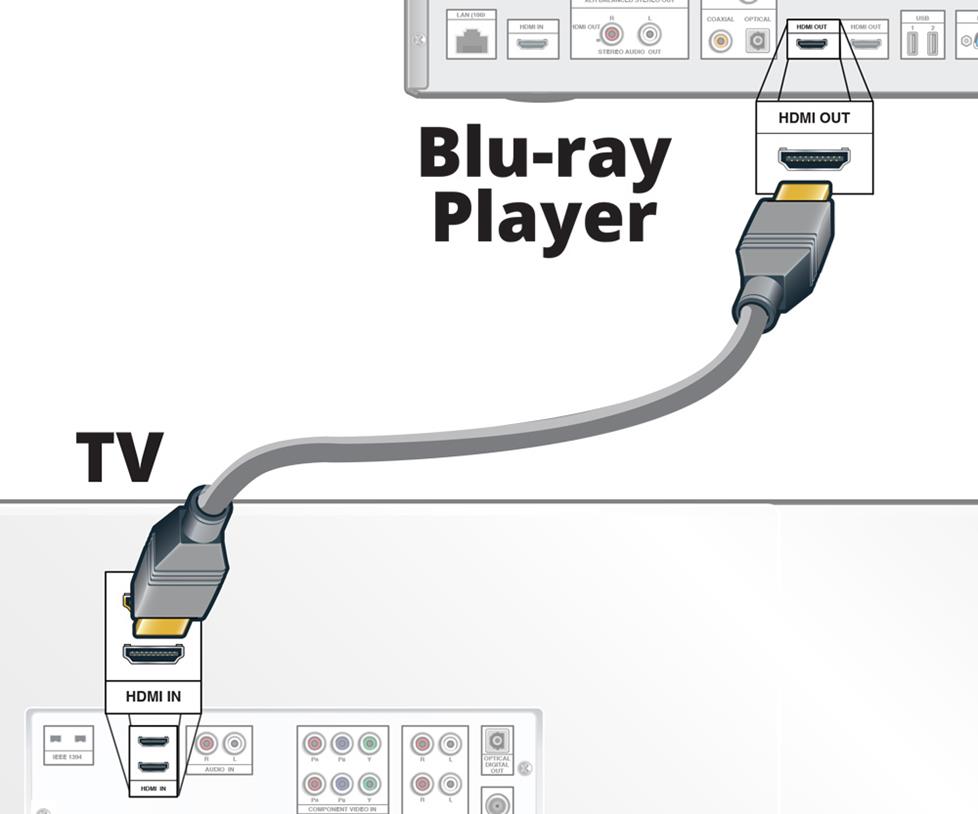
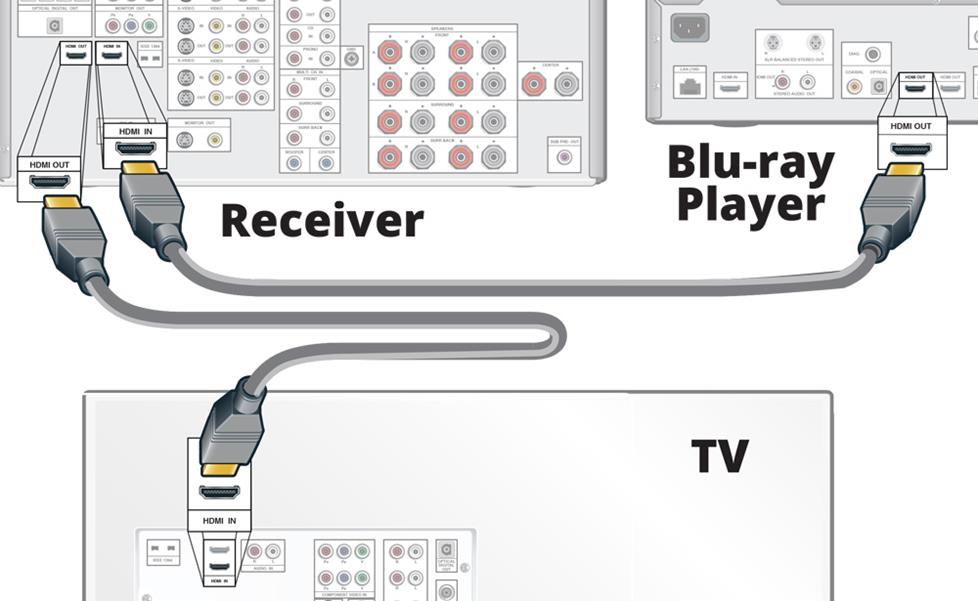
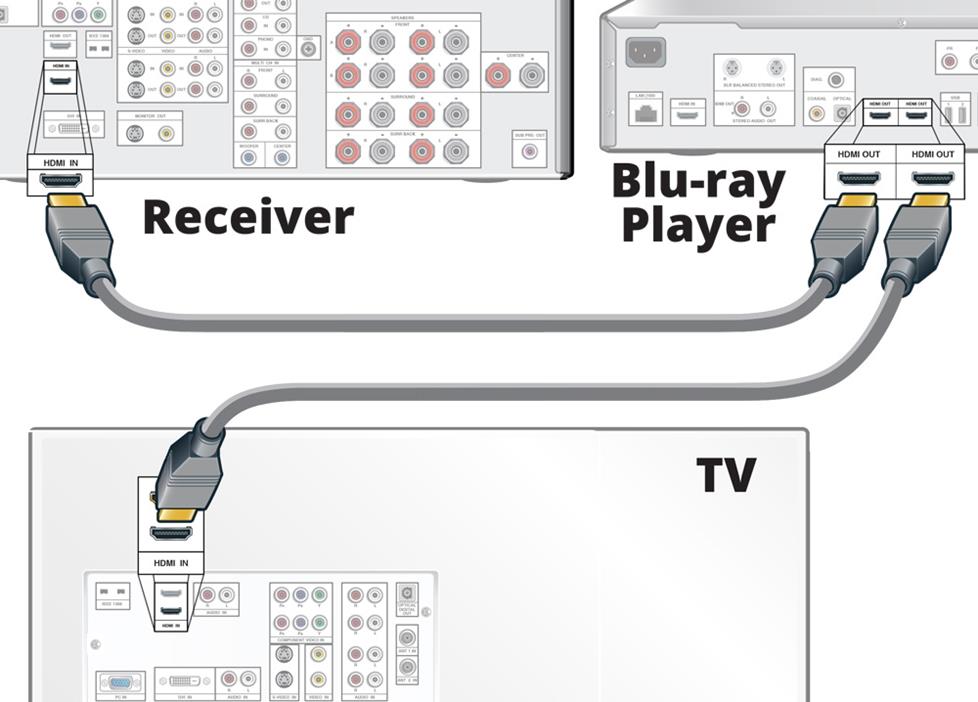
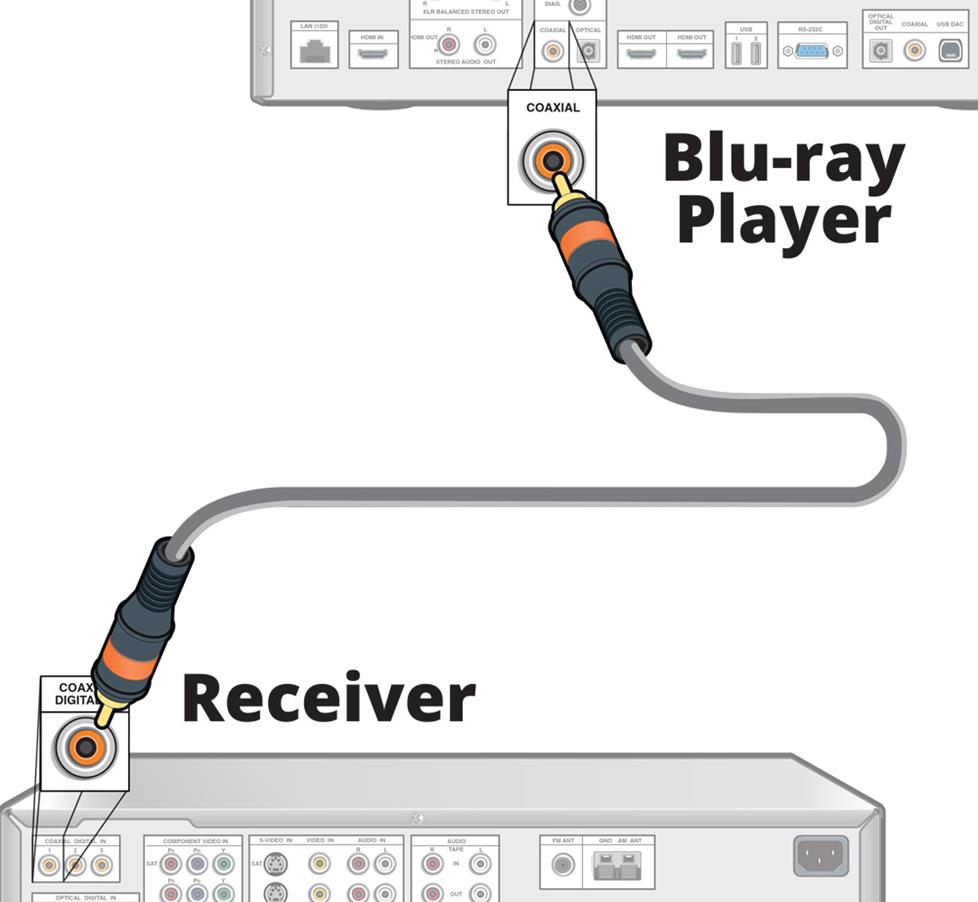
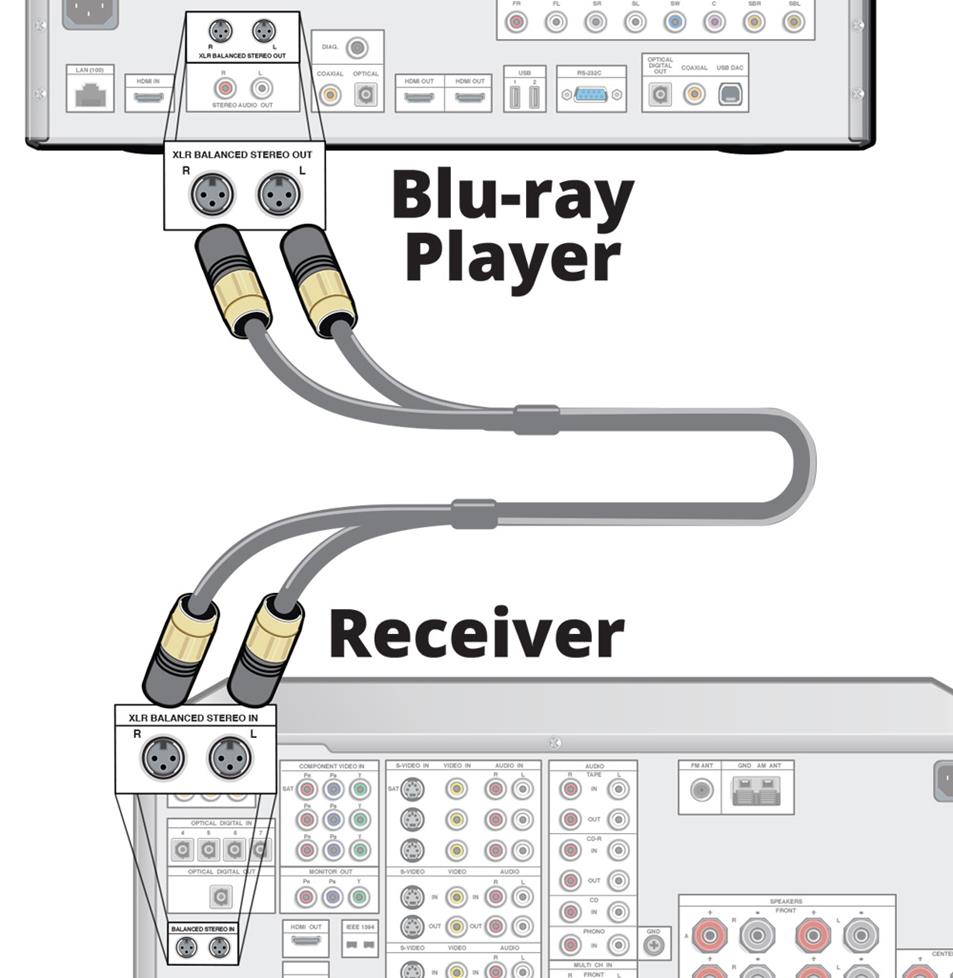
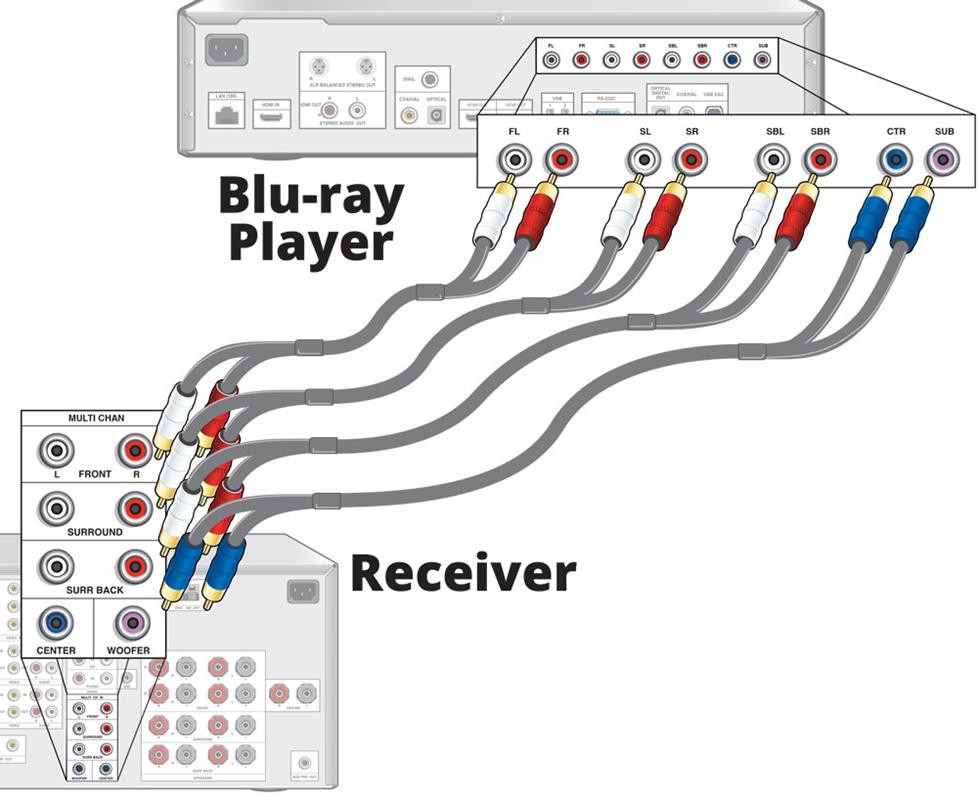
HDMI is usually the best way to connect your Blu-ray player. Every Blu-ray player has an HDMI output which will pass video and audio. Here are the most common connections:
Alternate audio outputs
For video, HDMI is your best bet. But some players offer alternate audio outputs that may work better in your setup. In these cases, you'll connect the primary HDMI output to the TV and send the audio separately to the receiver.


Have more questions?
We're here to help! Contact one of our Advisors today.






Jan from Del Mar
Posted on 9/7/2023
Are 4K discs worth the extra price? Notwithstanding the fact that I have hundreds of Blu-ray discs which I don't want to replace, are there any 4K Blu-ray players that upscale so well that purchasing a 4K may not be worth it? Also, many reviewers talk about Dolby Vision, are there sufficient 4K Blu-ray discs available with Dolby to make it worth buying an upgrade 4K Blu-ray player? Even if my Brand new Samsung OLED doesn't support it?
Cynthia knox from Kula, HI
Posted on 7/15/2023
Our Sony 5disc player just died, thinking of 4k bluray player, any with 5 disc capability? Enjoyed your informative coverage of your products for years, thank you
Teddy Radhay from Mississauga
Posted on 1/29/2023
Is the surround sound quality eg. Atmos on a bluray disc, be the same as on a 4k disc.
Steve from London UK
Posted on 11/10/2022
Reading the comments here makes me realise just how little effort the studios and hardware companies have put into explaining an promoting 4k, and why it will remain at best a niche product (a little like laserdisc back in the 80s and 90s) With regard to region coding, 4k discs are (supposed to be) region free. Keep your old multiregion blu ray player, add the 4k to it rather than replacing it. That's what I did. Many 4k blu ray players have dedicated netflix buttons on the remote (like my Panasonic) and my player also has internet capability. If you have an older TV without HDMI I would suggest that you should look at buying a new TV first. large 4k tvs are inexpensive (although OLED and fancy tech tvs are going to cost more). Invest in a new TV first, that will give you a far better experience with much less frustration than trying to get an HDMI player to work with your existing TV. 4k and Streaming...I'll be honest here. I have a 4k OLED TV, with an Oppo blu ray player that upscales blu ray to 4k. I've tried a couple of 4k players, the Oppo 203, and the Panasonic UB 820. I stuck with the Panasonic. I DON'T think 4k is worth it. The discs are expensive and rarely offer a significant improvement in picture quality over an upscaled blu ray. If you have a good internet connection, streaming is good enough for the vast majority of people. A few people that want Atmos surround will probably want to invest in 4k discs.
Richard Shaw from Birmingham
Posted on 11/5/2022
How can I stop the background noise coming from a 4k Blu-ray Disc.
Howard from Carrollton, TX
Posted on 2/17/2022
It is difficult to find a true 4k Blu-ray player. Many say 4k but they are 4k streaming and won't play a 4k CD. How do you find a good, reasonably priced true 4k Blu-Ray.
Paul Girling from Bordon hampshire
Posted on 1/8/2022
Dear all, I'm considering purchasing a 4K TV also a 4K blu ray player for the first time so it's certainly a step up for me . In my collection of blu rays I have a variety of different of regions and I'm worried that if I purchased a good 4Kblu ray it might not work on some of my different region blu ray Disc's. Do I buy a multi region player or will a 4K player Cater for all. Thank you ??
Jeff Miller from Crutchfield
on 1/10/2022
Derek from Clemont
Posted on 2/24/2021
So can I use the Ultra 4K player for streaming 4k content like Netflix, YouTube, HBO Max, Disney+ and the like?
Stan Nuremburg from NYC
Posted on 2/15/2021
I am interested in a 21 x 9 "gaming" UWHD TV to play using my Amazon Fire Stick. I have a 10-year old HDMI Onkyo AVR. So, Do I need a new AVR to play 21 x 9 video? (Many films on Amazon Netflick are in this format (aspect ratio).
Dan Schildge from Westfield
Posted on 6/6/2020
I have an older TV that does not have HDMI. Are there any Blu-Ray players that i can connect to this TV?
Jeff Miller from Crutchfield
on 6/10/2020