Legendary Service. Since 1974.SM

Enjoy theater-like entertainment in your home
HDTVs produce stunning pictures, with lifelike color and detail, but they don't offer big, realistic sound for your movies and shows. To make the most of your entertainment, combine a great picture with full, engaging home theater sound. You've got plenty of options for getting great sound, from multi-speaker home theater systems to simple one-speaker solutions.
Component home theater systems
A traditional component home theater system, also known as a surround sound system, consists of a TV, video sources, a home theater receiver, and speakers. For the best home theater experience, this is what we recommend.
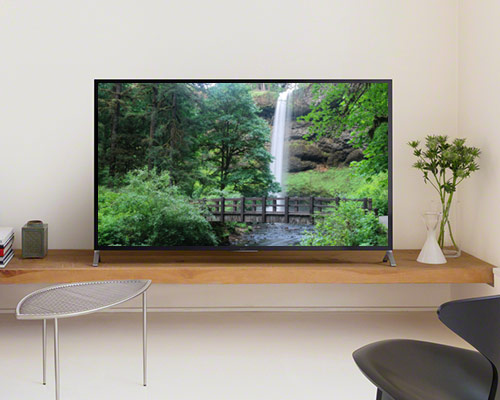
TVs
Home theater starts with your TV. A big, clear picture is must-have, and bigger is usually better. Choose 4K or OLED for the latest TV picture technology, and pay attention to smart TV features if you're interested in streaming content. If you've got a dedicated home theater room and you really want to go big, consider a projector that can produce theater-like images on screens measuring as big as 100" or more.
Read our TV buying guide Shop TVs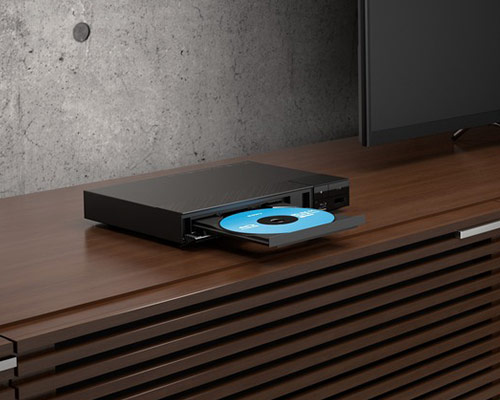
Video sources
Blu-ray players, 4K media players, and smart set-top boxes — these are all examples of video sources that will provide the audio/video content you'll play on your home theater system. These devices provide a wide variety of entertainment options — many connect to the Internet so you'll be able to stream content like Netflix®.
Read our Blu-ray players buying guide Shop video sources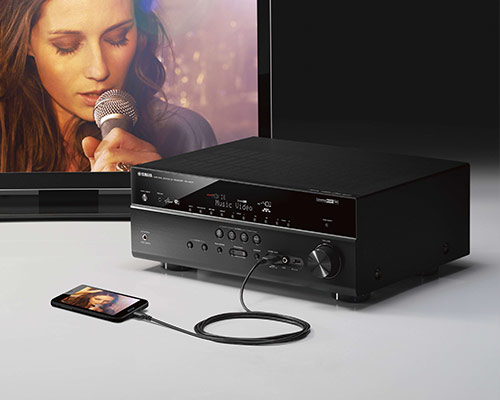
Receivers
A receiver is the center of your home theater system. In addition to providing surround sound processing and the power to drive your speakers, today's home theater receivers act as a connection hub for all of your of audio/video sources and your TV. Many of our current receiver models let you control your system wirelessly using a mobile app and some let you stream music from the Internet.
Read our Receivers shopping guide Shop receivers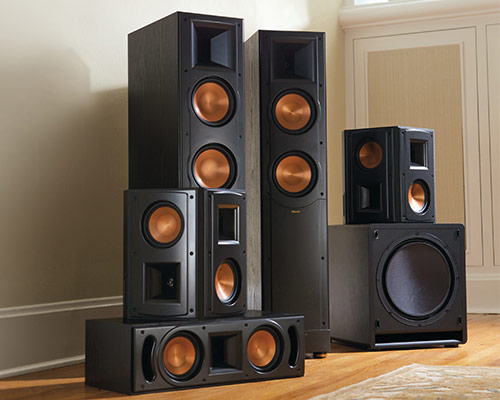
Speakers
Speakers connect to your receiver to produce the sound you'll hear. A traditional surround sound system consists of at least five speakers plus a powered subwoofer. You have plenty of options when it comes to speakers, from floor-standing towers to in-ceiling models to complete surround sound speaker packages.
Read our introduction to home theater speakers Shop speakersPre-packaged home theater systems
We carry systems that are already matched together and ready for you to purchase — some combine a receiver and speakers, while others contain speakers and you'll select a separate receiver.
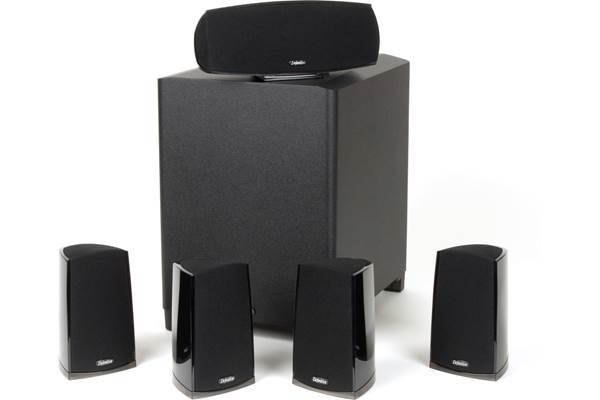
Surround sound speaker systems
You can build your own speaker system, or choose a pre-matched system. These convenient systems are powered by your receiver and deliver immersive sound. They take the guesswork out of knowing which speakers will sound good together.
Shop surround sound speaker systemsTop trends in home theater
Whether you're looking for the most theater-like experience possible or a way to get great sound with a minimum of gear, we're on top of the latest trends. Check out a few below. To learn more, connect with our advisors or explore our articles and videos.
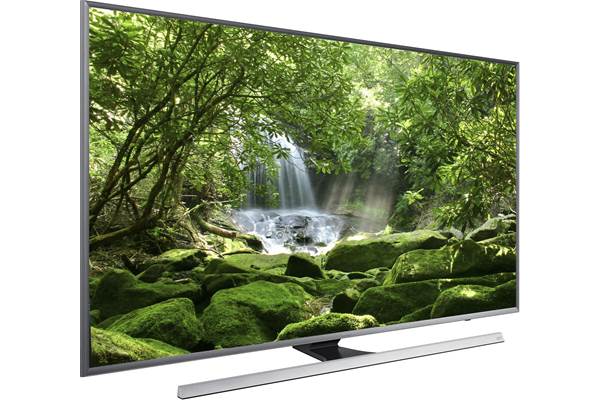
4K TVs
Ultra High Definition TVs, also known as UHD TVs or 4K TVs, have four times the picture resolution of regular "full HD" 1080p TVs, and can display much more detail. It's an amazing-looking new technology that gets rave reviews from our customers. Ultra HD TVs are often referred to as "4K" TVs, because they have a horizontal resolution of around 4000 pixels.
Learn more about 4K Ultra High Definition TVs
Shop 4K TVs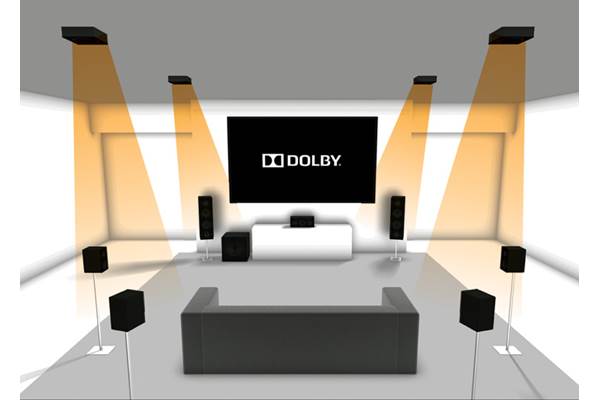
Dolby Atmos®
Dolby Atmos is a cutting-edge surround sound format that was developed to give movie soundtracks a more three-dimensional effect. It creates a "height" layer of sound above the listener. Available for a growing list of movie titles and supported by many newer home theater receivers, Dolby Atmos delivers the most lifelike surround sound we've heard yet.
Watch our video on Dolby Atmos
Shop Dolby Atmos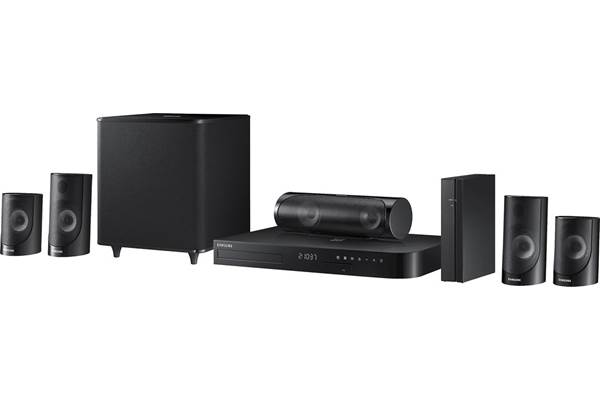
Wireless surround speakers
People frequently ask us about wireless surround speakers. No home theater speaker is truly wireless, because it will need to get power from somewhere. However, some home theater systems feature a wireless transmitter that sends audio signals from the receiver to the speakers in the rear of your room. This eliminates the need to run speaker wire from the front to the back of your room. These speakers usually connect to a wireless receiver that goes in the back of your room and plugs into an AC wall outlet for power.
Shop wireless surround speakers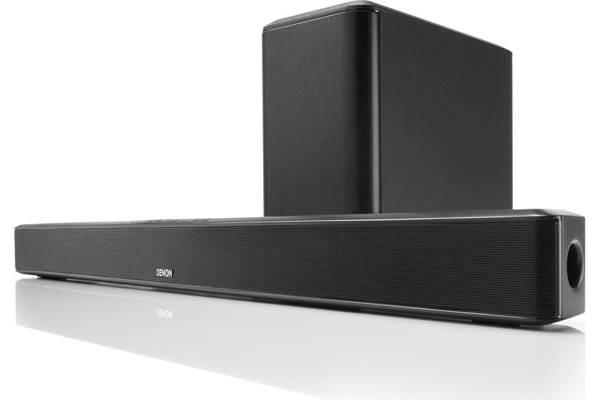
Sound bars
Sound bars are simple to set up, and they're great when you don't have a lot of room for speakers. Many consist of one long, slim speaker that sits beneath your TV plus a subwoofer to provide low-frequency punch. You get much better sound than your TV's built-in speakers can offer.
Shop sound barsComplete the setup
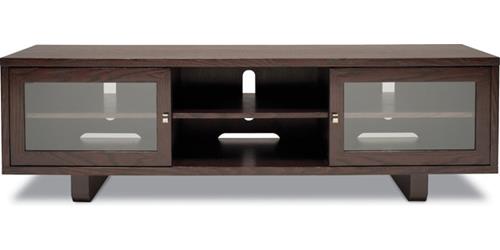
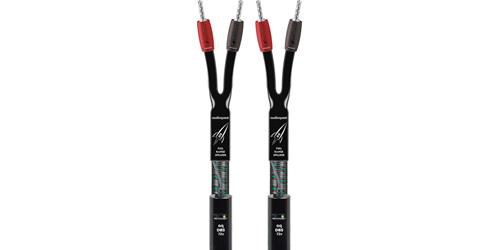
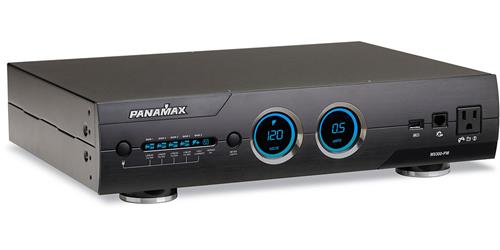
No home theater installation is complete — or functional — without helpful add-ons like mounts, stands, wiring and power protection.
Home theater accessories
Home theater cables and installation accessories
Shop home theater accessories