Cable management: Tips and tricks to get your wires under control
Taming those home theater tangles

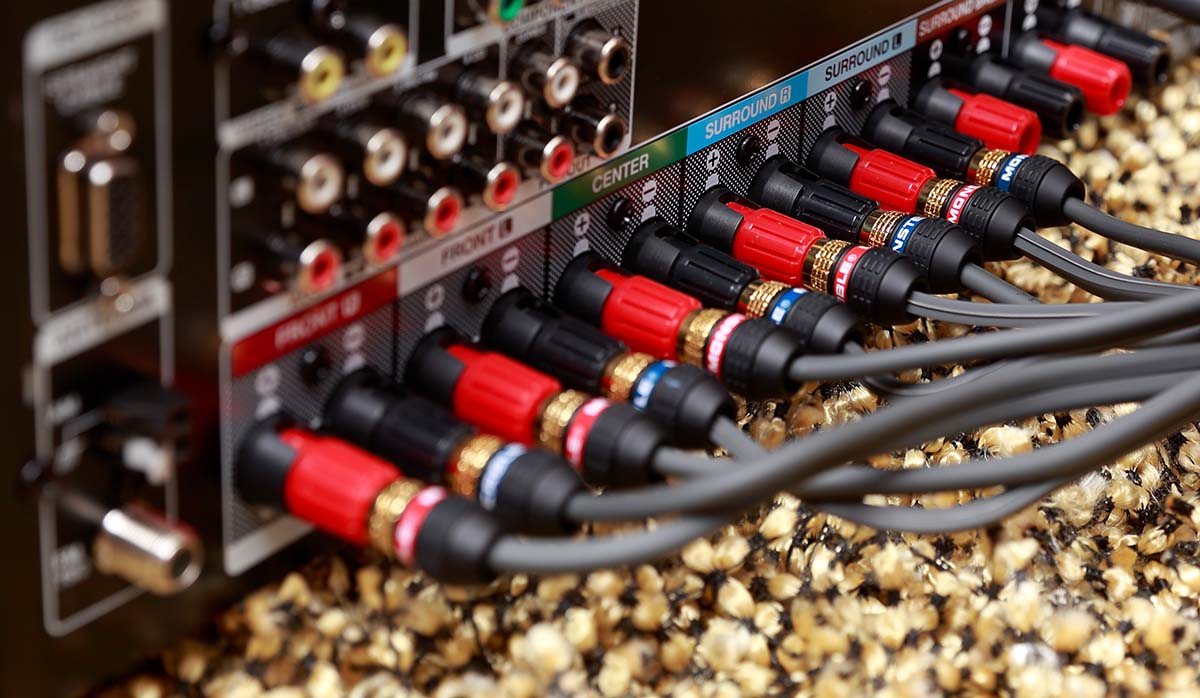
Your home theater system should be a source of enjoyment — both for how it sounds and how it looks. But for many of us, the back of the setup looks more like someone dropped a bowl of ramen into a jet engine.
The good news is you don’t need to open walls or hire an installer to fix the mess. With a few inexpensive accessories — and a little planning — you can turn cable chaos into a setup that’s cleaner, safer, and much easier to live with.

Unruly wires can distract from an otherwise streamlined install.
Trouble spots
Most home theater rooms run into three common trouble spots: wires dangling below a wall-mounted TV, a tangled mass behind the equipment cabinet, and long runs to rear speakers crossing the room.
Let’s explore some practical, simple fixes to tame the mess and get your cable runs in order.
Cable ties and straps
Mounting your TV on the wall is a great way to boost your viewing enjoyment — but let’s face it, a bundle of unruly, exposed cables isn’t exactly feng shui. The same goes for the rat’s nest lurking behind your A/V receiver or soundbar.
The simplest method for wrangling those unsightly tangles is by bundling them together with cable ties or hook-and-loop straps. Most TV setups require at least one HDMI cable along with a power cord, so tethering them together keeps everything cleaner, more organized, and nicely streamlined.
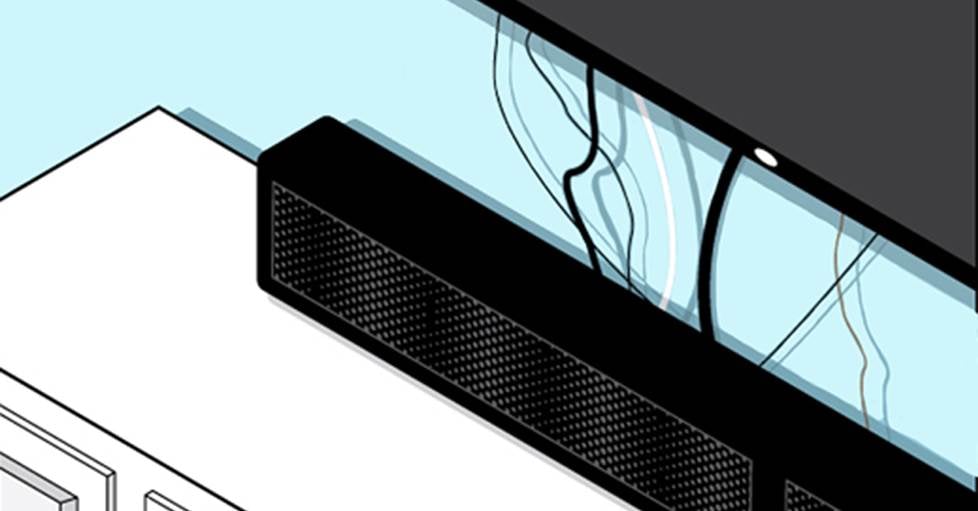
Unbundled cables aren’t just unsightly — they can seriously disrupt your chi.
Wire ties are easy and inexpensive and — like the fabric "hook-and-loop" options — some are even reusable, making them a smart choice for renters, dorm dwellers, or anyone who prefers a solution that’s secure but not permanent.
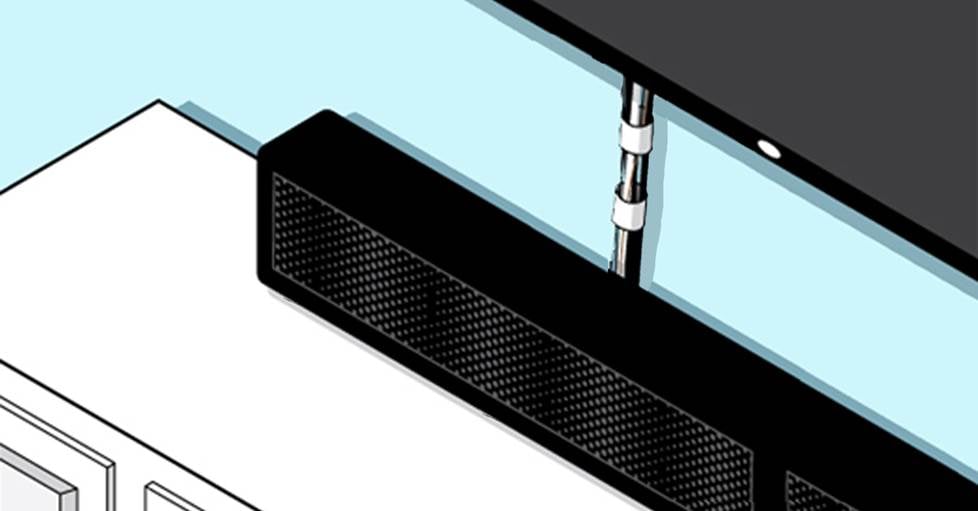
Bundled cables — illustrated here with straps — help make your install tidy and organized.
Some hints when bundling cables
First, after routing and connecting your cables, apply a tie or strap to each end. This makes handling and future moves much easier — you’ll always know what goes where without tracing the whole run. Adding cable labels can also help with source identification later. Trust me, your future self will thank you. (Reminder: all home A/V reciever and preamp purchases from Crutchfield include a pack of cable labels.)
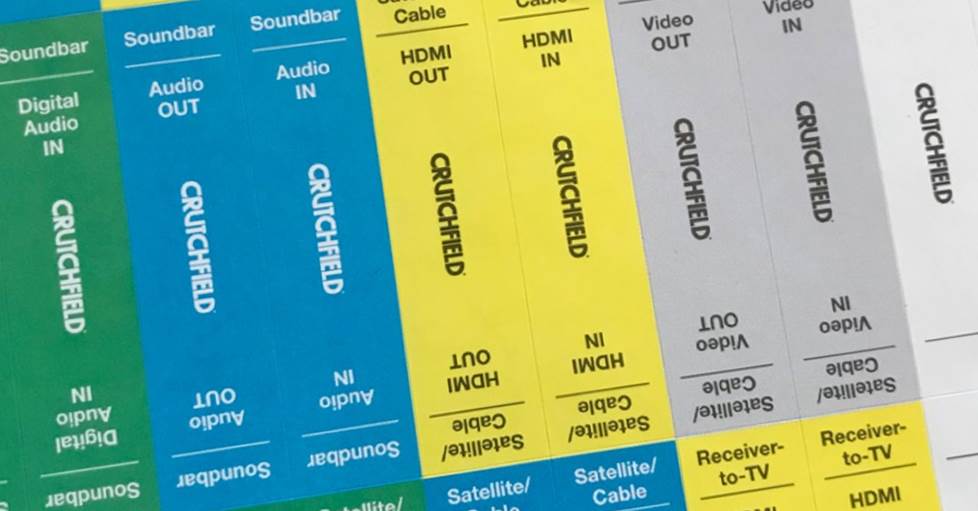
Using cable labels — like the ones provided by Crutchfield — simplifies both system setup and future troubleshooting.
When bundling cables, keep signal cables and power cables separated whenever practical, especially with analog connections like turntables, external phono preamps, or other low-level sources. AC power lines create a small electromagnetic field that sensitive audio cables can pick up as hum or buzz. If they must cross, do it at a 90-degree angle rather than running them side by side.
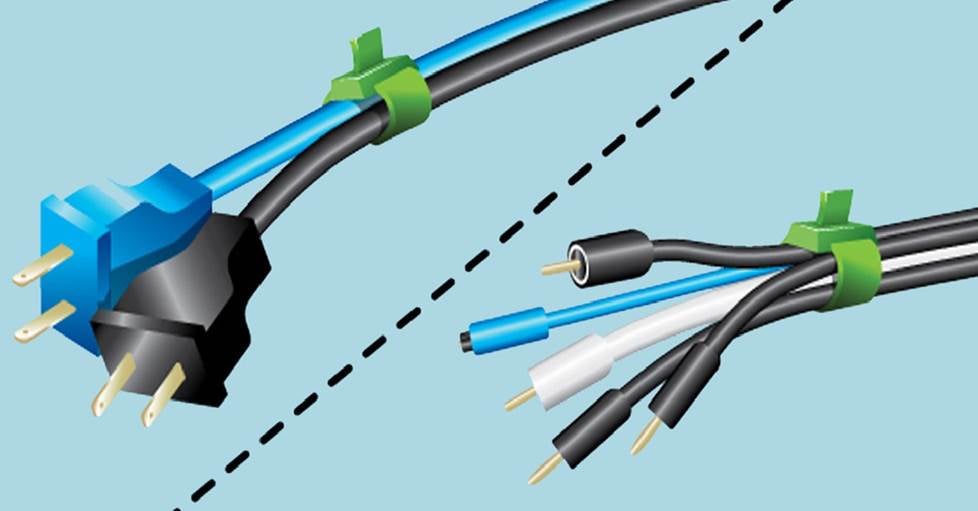
Keeping power cables separate from signal cables is a simple step that helps ensure the cleanest, interference-free hookup.
Be careful not to cinch the ties too tightly. Overtightening can deform the cable, crimp internal conductors, or damage insulation — all of which can affect performance or longevity. Aim for snug, not squeezed.
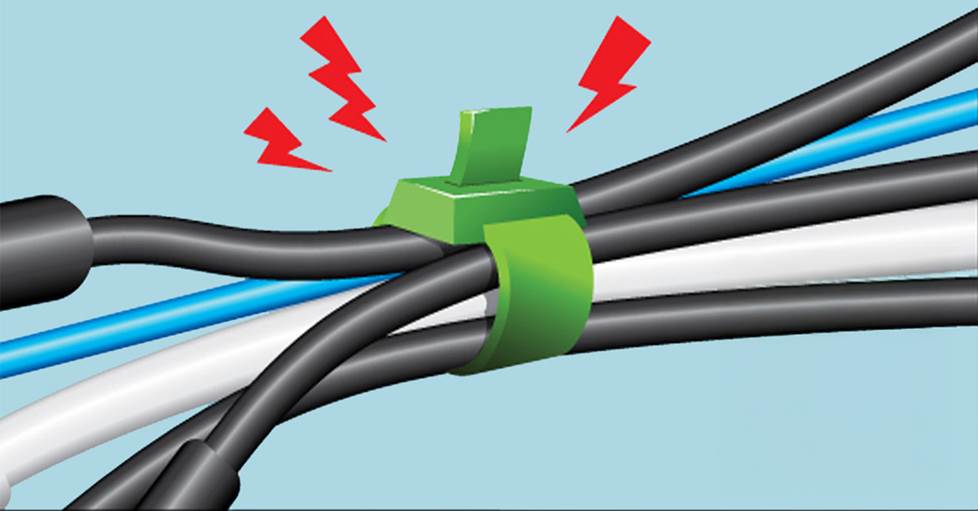
Be careful not to cinch your cables too tightly — overtightening can cause problems down the line.
Lastly, trim any excess from the ties for a clean, professional look, and try to keep heavier power cables supported so they aren’t hanging from the equipment’s jacks. A tidy harness isn’t just cosmetic — it reduces strain on connectors and makes troubleshooting far easier later on.
Next steps
Once your wire bundles are organized, you can take things a step further with a few tricks to make the installation even tidier.
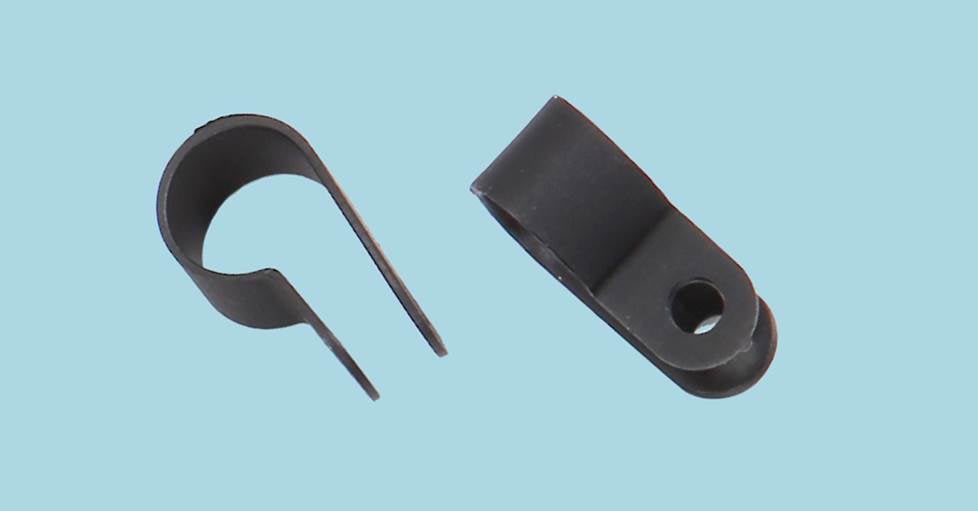
Cable clamps, like these from Ethereal, can help manage your bundled wires.
Cable clamps — designed to work with wire bundles — can be attached to walls or baseboards, making it easy to keep rear channel speaker wires secured along molding or hold a cable bundle from a wall-mounted TV flat against the wall for a clean, streamlined look. You can also use them to fasten wires and bundles to the back of your A/V cabinet, keeping everything organized and out of sight.
If clamps aren’t your style and you’d rather keep your cables out of sight, you don’t have to start cutting into drywall. Raceways (or cable mouldings) are plastic or wooden channels designed to conceal and protect wires and cable bundles. They attach easily to walls or baseboards, and most are paintable — so you can match them to your wall color and make them practically disappear.
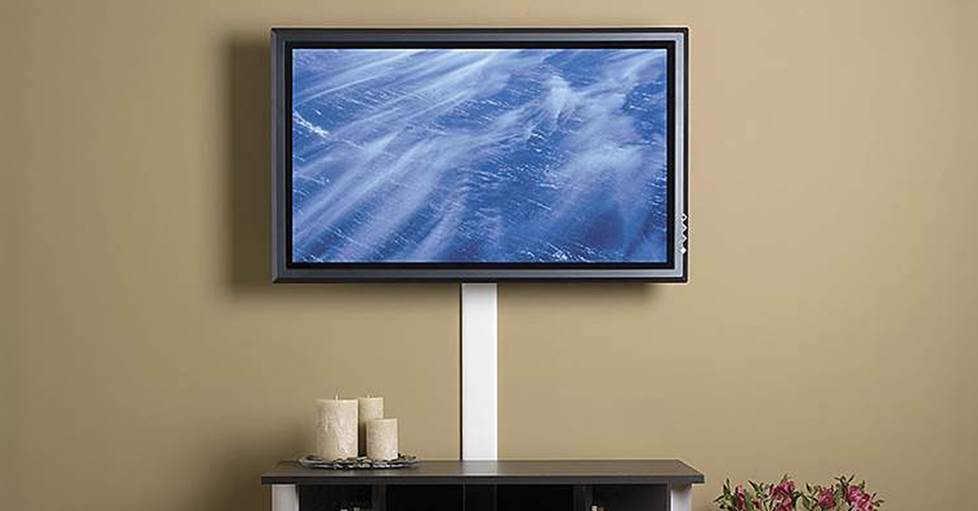
Cable raceways hide and protect your wire bundles inside a paintable plastic or wooden channel.
Raceways and clamps come in a variety of sizes, so if you’re hiding or securing a bundle, be sure to choose one that’s large enough to fit everything comfortably without cramming.
Running your cables
We’ve covered the cables behind your system — but what about the ones stretching across the back of the room? Running wire under carpet might seem clever, but it’s a bad idea, especially in high-traffic areas. Constant foot traffic slowly grinds away the insulation, and eventually the cable pays the price.
Run rear-speaker wires along the baseboard and secure them so nobody steps on them (or trips over them). Wire tacks are the quickest solution. For a cleaner, more finished look (without opening up walls or floors), use raceways to hide the run completely.
Behind the wall
So far, we’ve focused on “above-board” cable management. But if you want a truly seamless setup, there are more advanced ways to get your wires from here to there — including in-wall, in-ceiling, or even under-floor runs.
For those approaches, a professional installer or contractor is usually the safest bet. That said, there are still some approachable hidden solutions.
Outlet-style pass-through plates and grommets can make TV mounts or rear-room speaker runs look clean and flush — just keep in mind they involve a bit more effort than the earlier options.
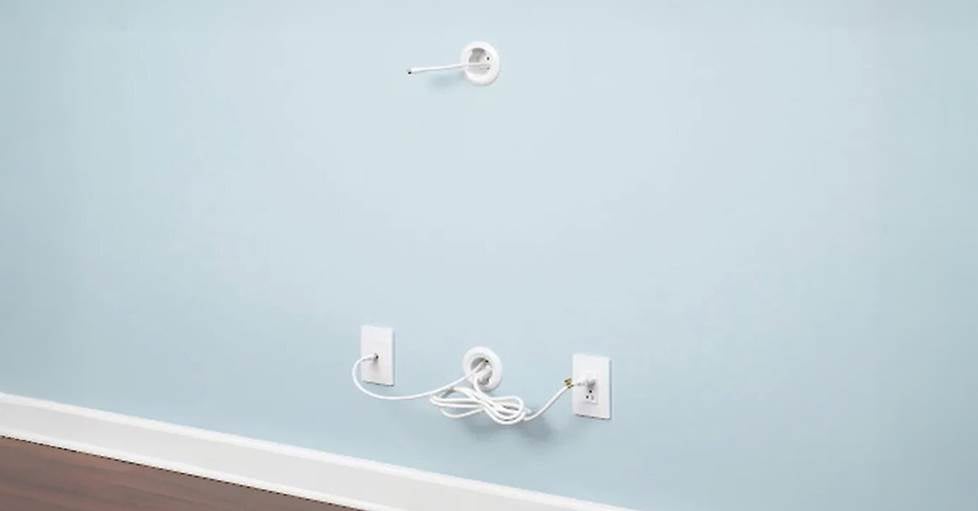
In-wall solutions, like the Sanus cable management kit, keep installations clean by routing power and signal cables through the wall.
Questions?
Need help choosing the right gear for your tangle of wires? Reach out to one of our expert advisors.
Want to dig deeper? Check out our receiver setup guide and in-wall wiring guide — or watch the home theater installation video below.
Remember: every Crutchfield purchase includes free lifetime tech support. One of our technicians would be happy to guide you over any hurdles you might encounter during your installation.





Adina Hirschmann from Bergenfield, NJ
Posted on 7/5/2023
I rent my apartment in a building where the landlord does not allow drilling through walls, ceilings or removal of plaster. I had to come up with a solution that would allow enough room for my wires and cables, yet allow flexibility around doorways, under stair treads and on top of baseboards. I used to work in a garment factory and had some long bundling strips made out of a stretchy polyester doubleknit fabric. I folded the strips along the long edges and handsewed them, joining them together, while maintaining the tubular form, encasing the wires and cables as I sewed them. Mounting was accomplished with cup hooks and wire fasteners, poked through the seams to grip around the coaxial cable---the most rigid and strongest in the bundle--- and secured with screws and anchors. When mounted, it resembles an umbilical cord, carrying nourishing signals to and from my speakers and components. I wish there was an option to post photos.
Anthony
Posted on 5/23/2023
I have a real mass in the back I have just wire going in the back for the speakers I guess I just don't know what I'm doing.
Lawrence Brown from New Port Richey
Posted on 8/22/2022
I would like an adapter that goes from the round plug in powered subwoofer to an RCA cable do you have an adapter to fit cable
Lawrence Brown from New Port Richey
Posted on 8/22/2022
I would like an adapter that goes from the round plug in powered subwoofer to an RCA cable do you have an adapter to fit cable
Lawrence Brown from New Port Richey
Posted on 8/22/2022
I would like an adapter that goes from the round plug in powered subwoofer to an RCA cable do you have an adapter to fit cable
Alan from New Auburn
Posted on 2/9/2021
Not too much problem going to optical instead of 2 heavy RCA cables and HDMI. But, what to do with all the power cords. Amp, Pre-amp, CD, Blue Ray, DTV box, Roku box, TV 'One-Box" (Samsung), Sound Bar, Panamax power conditioner. Just a mass of cables. Power cords are often way to long for a more compact cabinet. with 2 wide by 3 high shelves. A source for shorter power cords would be nice. By short, I mean 2-3 feet .
Tim leitzes from Sunrise ,fl
Posted on 1/19/2021
Excellent advice and detailed instructions as only crutchfield would do. I just purchesef the sennheiser5000 from you an excellent price of equipment. No problem with hook up . To my non blue tooth amp. Works just fine thank guys
joey ambs from Owensboro
Posted on 10/9/2020
Iam wanting to hook-up my sound bar to my tv. I don't have the right connections on the ends of my cord. Waiting to get it right, Thanks for any help on the matter........
Brendan Moran from Cambridge
Posted on 5/14/2020
Very nice tips. Any recommendations on managing cables from a cabinet to the wall, so the cabinet can be moved for cleaning/access, without the cables being pulled from the units. I know you can leave slack in, but then don't really want it trailing all over the floor either. Any suggestions appreciated.
nelson 5076 street from marion 3597 ave
Posted on 1/31/2020
madison 2831 ave