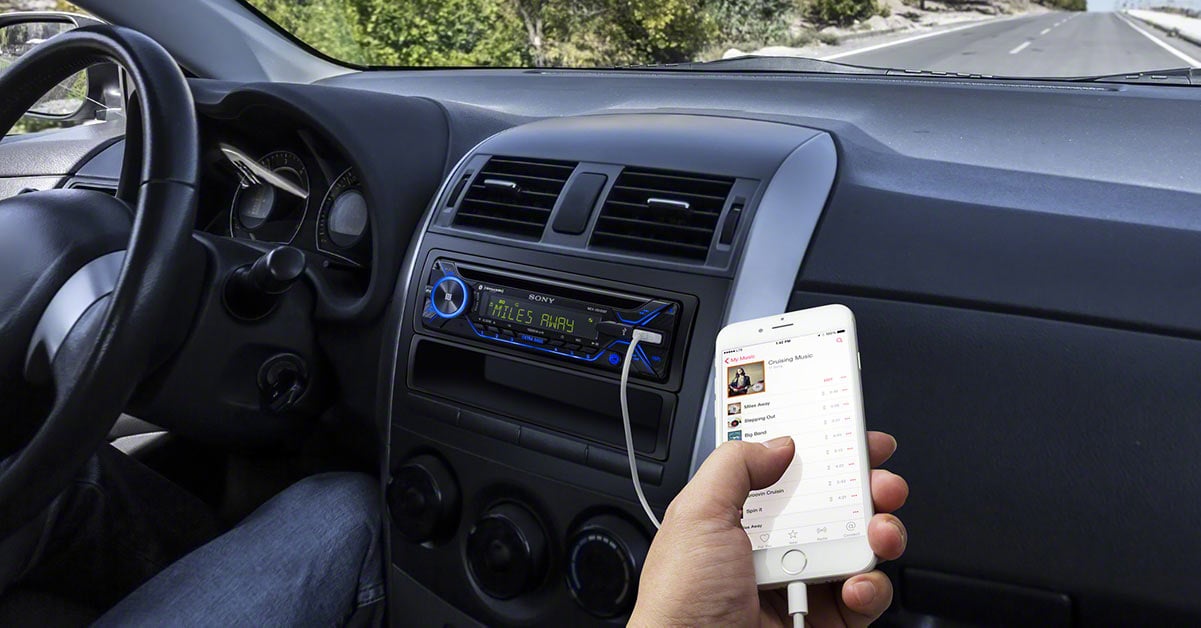
What's the best way to play music in the car?
Bluetooth vs USB — which sounds best?

In this article, we'll discuss the best options for playing music from your phone or other device in the car. Hint: USB connection provides the best sound while Bluetooth streaming is the most convenient. Get the details below.
In the old days, it was easy: CD sounds better than cassette. And that's all there was to it. To get the best sounding music, you'd fumble through your CD wallet and listen to the lucky winner on your car stereo (and you still might). Today, we can choose from a wide variety of music sources (streaming over your iPhone or Android smartphone, portable audio players, USB drives, satellite radio tuners, and more), and also from an array of ways for piping the music from your favorite source into your car stereo.
The question is, how do you determine the best way to listen to your music? Some ways are easier than others and some ways will yield better sound than others. So, it really comes down to how you access and play your digital music and getting as much detail out of it as you can. Let’s take a look at the variety of ways to access your favorite tunes while on the road.
The most common ways to listen to music in the car are:
- USB input
- auxiliary input
- Bluetooth® streaming
- WiFi
- FM modulator
Which listening method sounds better?
While the best connection for audio fidelity is a direct or wired connection, there’s a lot to be said about wireless convenience and an ever-growing number of stereos that include built-in WiFi for use with Apple CarPlay® and Android Auto™ interfaces.
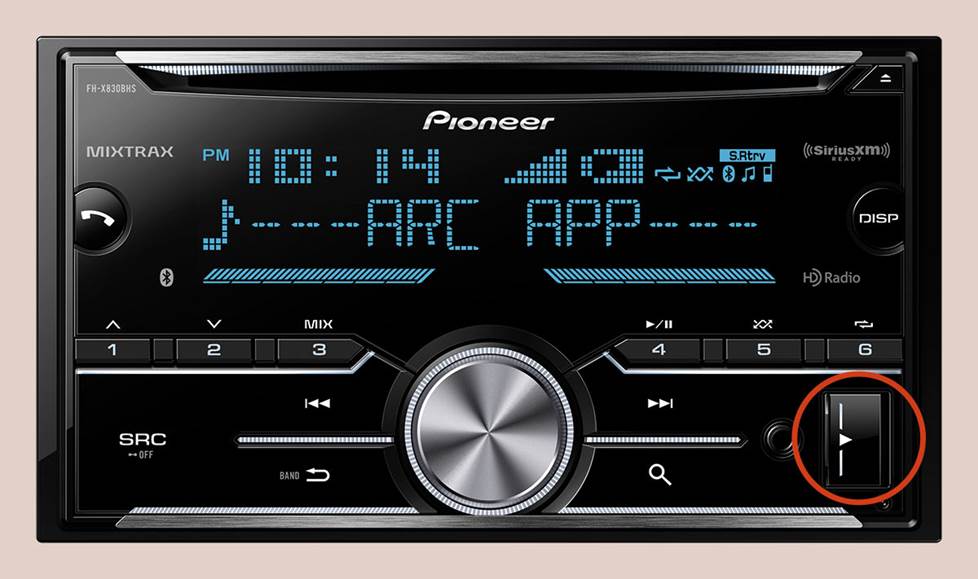
Some USB ports are right on the front for easy access, while others are on the rear panel for a cleaner looking installation.
USB inputs — the preferred connection
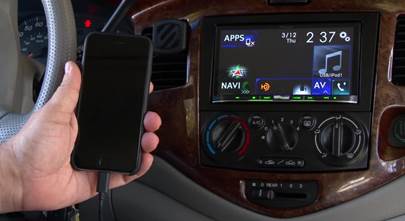
The USB input is now a common feature on aftermarket car stereos, as well as in many factory systems. And that's a very handy thing because the USB input provides the best sound quality possible from an external music source, be it your phone, a portable high-res music player, or a simple USB flash drive loaded with your favorite tunes.
The music signal remains in a digital form until it gets converted into an analog signal by your stereo, so no unnecessary manipulations are made to it. USB doesn't limit the frequency response or signal-to-noise ratio of the music, so what you hear is exactly what your streaming music services or your stored music files are delivering. And besides being the best-sounding form of input, the USB input will often serve as a power source for your device too.
But if you’re keeping your factory radio and it does not already have a USB input, tell us what kind of vehicle you drive. We'll let you know if we have a USB adapter for your factory stereo, as well as the types of music files it’s compatible with.
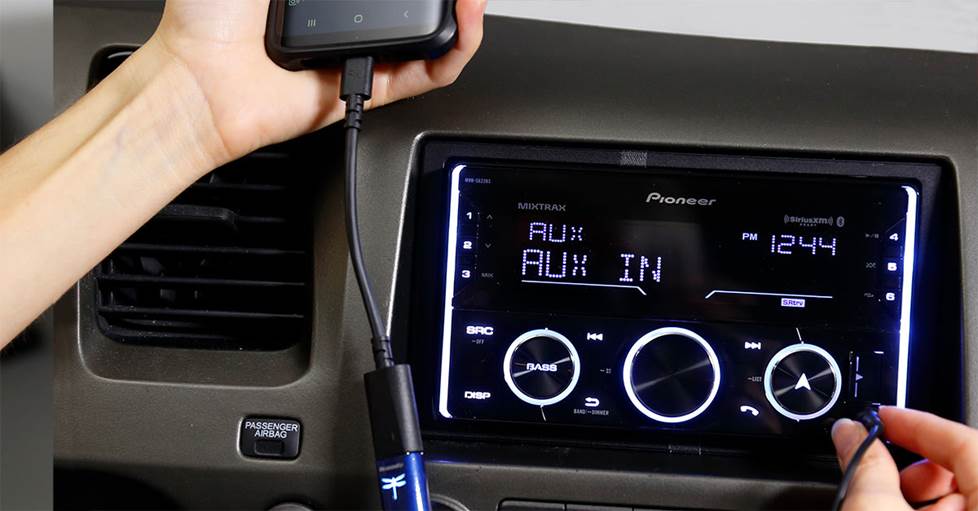
Your stereo's auxiliary input is one of the easiest ways to play your music in the car.
Auxiliary inputs — the common connection
Feeding the sound through an auxiliary input will usually yield a strong signal because it's a direct audio connection with full-bandwidth (20-20kHz) frequency response, which is the range of perfect human hearing. An auxiliary input won’t degrade the audio signal, because it’s a direct delivery of the signal from the source to the car stereo, without any unnecessary electronic manipulations. So, it’s important to make sure your source is a good one by adjusting the settings in your streaming service or making sure you use music files with less or no compression when compiling your library.
Aux vs USB inputs
It would seem that auxiliary and USB inputs should deliver the same quality of sound, but frequently, they don't. One reason is the difference between the digital-to-analog converter (DAC) in your stereo compared to the converter in your music player. When you use your music player's headphone jack to connect to your stereo that means you're using the music player's DAC.
Unless you're using a high-resolution portable audio player or an add-on DAC for your phone, the DAC in the stereo is going to be superior to the one in the music player because car stereos have the power required for bigger, better sound over car speakers, so the DAC has to be able to reproduce a high-quality signal. Smartphones and older portable music players on the other hand, like the iPod®, were originally designed only to make small earphones sound pretty good.
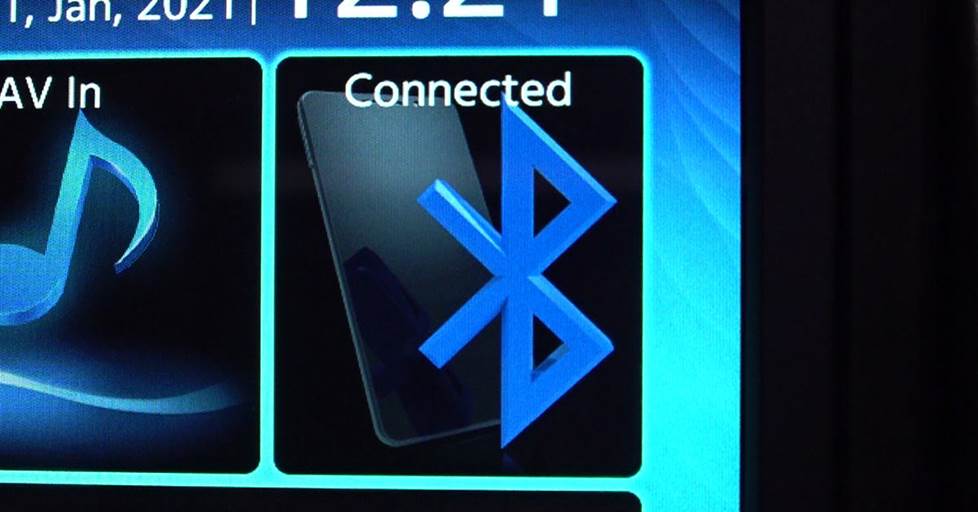
Bluetooth® audio streaming — the wireless option
Bluetooth wireless technology gives you the convenience of streaming music to your stereo without a cable. The Bluetooth functionality is either built into your smartphone and car stereo, or added to the stereo using a Bluetooth adapter.
Bluetooth streaming vs FM transmitters
Bluetooth streaming is superior to most FM transmitters (the previous form of wireless connection, see below). First of all, Bluetooth signals are digital transmissions. They can carry more information and thus render better sound quality than FM transmissions.
Secondly, the way the Bluetooth signal is tranmitted greatly reduces the amount of interference from outside signals that often happens with FM. Bluetooth technology uses "spread spectrum" transmissions to broadcast parts of the signal over a constantly changing range of coded frequencies. As a bonus, this frequency-hopping also prevents your signal from being picked up on another piece of gear.
Let's take a look at the numbers. Bluetooth transmissions are full-bandwidth, having a frequency response of 20-20kHz. The signal-to-noise ratio is dependent on the source player, so that number will vary. As a high-quality, short-range, digital transmission, the Bluetooth process itself has little or no impact on the sound quality.
Bluetooth streaming vs USB input
While it is a good wireless option, Bluetooth's sound quality is usually not as good as a direct USB connection. Bluetooth offers higher resolution than MP3 music (320 kbps), but it doesn't offer the same resolution as high-res music or even CDs, like USB does. Check out our article about Bluetooth codecs for more information.
The downsides to Bluetooth streaming are minor. While the signal is resistant to interference, it does sometimes happen and you could get some form of unwanted noise on occasion. The other knock has been its range of 30', but in a vehicle, that's generally not a problem. Using Bluetooth streaming will drain your device's battery faster, so it's wise to have a charger handy.
[Learn how to add Bluetooth streaming to your car.]
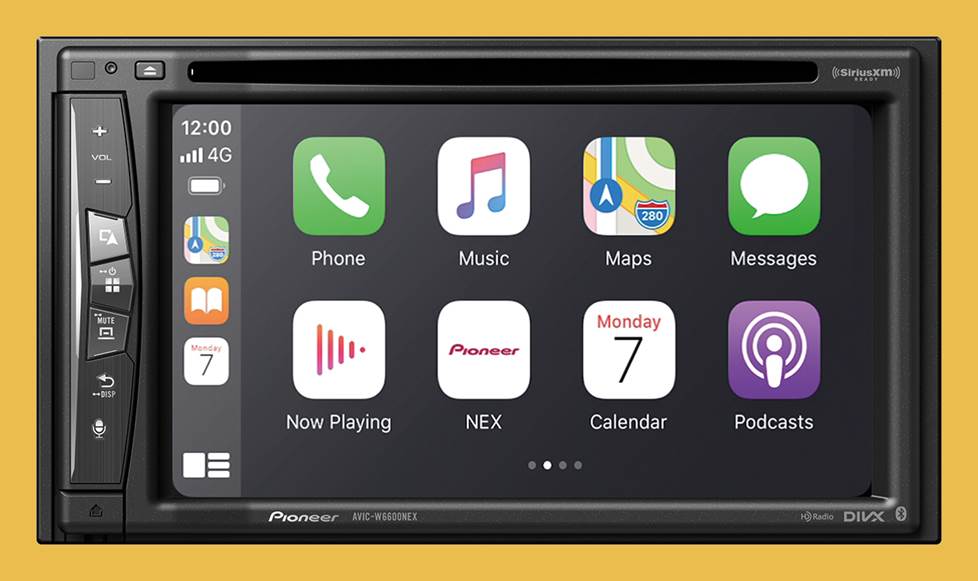
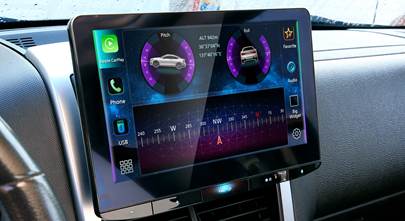
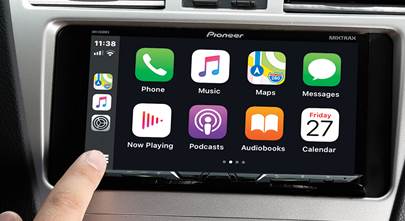
Many new stereos offer wireless Apple CarPlay and Android Auto, which use a WiFi connection to your phone
WiFi and wireless audio
WiFi is the newer kid on the block, primarily in the form of car stereos that offer wireless Apple CarPlay for iPhones and wireless Android Auto for Android phones. Many folks don’t want to have to plug in their phones when they hop in the car, and who can blame them? That’s where WiFi comes in handy to create a small wireless network in your vehicle.
As for audio quality, you can get great high-res results from streaming and stored music on your smartphone when using WiFi. And if you’re using high-res settings for your music, there's no degradation in the audio over a WiFi connection. As with Bluetooth, the one thing to keep an eye on is your phone’s battery draining while going wireless.
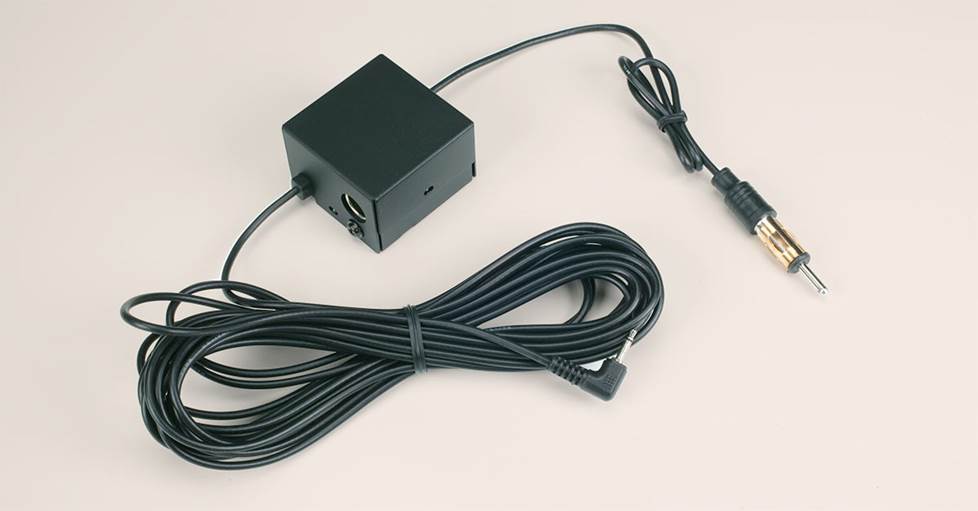
A wired FM modulator is one of the easiest ways to get your music into a factory radio with no auxiliary or USB input
FM transmitters and adapters
First, some numbers. FM radio is restricted (by FCC regulation) to a frequency response of 30-15kHz, which is not full frequency response. When you use an FM adapter to pipe in your tunes, the music is fed into your radio over an FM frequency — the radio thinks it's just another radio station. So theoretically, we can expect the music from our portable to sound about as good as a typical FM station.
There are two types of FM adapters to choose from, wireless and wired FM transmitters. A wireless FM transmitter broadcasts your music over the air to the stereo's FM tuner, just like the real incoming radio signals. It's easier to install but the wireless transmitter is directly competing with all of those radio signals and other FM interference bouncing around inside and outside of your car. So while they're convenient, you can expect some sound interference, especially in populated areas.
A wired FM modulator is directly connected to your radio via the FM antenna connection. It usually requires removing the stereo to get to the antenna connector on the rear (and maybe adding an antenna adapter, depending on your vehicle), but it's much less prone to outside interference than wireless transmitters. So, we can expect that of the two FM options, a wired transmitter will be our better bet for sound quality.
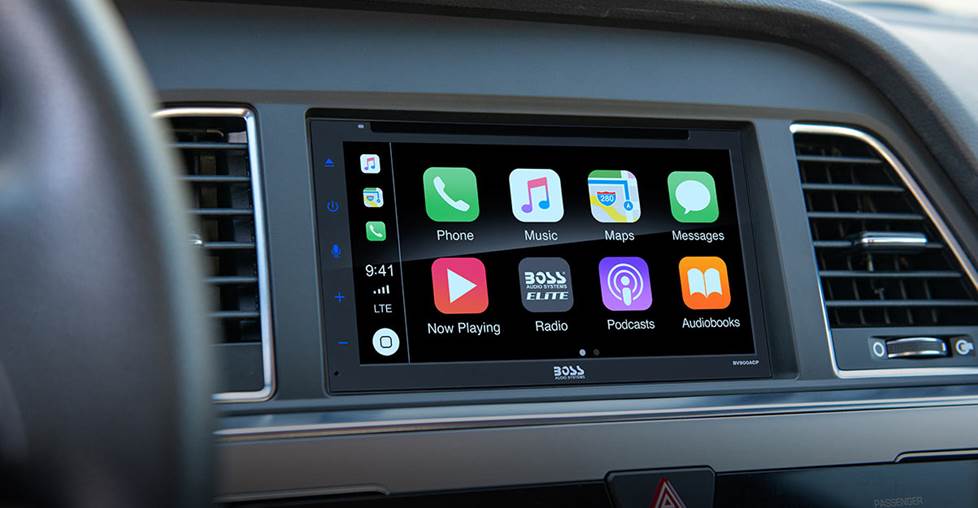
The bottom line for best sound quality
-
A direct connection via USB will yield wonderful results because it eliminates extra manipulations of the audio signal.
-
WiFi provides the wireless convenience, smartphone integration, and excellent sound quality, but it’s often found on higher-priced car stereos.
-
Bluetooth streaming is a great wireless option and can be found on more affordable stereos and factory radios. However, it does manipulate the signal by broadcasting it over the air. And while it doesn’t reach the the bit rates of high-res or CD music, it still offers better resolution than standard MP3 resolution.
-
An auxiliary input is the next best “hardwired” option. It's also one of the most common inputs in a car audio system and one of the easiest methods to use. Consider a DAC for your phone (or using a portable high-res player) to make it even better.
-
FM adapters offer lower sound quality and are open to outside interference, but they are an option if no other connectivity is available for a stereo.
The quality of the source matters
Ever hear the expression “garbage in, garbage out”? Something to think about is how you encode your music to digital files. Music with less compression (CDs, high-res digital music, etc.) will sound better than music that's heavily compressed (MP3's, Internet radio stations, etc.).
If you're ripping a CD to a digital file for a USB drive or portable player, you can set the encoding for less compression on many programs, like Windows Media Player® and iTunes®. Likewise, Internet radio stations like TIDAL, Qobuz, and Amazon Music often let you set a higher quality (usually with a “premium” subscription) for your music in the settings menu. But be careful, higher quality settings consume more cellular data.
Personal experience
The best choice is really up to you and how you’ll play your music in your vehicle. Besides sound quality, you should also consider the ease of hook up and elegance of the connection. And given how noisy the car environment can be, you might not hear much of a difference between any of the connection options.
Tip: Try at least two different options with several of your favorite songs and see what sounds best in your situation. And the next time you install a new stereo, spend the extra couple of dollars to buy the extra cable to connect to the stereo's USB or auxiliary input. It's worth it in the long run.
What are the options for your vehicle?
Your options for playing your digital music through your car stereo depend on a combination of three things: The kind of vehicle, the stereo, and how you listen to your music. You can start the process by entering your vehicle info in our vehicle selector. If you need help figuring out the best option for you and your car, contact our advisors for expert advice.





Facci from Long island,ny
Posted on 10/13/2023
The auxiliary jack has been eliminated in my new car . A workaround is to use a usb-c adapter with a provision to plug the auxiliary cable into the adapter . This is needed for cassette players or Cd player without Bluetooth or a usb port .
DoodieWayne
Posted on 10/9/2023
Phone over bluetooth to same adapter that sends it to car stereo via fm transmitter! Tons of signal loss probably but works well for the 2004 tundra where I can still play cassette tapes and cd's!
mike
Posted on 9/21/2023
I have a gmc terrrin 2024 and am having to difficult time connecting my generation 2 and other newer model I pods to this vehicle. I can use the AUX of my i pods but wish to use the usb port on the front of the vehicle entertainment system. Is there an app....or download or some other way to connect this.
Sean
Posted on 8/22/2023
You didn't address how to access your music once connected. How do you select a specific song or CD or genre, etc.
Frank S. from Visalia, ca
Posted on 8/8/2023
I still use the factory iPod cable and there is no substitute. I have added Bluetooth to the factory radio for phone calls, I still use the iPod. I loose the convenience of choosing a song, but at least I know I'll get the best sound.
Phil Gibson
Posted on 3/18/2023
Good article but did not address "volume or gain" settings on music device Is it better to set your music device's (specifically Android phone) volume to maximum, then control overall volume with car audio or set phone volume at 75% to leave "headroom" from source output?
Frank from Rockville, MD
Posted on 2/19/2023
Aux port, if you have it?
Paul from Philadelphia
Posted on 1/16/2023
FM vs Streaming: I recently noticed that streaming my favorite local FM station (WXPN) via their app on my iPhone, sounds far superior to FM over the airwaves. Better fidelity. Better stereo separation. Less compression. The USB connection to my Sony with CarPlay (from Crutchfield) brought new life into my old Highlander's JBL power amp and speakers.
Mister Hall from Louisville
Posted on 10/23/2022
I have a 13 Cadillac ATS and it can't get it to play music from the flash drive, and suggestions?
Timothy R Hamp from Lakeland
Posted on 8/8/2022
I just sold a car that had a system with a usb port. I had put some cd's on one and they sounded great. I let it go with the car. I have a head unit that has a MP3 port but not a usb port. Is there a way to to adapt it? It's an older JVC, cd receiver Model # KD-SX8250. Thanks. It has a port in the back that I don't know what is for.