What you need to know about HD Radio®
Get more clarity and info from your favorite AM/FM stations

Maybe you've heard something about HD Radio, and the promise of better sound and more listening options from local stations. Sounds pretty cool, right? But what does that mean for us listeners? It’s been a while since I checked out HD Radio, so I decided it was time for a little road trip. But first, let's discuss the basics.
What is HD Radio?
HD Radio technology allows broadcasters to transmit a high-quality digital signal that piggybacks traditional AM and FM frequencies. For listeners who have a car stereo with a built-in HD Radio tuner, the benefits are:
-
No subscription fees (as in free!!)
-
No smartphone needed (so no data used)
-
No more static, pops, crackles or fades
-
FM radio that sounds almost as good as a CD
-
AM radio that sounds as good as traditional FM
-
Displayed information, including station ID info, song and artist titles, weather, traffic, and emergency alerts
-
Increased listening options with station multicasting
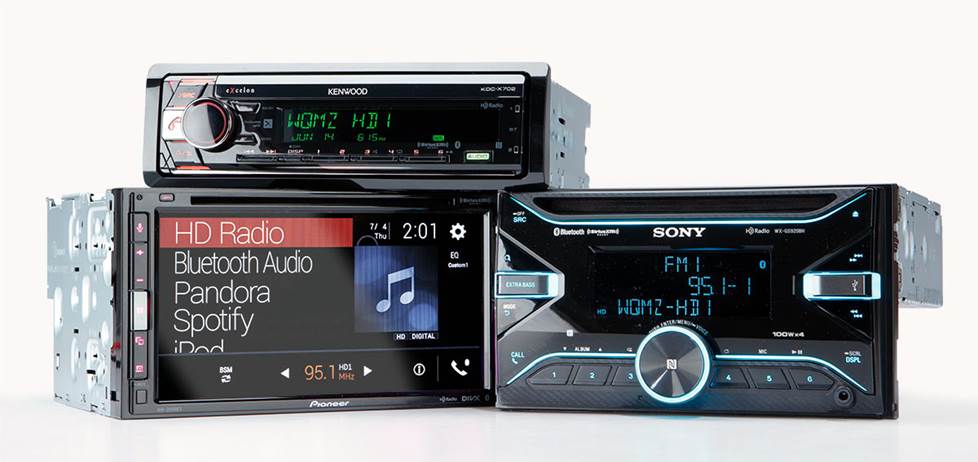
We carry car stereos with built-in HD Radio tuners from several stereo makers.
No more static, pops, crackles, fades...and no monthly payments
The digital signal is less vulnerable to reception problems. The radio tuner's digital processors eliminate the static, pops, hisses, and fades caused by interference. You hear only clear, clean, and rich sound. Should you lose the digital signal for some reason (obstructing terrain, nearing the edge of the broadcast area, etc.), HD Radio technology defaults back to analog mode, similar to the way non-HD Radio receivers switch from stereo to mono mode when receiving a weak signal. And like analog radio, HD Radio is subscription-free.
FM radio with near CD-quality sound
Digital technology allows a radio station to transmit more information in the same radio wave. Primarily, this means higher quality sound. So much more so that FM transmissions can sound nearly as good as CDs, and definitely much better than the hollow sounds of old analog FM. How much better the music sounds will depend on your local stations and your radio gear.
AM radio that sounds as good as FM Stereo
AM radio uses smaller sections of bandwidth than FM. There is not enough bandwidth for HD Radio to give AM stations the same CD-quality signal as FM stations. But there is enough room to give AM stations clarity equivalent to current analog FM stereo radio. This boost in sound quality makes AM radio a viable alternative to FM, which means more options for listeners.
A difference that you can really hear
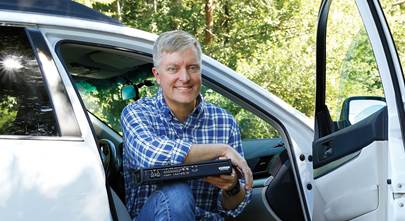
I asked our social media guru, Alexis, if she’d like to take a drive and give our local HD Radio stations a listen – and grab a tasty drive-in burger. So we searched for available HD Radio stations in town, plugged them into my radio’s presets, and headed out of town.
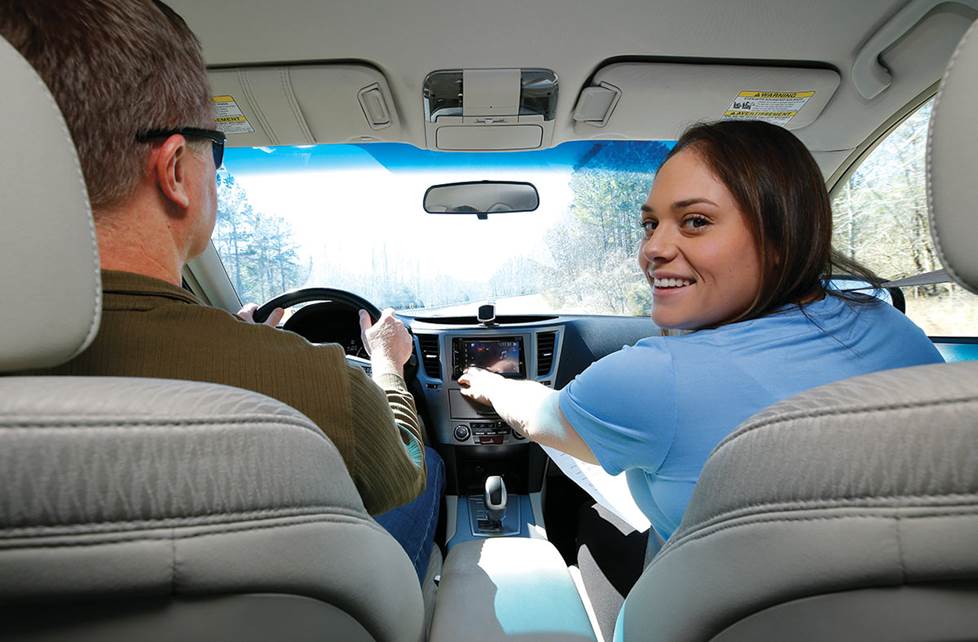
I definitely noticed a drastic improvement in sound as we listened to some of the local stations in HD. HD stations don’t suffer from audio compression like streaming and satellite radio can. This was the first time Alexis had experienced HD Radio. She also noted the impressive sound difference; HD Radio stations had fuller sound with better bass.
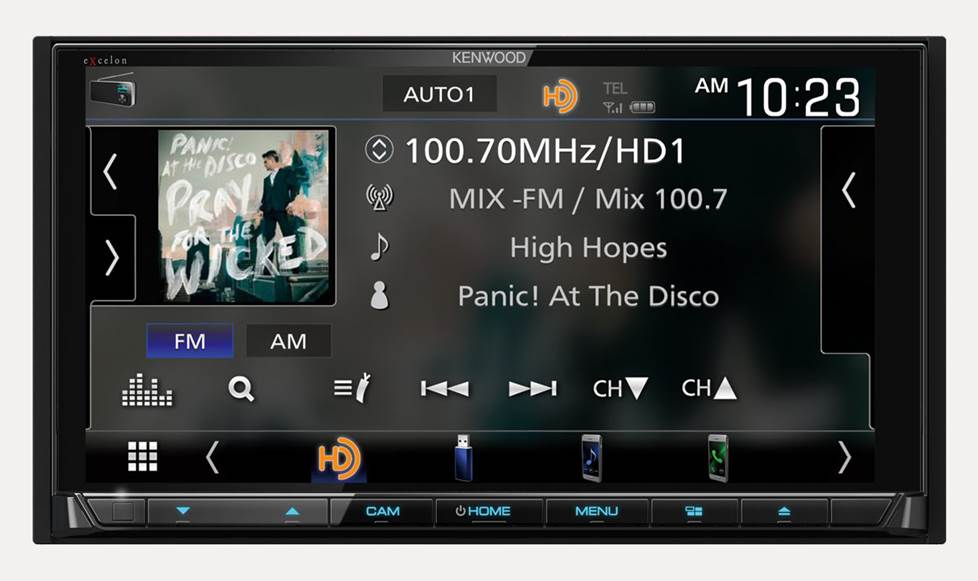
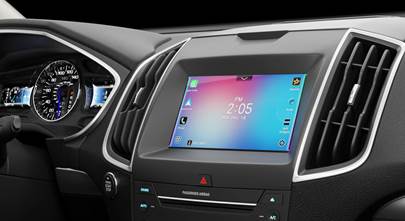
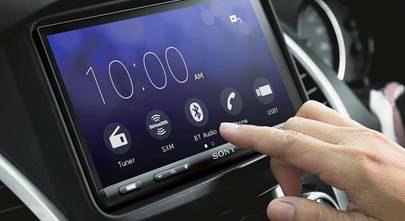
HD Radio provides a lot more onscreen info than conventional radio does.
Transmission of additional information
Another benefit of digital radio is the radio station's ability to transmit additional information along with the music signal. With compatible receivers, you can view album art, logos, and more, when provided by the station. Stations can also include local and regional information, such as weather updates, emergency alerts, or even traffic jams, and road construction. Traffic data is delivered up to 10 times faster than other broadcast methods.
Multicasting
In addition to duplicating their analog programming with an HD Radio broadcast, stations can subdivide the digital portion of their signal into "sub channels." This allows a station to "multicast" — that is, broadcast two or more programs simultaneously. Listeners might have a choice of, say, a sports game or music. These additional channels can only be received on an HD Radio tuner. But just as cable TV allowed specialized networks to flourish, multicasting provides the potential for stations to offer more niche programming — ultimately giving the listener a greater variety of formats to choose from.
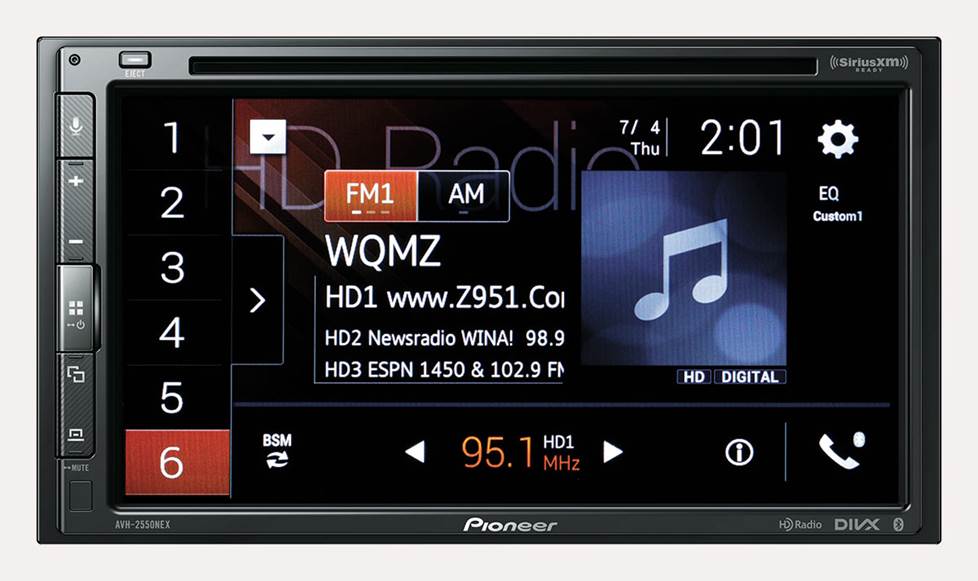
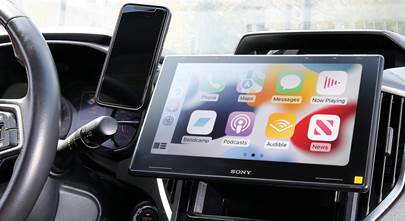
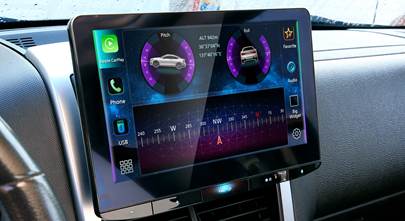
This radio station offers its listeners three different channels of programming
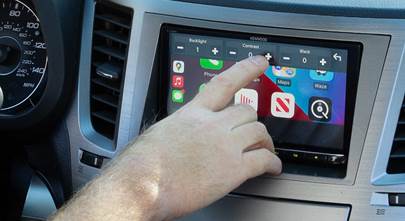
Alexis and I dove into the different sub channels — alternative content that some of our local stations offer. Alexis tapped the display to tune into several of the sub channels that one station, WVTU 89.3, broadcasts to check in on the news in between songs.
HD Radio technology works a lot like traditional analog radio
-
The radio station sends out the analog and digital radio signals, along with a third signal for text data.
-
The digital signal is compressed before being transmitted.
-
The three-layered signal is transmitted from the radio station's upgraded digital transmitter.
-
Multipath interference, caused by the signal reflecting off of buildings, is ignored by the digital radio, which is able to discern the true signal and ignore interference.
-
Your radio receives the signal and, depending on your equipment, you hear either the digital or analog feed.
What we experienced
The type of hilly terrain in our part of central Virginia can pose challenges for radio, but Alexis and I kept our signal far beyond the city limits. Alexis watched the display to see when we lost the HD signal, which happened just a few miles before we lost a station completely.
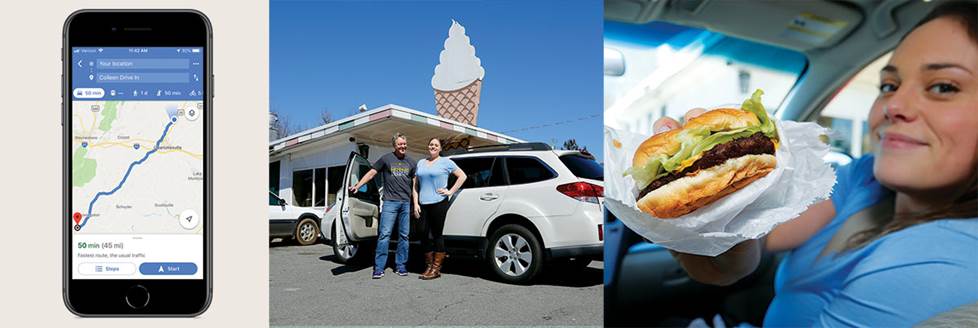
With our course plotted, we headed down the highway to test HD Radio... and chomp on some yummy food.
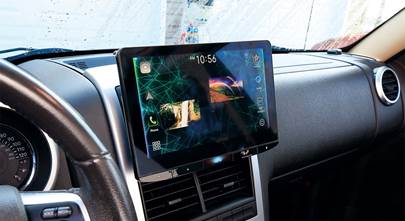
When an HD signal dropped out (they don’t travel quite as far as analog), there was no static; the radio kicked back to the analog signal and kept playing — which we could see happen on my radio’s display.
What HD Radio technology is not
HD Radio technology is not a subscription service, like satellite radio is. It is the same free, over-the-air broadcast radio that we've always known. Only better. You just need a stereo that includes a built-in HD Radio tuner to enjoy it.
HD Radio is also not the same as satellite or Internet radio. Rather, it's an improvement to terrestrial AM and FM radio. Satellite and Internet radio, on the other hand, are alternatives to broadcast radio, in the same way that cable and satellite TV are alternatives to over-the-air television. Even if you do have satellite or Internet radio, there are often times when you want to listen to your local station — and that's where HD Radio could be handy.
Find the HD Radio sound in your town
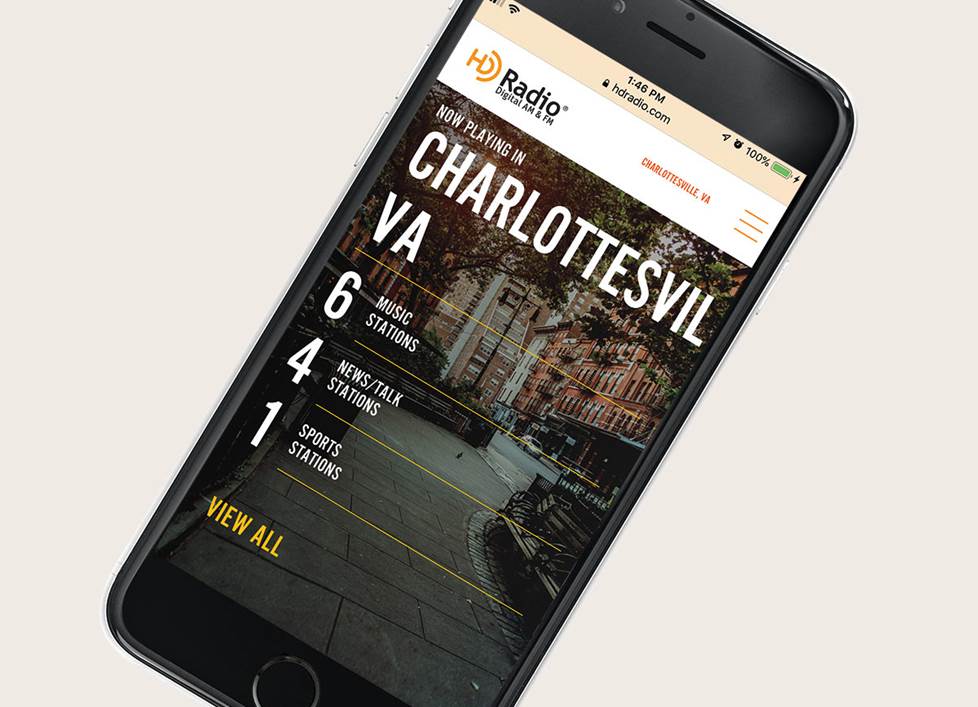
You can go to hdradio.com to see the stations in your area that are on-the-air with HD Radio, as well as those stations that have licensed the technology and will eventually be broadcasting with it. More radio stations are investing in the upgrade. They want to keep up with the enhanced sound quality of digital radio (and please their sponsors). And whether we upgrade right away or wait until our next vehicle has a built-in HD Radio receiver, we, as listeners, win.
It had been a while, but I enjoyed hearing HD Radio stations once again. It was also cool hearing Alexis’s reactions to it, since she hadn’t heard it before. And yes, the burgers and ice cream at the Colleen Drive-In (a hidden gem in Arrington, Virginia) were super tasty.
Hear it for yourself
HD Radio receivers are being offered as optional factory equipment in an increasing number of new automobiles, but if you’re shopping for a new car stereo, look for one that includes an HD Radio tuner. And remember, our Advisors can help you select the right radio for your ride. You can reach them by phone or chat online.




Paul from Austin
Posted on 6/25/2025
I'd like to hear HD radio at home. Do you offer anything to make that possible?
R Conrad from Sacramento
Posted on 4/8/2023
Suggest looking into Sangean-today, the only brand of non-automotive (home/portable) HD receivers on the market. Have also noted that recently (Sacramento broadcasters) a number of the HD2 & HD3 channels have disappeared with no explanation.
Gary from Butte MT
Posted on 4/5/2023
I was in Portland OR recently, visiting my son. I was excited to be somewhere, in a big enough market, that I could try out HD radio. To my surprise, I could receive no AM HD stations and few FM ones. I live in Montana. We used to have a couple of stations here but they left HD. Am not sure what happened, but it sure doesnt seem to have held on. Maybe its too expensive for the broadcasters to use. Have even heard some broadcasters talking about going back to the unsuccessful AM Stereo of the early 80s. It didnt have the promise of digital, but it was very cheap to roll out!
Vilos Cohaagen from Atlanta
Posted on 1/1/2023
I enjoy HD radio and hope it sticks around. I keep hearing and reading people comparing it to satellite and internet radio and streaming apps, as though they're analogous, which a free service available to everyone, without monthly fees or data considerations or compulsory sharing of personal data and tracking, is not.
Chris Zollars from Tempe AZ
Posted on 12/8/2022
This is a cool technology that has been all but forgotten in home stereo receivers. I have found numerous HD stations in the Phoenix area that I'd like to receive, but haven't been able to find a single home AV receiver that will pick them up. Why is this? Totally baffled. Why do you need to buy a separate tuner to plug into your existing AV stereo receiver?
Douglas Mathews from Bronx
Posted on 1/16/2022
I own a 280 SL 1970 Mercedes. Which I want them but the best for this automobile and I believe Macintosh is the best made in the United States. I request to see a radio for a 280 SL Mercedes 1970 . Would like to install a Macintosh radio in this vehicle. It will also help the value of the car to go up. Help me and bugs me.
Ken Nail from Crutchfield
on 1/19/2022
Morgan Williams from Winston Salem NC
Posted on 4/12/2021
About 3 weeks ago, I spoke to someone to ask if you had any home HD tuners (not auto ones) and found out that the Sony model was discontinued. I found out later that the Sony model had overheating problems. So, you had none. I bought a Sangean HDT20 from Amazon. WFDD started broadcasting in HD here in 2005 with subcarriers that can't be picked up with a regular radio. One of these airs classical all the time. I think that the FCC should require all radios to provide for HD reception so that you can hear all of the stations. They did something like it in 1962 when they required TV manufacturers to have UHF in all of televisions. This law made it possible to get all the stations,
Richard Evans from Beaverton, Oregon
Posted on 2/17/2021
There are lots of portable radios made by Sangeon (HDR14/HDR16) that can be plugged into any home receiver to listen to HD Radio at home. There are others as well but the two I mentioned have received rave reviews and can be powered by both AC and batteries.
Ken Nail from Crutchfield
on 2/18/2021
Anjanette from San Diego
Posted on 2/9/2021
I recently purchased Alpine ILX-207 for the HD radio and all of a sudden I'm now getting "HD2 signal loss" in one of the stations I've been listening to. Is there anything to fix this?
Ken Nail from Crutchfield
on 2/10/2021
Deb Stoller from Glendale
Posted on 12/18/2020
So, is HD radio only available in the car then? I wanted an HD radio receiver for inside the house, but your link seems to only want to know what car make and model I have. . . sorry if that's a dumb question.
Ken Nail from Crutchfield
on 12/21/2020