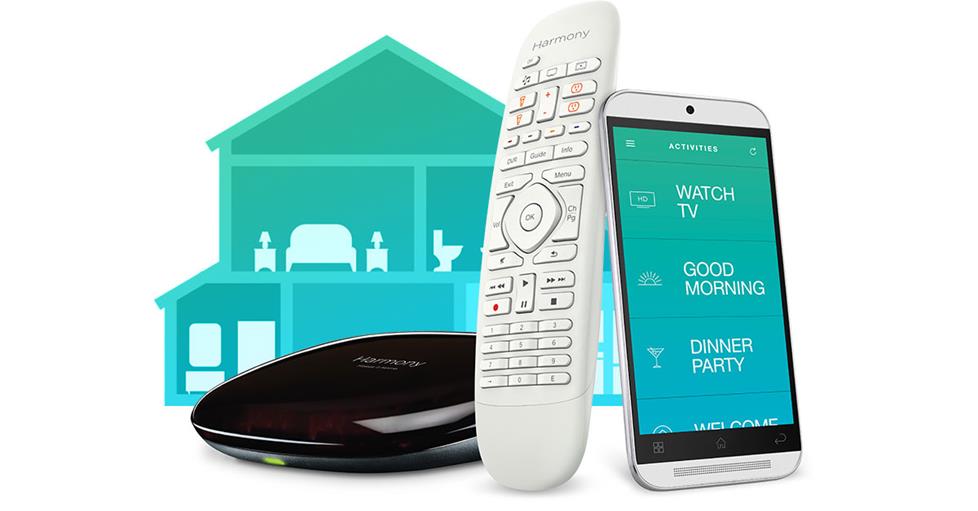
All your A/V gear can be controlled with just one universal remote.
|
Have you got five or six remote controls crowding the coffee off your coffee table? Even if the clutter doesn't drive you crazy, the logistics just might. A simple task such as changing the volume may require you to remember whether the sound is coming from your TV or from your home theater receiver — then finding and using the appropriate remote.
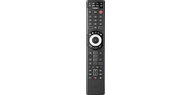
Maybe you've got it all figured out, but how about the rest of the household, or your house guests? The solution could be a "universal" remote. With a universal remote, you can easily control all your components with a single device.
While they're all designed to replace multiple controllers, universal remotes come with different features to meet different needs. Considering all the options before purchasing can ensure you get the right universal remote for your system and how it's used.
Universal capability — getting control of your system
Universal remotes, sometimes called "multibrand" remotes, come pre-programmed with infrared codes for many popular brands of gear. Normally, these remotes can control an assortment of standard audio/video components, such as receivers, DVD players, TVs, and cable boxes. In more expensive models, the multibrand function may even control more exotic home theater gear, such as light dimmers and drapery pullers.
Although a multibrand remote can typically operate the basic functions of most components, it may not be able to control every function of every piece you own. For example, a remote pre-programmed with the operating code for your receiver can normally turn on the receiver's power, adjust its volume, select the component you want to listen to, and tune in a radio station. It may not, however, have control over more specialized features, such as activating DSP (digital sound processing) modes or making tonal adjustments.
Learning remotes — going beyond basic functions
A learning (or "programmable") remote can be set up to operate just about any brand of equipment and to accommodate just about any function you want to clone.
When placed head to head, you can transfer commands from your old remote to a new "learning" remote just by typing them in.
|
Most learning remotes also come pre-programmed for multibrand use, meaning you enter the proper codes to give them control over your gear's basic functions. However, the learning capability of these remotes also lets you "teach" them how to operate a component's more esoteric commands. (You'll need to have the component's original remote on hand in order for the new remote to "learn" its functions.)
Programming your remote with a PC
Some learning remotes can be programmed by computer. For certain makes, you can go to the manufacturer's website, and enter some basic information about your components. All the necessary programming is then downloaded to your remote from your computer via a USB cable, greatly simplifying the setup process.
Macros — reducing many steps to one
Many learning and multibrand remotes also feature macros, buttons that you can program to perform an extensive series of commands. If, for example, you have to turn on your TV, DVD player and receiver to watch a movie, you can combine all of those separate steps into one macro. This lets you turn on all three components with a single button push.
LCD remotes — see what's going on
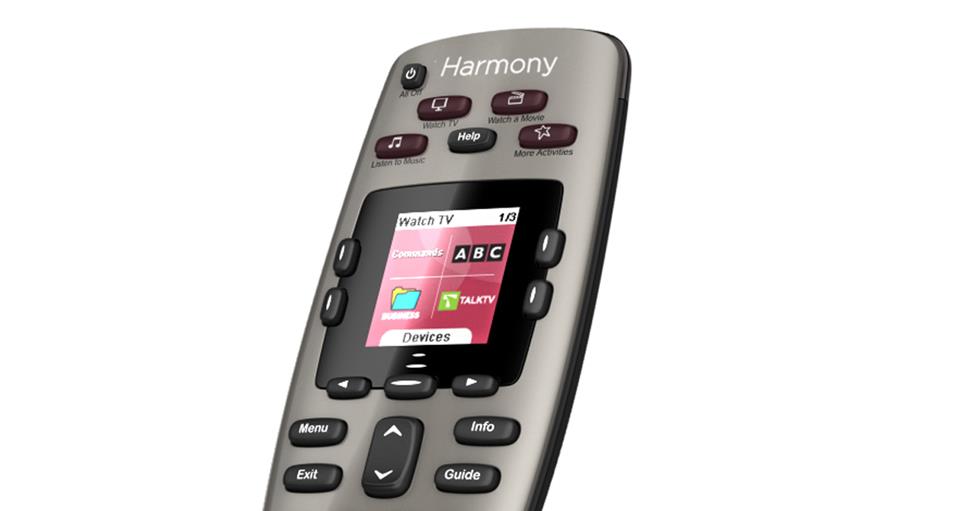
Many advanced universal remotes feature LCD screens that display system information and put even greater control at your fingertips. Most of these LCD screens are also backlit for easy operation when the lights are low.
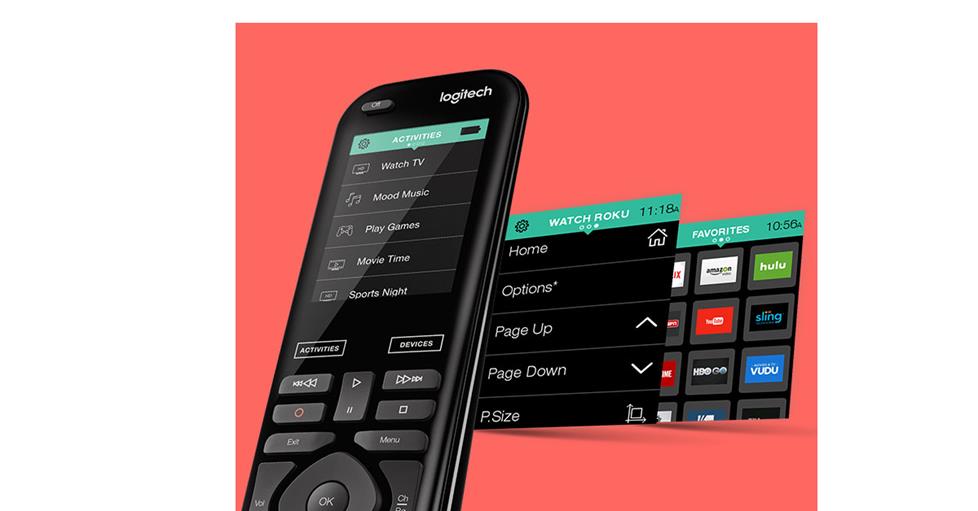
Some of the most sophisticated remotes use a touchscreen LCD to offer the ultimate flexibility in system control from your sofa. The touchscreen is typically a spacious 2" x 4", which enables it to display a set of control "buttons" specific to whatever component you select to operate. Some touchscreen remotes even offer button layouts that are fully customizable — get rid of the buttons you never use and arrange ones you need in any order you like.
However, despite the high level of customizable control they offer, not everyone likes the feel of a touchscreen's "virtual buttons." If you're looking for an ultra-sophisticated remote, but prefer the feel of actual buttons, there are universal remotes that offer an LCD screen to display information along with real buttons to operate your A/V system.
RF remotes control without line-of-sight
Remotes send commands to components via an infrared (IR) beam of light. IR sensors on the devices detect these beams and carry out the commands. In order for the command to be received, there must be an unbroken line-of-sight between the remote and component. This is why sometimes your remote doesn't change the channel when someone passes between you and the TV.
Some remotes use radio frequency (RF) waves to extend control beyond line of sight. Just like AM and FM radio waves, the RF signals can pass through walls and ceilings — even that person standing between you and the TV. If your audio/video system is stored in a closet, or if most of it is in another room, then an RF remote can be extremely handy.
An RF remote sends commands via radio waves, which can travel through walls and cabinets to be be picked up by a base station. The station sends the received command to an IR flasher covering the component's sensor.
|
The remote broadcasts an RF signal that's picked up by the antenna on its companion base station. The base station sends the command through a wire to an IR flasher, which covers the IR sensor of your component. This flasher shoots the commands to the sensor in IR bursts, just as the component's old remote would.
Setting up an RF system is usually a pretty simple affair. Each brand of RF remote has a matching base station, and the stations usually come with a selection of IR flashers with self-adhesive tips to fasten to your components. For setting up an RF system in a particularly large room, or to get control of your system from other rooms in your house, an RF extender can come it handy. As the name implies, RF extenders expand the range of your remote, making them extremely helpful when setting up a multi-room system.
Batteries and cradles — you don't have to start over when the power dies
With simple, inexpensive remote controls, a dead battery can be a nuisance. Once you replace the battery, you usually have to reprogram the remote all over again. Higher quality universal remotes offer a couple of ways to avoid this problem.
Some remotes use flash memory to store their programmed commands. Like the popular USB thumb drives, this electronic memory doesn't depend on power to save data. Even with dead batteries, all the commands stored in a remote's flash memory remain intact. Replace the batteries and the remote is fully functional once again — no reprogramming necessary.
Another approach involves choosing a universal remote with a charging cradle. In addition to ensuring that the remote's batteries remain charged, the cradle provides a designated spot for the controller to reside when not in use. If you've ever hunted high and low for the remote, you'll appreciate how useful a cradle can become.