Q&A: Yamaha SR-B30A sound bar
Answers to common questions
This content was created with the help of AI to summarize our data, then edited and revised by a Crutchfield writer.
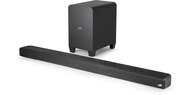
The Yamaha SR-B30A is a sleek, all-in-one sound bar that provides a big upgrade to your TV’s audio. It features simulated Dolby Atmos surround sound, built-in subwoofers, Bluetooth streaming, and easy HDMI/eARC connectivity.

This value-packed sound bar is perfect whether you’re chasing clearer dialogue or more immersive sound from your movies and TV shows. If you’re thinking about adding the SR-B30A to your TV setup, here are the most common questions from our customers — along with some quick answers to help you decide.
How do I connect the SR-B30A to my TV?
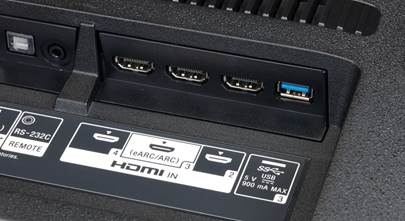
Connecting the SR-B30A to your TV is simple — use the included HDMI cable and plug it into your TV’s HDMI ARC/eARC port. This single connection handles audio from your TV to the sound bar and lets you use your TV remote for basic volume control if your TV supports HDMI-CEC. You can also use an optical digital cable if your TV doesn’t support HDMI ARC/eARC.
Quick take
-
one HDMI ARC/eARC port for audio and remote control
-
optical input included for TVs without ARC/eARC
-
no separate receiver needed; just power and one cable
Want to learn more?
Check out our article on connecting and setting up your sound bar.
Where should I place the sound bar?
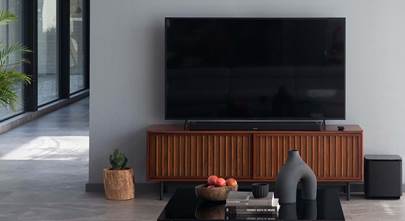
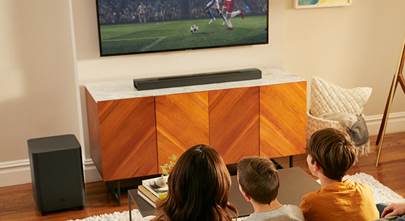
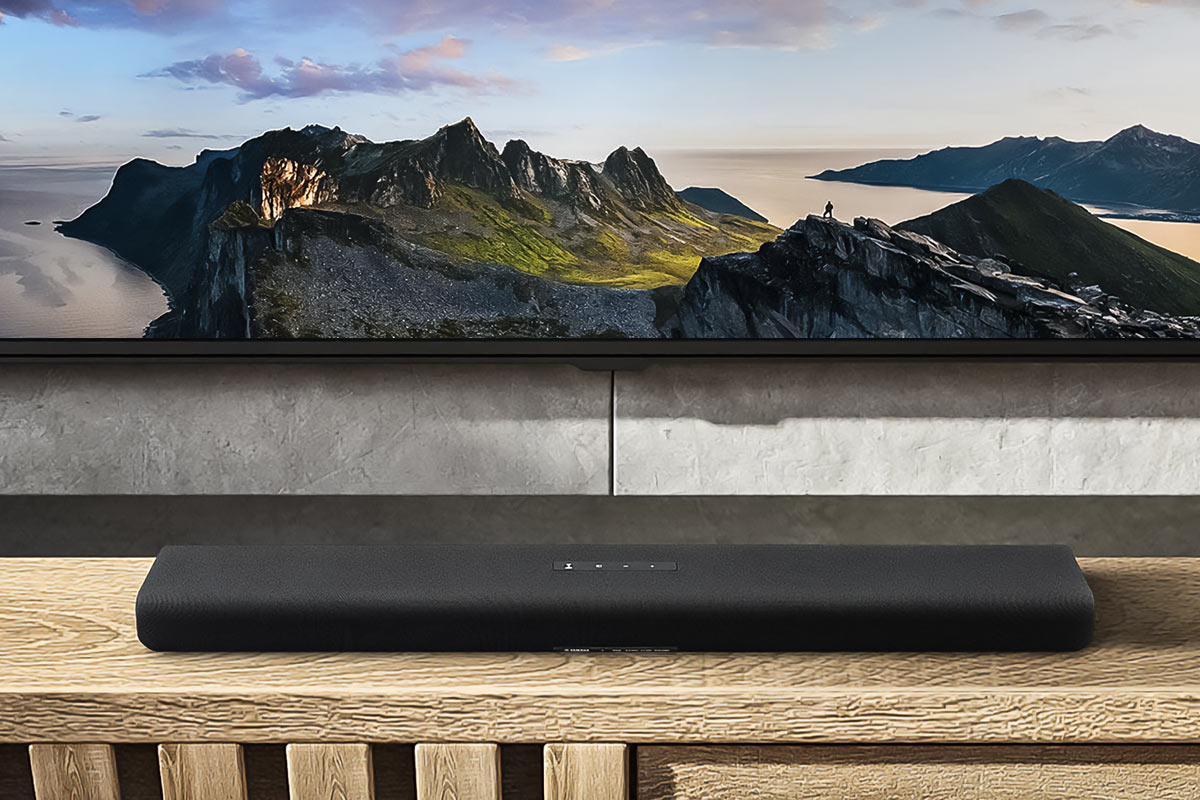
Place the sound bar directly under your TV on a media stand, or mount it to the wall using the built-in keyhole slots. It’s low-profile enough to fit under most flat-screen TVs and can sit flush with your setup without blocking the screen.
Quick take
-
fits under most TVs
-
wall-mountable with included template
-
slim footprint keeps things tidy
Do I need to use the Yamaha app to control it?
The SR-B30A comes with a physical remote that controls volume, sound modes, Clear Voice, and Bass Extension. But you can download Yamaha’s Sound Bar Remote app for iOS/Android to adjust sound settings and EQ from your phone via Bluetooth.
Quick take
-
physical remote included
-
optional smartphone control via Yamaha app
-
Bluetooth connection for deeper tuning
What sound improvements does this bar provide over TV speakers?
The SR-B30A uses Yamaha True Sound engineering and Dolby Atmos processing to create a broader, more immersive sound field than your TV’s built-in speakers. Two built-in 3″ subwoofers and various sound modes help make dialogue clearer, bass punchier, and overall audio more enveloping — especially noticeable in movies and games.
Quick take
-
virtual Atmos processing for expansive sound
-
built-in bass drivers add low-end impact
-
multiple sound modes for music, movies, and games
How do the sound modes work?
There are four sound modes — Stereo, Standard, Movie, and Game. Stereo is great for music and podcasts, Standard is tuned for everyday TV content, Movie expands the soundstage for cinematic impact, and Game mode sharpens directionality and immersion for gaming.
Quick take
-
Stereo for music clarity
-
Standard for TV shows
-
Movie for immersive soundscape
-
Game for directional audio cues
Can it stream music wirelessly?
Yes — the SR-B30A has built-in Bluetooth that lets you stream music, podcasts, or other audio from your phone or tablet. It supports common codecs like SBC and AAC for wide compatibility.
Quick take
-
Bluetooth built in
-
stream audio from phones/tablets
-
AAC support for better quality with Apple devices
Does it support Dolby Atmos from my streaming apps?
When connected via HDMI eARC to an Atmos-compatible TV and using apps like Netflix or Disney+, the bar can decode Dolby Atmos signals and create a simulated 3D surround experience. It doesn’t have upward-firing speakers, so the Atmos effect is virtual rather than true height channels.
Quick take
-
eARC enables higher-quality Atmos passthrough
-
virtual Atmos for immersive sound
-
not true height speakers — but wide sound field
Can I add an external subwoofer?
Yes — there’s a mono subwoofer output on the back, so you can hook up a powered subwoofer if you want even deeper bass beyond the built-in drivers.
Quick take
-
sub out included
-
expand bass with powered sub
-
built-in subs still deliver solid low end
What do our customers say about this sound bar?
Customers praise the SR-B30A for its excellent sound quality, clarity, punchy bass for a compact bar, and easy setup right out of the box. Reviewers also note the remote and Bluetooth setup make daily use straightforward.
Additional features at a glance
-
built-in amplifiers: 30 watts x 2 for front left and right channels, 60 watts for bass drivers
-
Yamaha True Sound engineering for dynamic, accurate sound reproduction
-
Clear Voice enhancement helps bring TV dialog forward
-
Bass Extension increases low-end presence without muddying sound
-
HDMI-CEC support lets your TV remote manage basic functions
Questions? Contact us
If you need help choosing the right sound bar for your space, take a look at our comprehensive buying guide, or get in touch with our Advisors for personalized shopping help.
Other product Q&A articles
Explore all of our popular home and car product FAQs.