Sony App Remote
Control Your Stereo with Your Smartphone

Heads up!
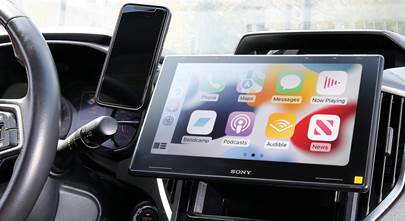
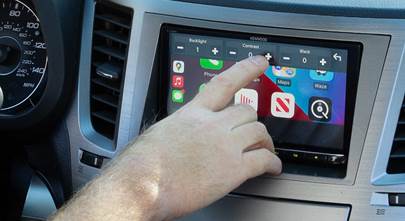
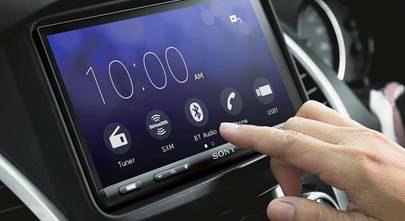
Welcome to this article from the Crutchfield archives. Have fun reading it, but be aware that the information may be outdated and links may be broken.Yes, you read that headline correctly. For years, the industry has focused on controlling smartphones with stereos. Now Sony has taken the next logical step forward with their new App Remote equipped CD receivers, turning smartphone interactivity into a two-way street. This means you’ll enjoy all the functionality of a full-featured car stereo, with your smartphone’s touchscreen acting as the remote control for the system and as an additional display for apps and music files.
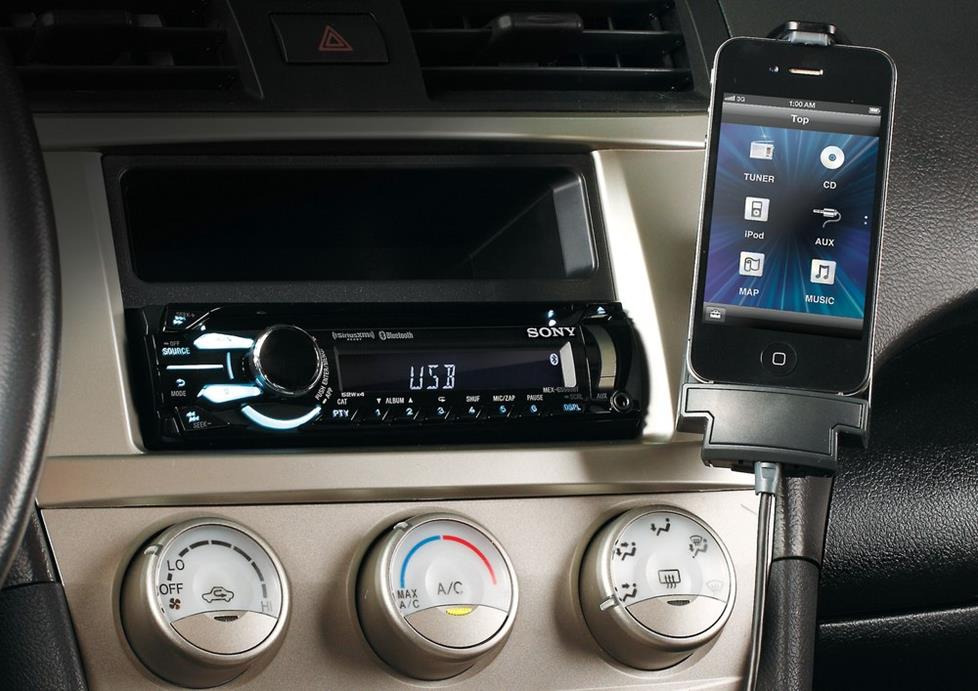
You can view all of the Sony receivers that have App Remote capability here.
Control with your smartphone, control with your stereo
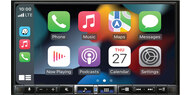
With your phone’s touchscreen, you can do things like selecting sources, picking radio stations, and launching apps. And on the other side of App Remote’s two-way street, you can select apps using the stereo’s source button, the same way you’d choose the CD player or radio as your source.
Sony's newest version of App Remote lets you take control of the equalizer, fader, balance, subwoofer, and listening position controls from your smartphone too..
Awesome Android™ integration
If you have an Android smartphone, App Remote capable receivers will give you access to some great features. Use Bluetooth® to pair your phone, and you’ll have wireless control over the full suite of App Remote functionality, including source, station, and app selection from either the phone or your stereo. The system will even read incoming texts to you so you can keep your eyes on the road where they belong, but still get the reminder to pick up milk on your way home.
Sony designed App Remote for the iPhone®, too
App Remote equipped receivers like the MEX-GS600BT will work for you iPhone users, too. When you plug your iPhone into the stereo’s USB input, you’ll get control over your stereo through your phone’s touchscreen, plus access to select apps through the App Remote application. The only thing App Remote receivers won’t do with your iPhone is read your text messages.
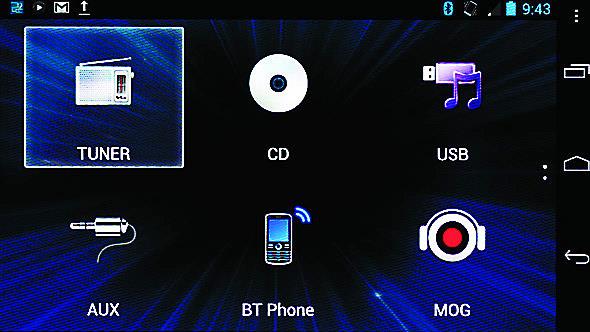
App Remote lets you choose your source from your smartphone...
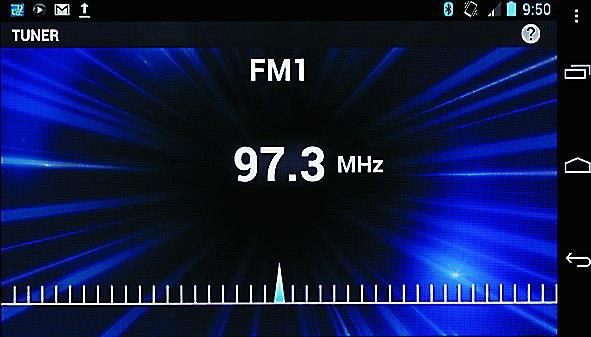
...change radio stations with a tap of your finger...
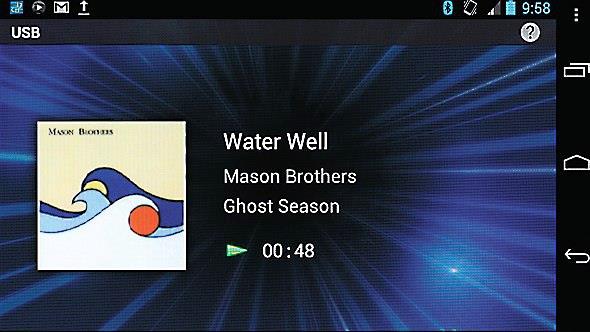
...and see album art and song info on your smartphone’s display.
Keep your phone in reach with Pro.Fit vehicle-specific mounting kits
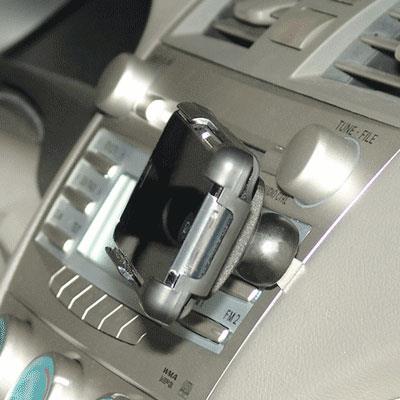
If you plan on installing an App Remote equipped stereo, you’ll need to make sure you can easily reach your smartphone. That’s where Pro.Fit comes in. A Pro.Fit mount puts your phone in a spot where you have easy access to any controls you need and can read info from the display. You can read all about Pro.Fit and other mounts in our article about dash-mounting your phone.
If you'd like to see what stereos fit your vehicle, visit our vehicle selector or call us at 1-888-955-6000.

Greg from Kansas City
Posted on 6/29/2019
I have a samsung tabl 2 mounted in my dash and would be interested in controlling my radio with it. Would this be possible with such old hardware or would I need to update my tablet as well as buy the radio? Is Sony the only one that offers this capability?
Alexander H. from Crutchfield
on 7/1/2019
Alexander Hrabe from Crutchfield
Posted on 3/26/2018
Mo, Sony has changed the name of App Remote and updated many of its features. It's called Music Center. Try downloading it from the Google Play Store or iTunes.
Mo from MINNEAPOLIS
Posted on 3/22/2018
Don't buy any Sony decks based on this app which hasn't been updated since 2014. It won't even load on Oreo Terribly disappointing support from SONY.
Dustin Dale from Quesnel
Posted on 5/6/2017
Does this Songpal have same features and functionality as the previous App remote? I recently purchased a MEX-gs610bt from you guys, as well as an iPad mini, and car kit, only to find that the app remote has not been updated, and will not work. Very disappointed, and upon contacting Sony, I'm seemingly left in lurch!
Alexander Hrabe from Crutchfield
Posted on 6/23/2016
J, Sony has upgraded App Remote and renamed it SongPal. It's a downloadable app, available here via iTunes for Apple devices. You'll find more details there, but yes, it is compatible with iOS 8.0 or later on iPhone, iPad, and iPod touch.
J from Muskogee
Posted on 6/22/2016
Would this work with an iPad as well??