Drift away: Troubleshooting turntable tonearm sway
What to do when the tonearm has a mind of its own

Have you ever lowered the cue lever on your turntable, expecting a smooth descent from the tonearm, but instead, it goes wandering? Maybe it skates inward like it’s in a hurry to get to the chorus, or drifts outward like it missed the beat entirely. Needless to say, that's likely not the groove you had in mind.
Let’s break down a few reasons your tonearm might be acting up — and explore how to get it tracking straight and true again.
When properly set up, your tonearm should lower gently and vertically, landing right where you aimed it — with zero side-to-side motion. If it’s drifting inward or outward during cueing, something’s out of balance. Literally.
Common causes of tonearm drift
There are just a few things to check when dealing with tonearm drift, and most fixes are quicker than you might expect. Here are the most common causes.
Anti-skate adjustment is off
As the record spins, the stylus sits in a V-shaped groove and is dragged forward by friction. Because the tonearm is angled (not perfectly straight across the record), that forward pull isn’t perfectly centered — it creates a small inward force that draws the stylus toward the middle of the record. This is called skating force.
A turntable’s anti-skating setting applies a gentle, outward pull to counteract the tonearm’s natural tendency to move inward along the record groove. But too much anti-skate can cause the tonearm to drift outward, especially during cueing, while too little (or none at all) will force it to pull inward.
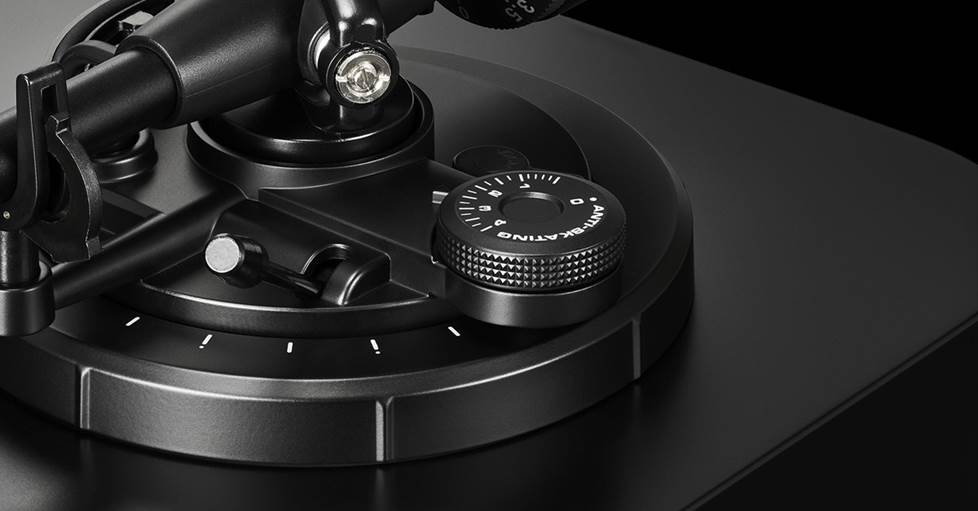
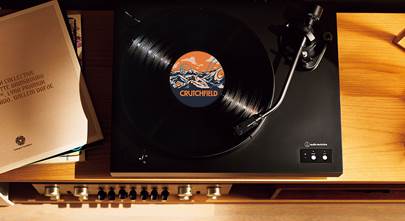
The anti-skating dial applies just the right amount of outward pull to keep your stylus tracking — and cueing — accurately.
Fortunately, this is an easy fix. Match your anti-skate setting to your tonearm’s tracking force — either by adjusting a dial (see above) or positioning a weight (see below), depending on your turntable’s design.
As a general rule, if your tracking force is set to 2 grams, for example, your anti-skate should be set to 2 as well. After making the adjustment, check again. If the arm still doesn’t drop straight down, it’s possible further fine-tuning is needed.
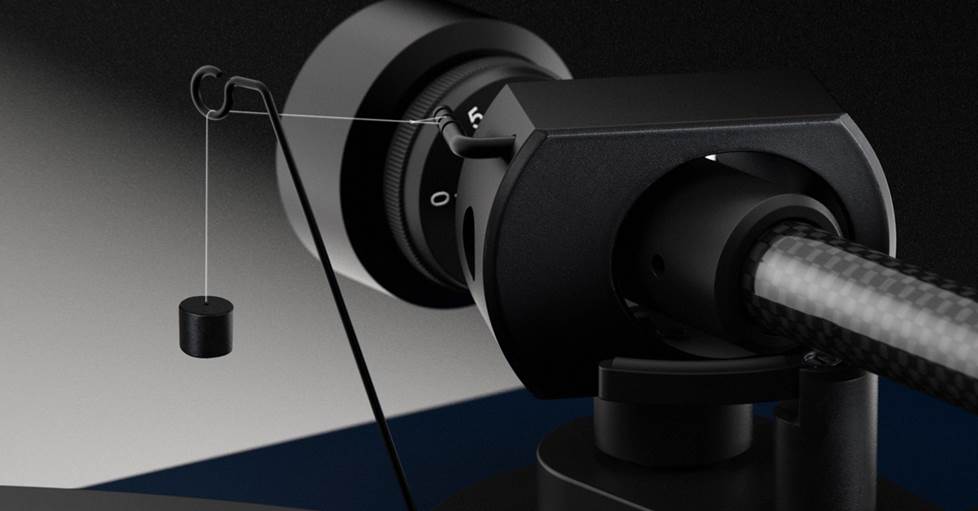
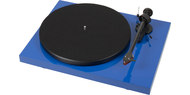
Pro-Ject turntables use a hanging weight — rather than a dial — to apply anti-skating force to the tonearm. Each groove on the post corresponds to a different level of force.
Tracking force is too light
If the tracking force is too light, the tonearm is much more sensitive to side forces, especially anti-skate, which can exaggerate outward drift.
Tracking force is set using the tonearm’s counterweight. Typically, you’ll:
- Balance the tonearm so it floats level (zero force)
- Set the tracking force dial (or ring) to “0” while holding the counterweight in place
- Then rotate the counterweight to the manufacturer’s recommended tracking force
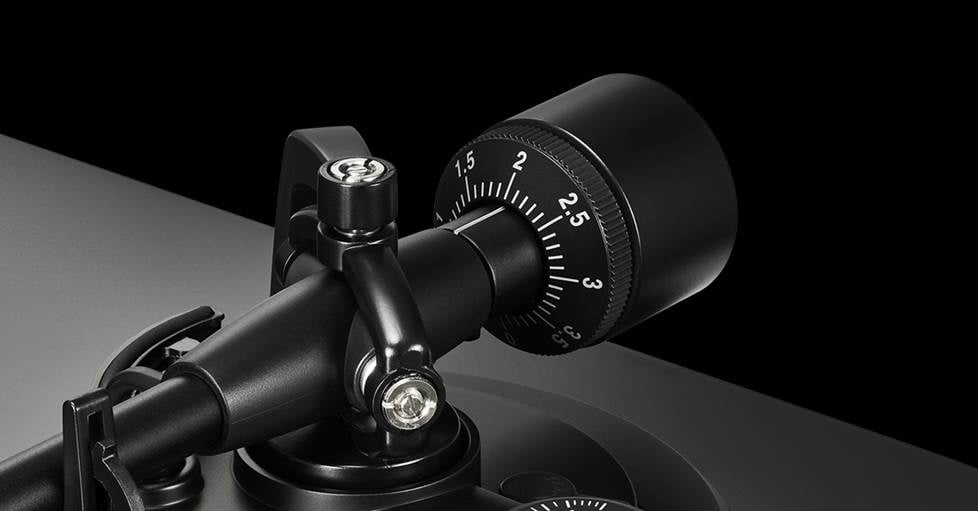
A tonearm's counterweight is the key to accurate playback and reliable tracking.
When properly set — and in conjunction with the anti-skate settings above — the tonearm should cue correctly, and the stylus will sit securely in the groove with just enough downward force to stay stable while remaining light enough to avoid excess wear. If the tracking force is too light, the stylus can skate or wander more easily, not just during cueing. Dialing this in is key to keeping everything tracking properly and sounding its best.
For more details on the nuances of setting the tracking force, check out our guide to balancing a tonearm.
And while they're incredibly important, counterweight and anti-skate adjustments aren’t the only factors that can cause tonearm drift. Another key factor is making sure your turntable itself is perfectly level.
The turntable isn't level
This one’s sneaky — and incredibly common. If your turntable is even slightly tilted, gravity can pull the tonearm in the direction of the slope, making cueing unpredictable.
An unlevel table can come down to improperly adjusted feet or simply the surface it’s sitting on being a bit off. Either way, if you want smooth playback and reliable cueing, your turntable needs to be as level as possible.
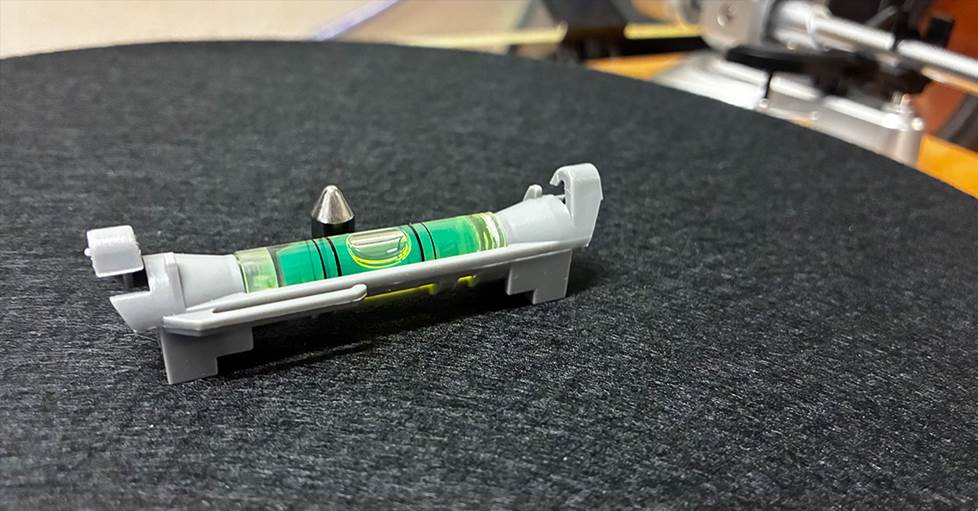
A simple bubble level is a handy tool to determine if a turntable is level.
The easiest way to check is with a bubble level — and if you don't have one handy, most smartphones offer level apps you can download. Place your level (or phone) at the center of the plinth — usually right on the platter — and take a reading. If you’re using a standard level, be sure to check both front-to-back and side-to-side.
That said, a bullseye (or surface) level makes things even easier. Just adjust the feet until the bubble is centered — no repositioning needed. Some turntables even include a built-in bullseye level for exactly this purpose.
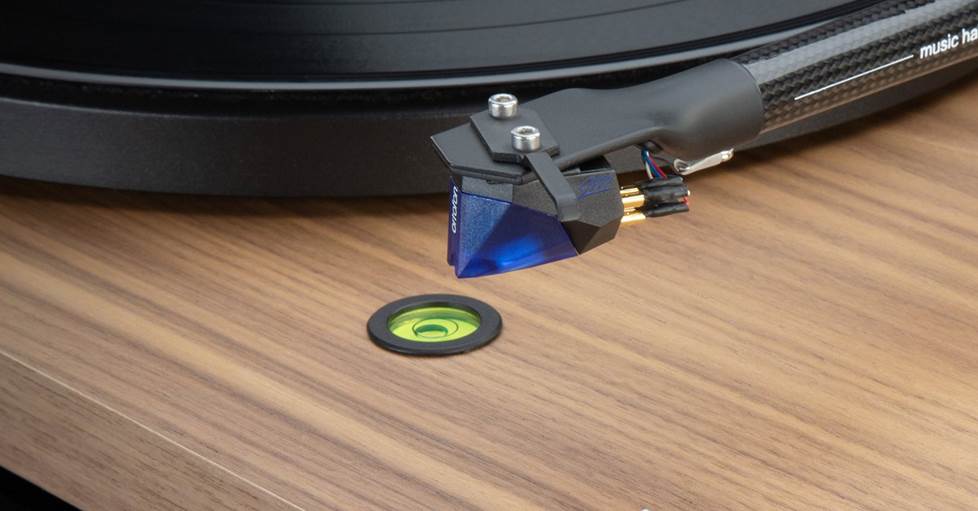
Some turntables — like this Music Hall model — include a built-in spirit bubble level to help ensure your table is properly placed.
If things are off-kilter and your turntable has adjustable feet, make small tweaks until everything is perfectly level. Turning the feet clockwise lowers the height, while counterclockwise raises it — work across all feet, checking your level in between, until everything sits just right.
And keep in mind, unless your table is perched on some wildly uneven, modernist piece of furniture, the adjustments will likely be minor.
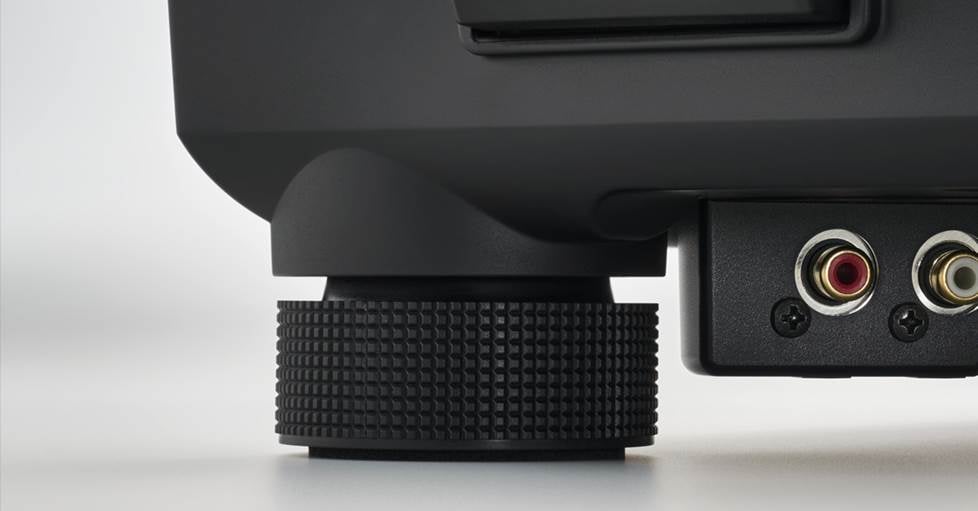
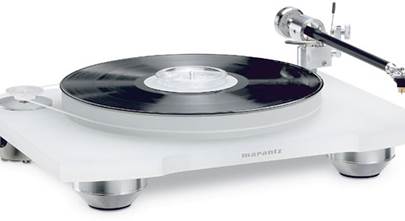
Adjustable feet, like the ones shown here, make leveling a turntable simple.
If your turntable doesn’t have adjustable feet, don't worry — you’ve still got a few easy ways to get things dialed in.
The go-to fix is shimming: slipping thin materials under the feet to even things out. Folded paper, business cards, or thin rubber, felt, or cork pads can all do the trick, depending on how much lift you need.
And just like with adjustable feet, take it slow. Make small tweaks, check your level, and build up gradually until everything is even. Most of the time, you’re only making tiny corrections, so it won’t take much to get things right where they should be.
And sometimes, the culprit isn’t the turntable at all — it’s what it’s sitting on. If your shelf, cabinet, or even the floor is off, try adjusting the furniture itself (if possible), or add shims underneath to bring the whole setup back into balance.
Cable tension
Sometimes the source of tonearm sway comes down to the headshell itself. Tension on the wires is easy to overlook — but it can quietly throw your whole setup out of whack.
Tangled tinsel leads — the tiny, delicate wires connecting your cartridge pins — can gently tug the tonearm off course if they’re twisted, bunched up, or under tension. This can be especially common after you’ve recently swapped cartridges or completed an alignment.
Instead of hanging freely, they can act like a tether, pulling the cartridge away from its natural path as it lowers toward the record — especially when cueing tracks closer to the middle of the record.
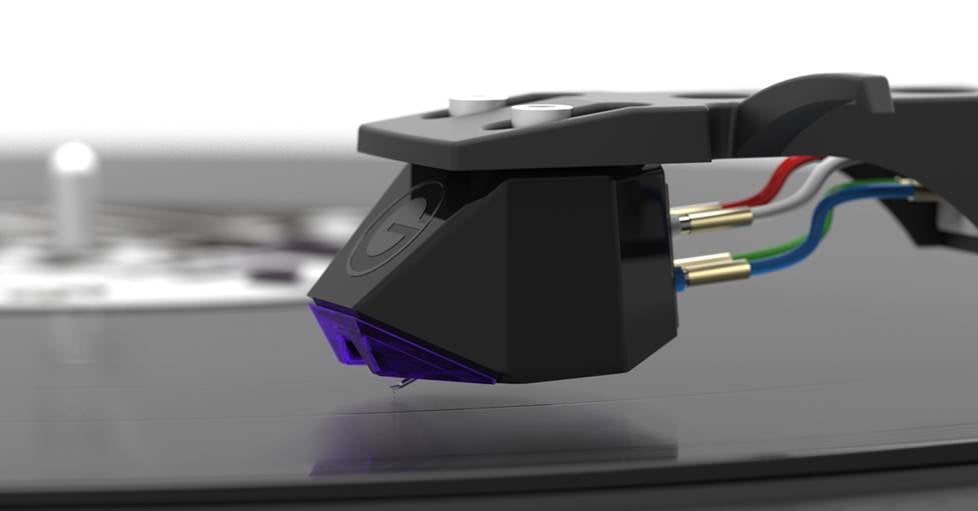
Cartridge tinsel leads — the multicolored wires shown here — can snag or tug on a tonearm if they’re under too much tension.
The fix is simple, but just a bit delicate. Make sure the leads are neatly arranged, not pulled tight or crossing over each other. They should be free of any twists that could bias the arm’s movement, and if they appear to be too short or restricted, replacing them might be in order.
Any of these issues could result in tonearm sway, so it's good practice to ensure that all of them are addressed.
Need more info?
For additional information on turntable installation, maintenance, and upkeep, check out these vinyl-friendly articles.
And if you have questions or just need a little guidance picking out a new turntable, you can always get in touch with one of our friendly Advisors. Don't forget, free lifetime tech support is included with your Crutchfield purchase.





kevin from houston
Posted on 5/24/2026
Damaged needle, damaged horizontal bearings
Paul from Knoxville, Iowa
Posted on 5/19/2026
Skating doesn't affect the tonearm as it is descending, before the stylus tip makes contact with the groove, but anti-skating does. A pivoted tonearm moves the stylus tip in an arc rather than a radial line across the record surface, so the stylus tip pivots and skating force varies depending on distance from center. Vinyl record center holes are not perfect. Anti-skating force is always an approximation.