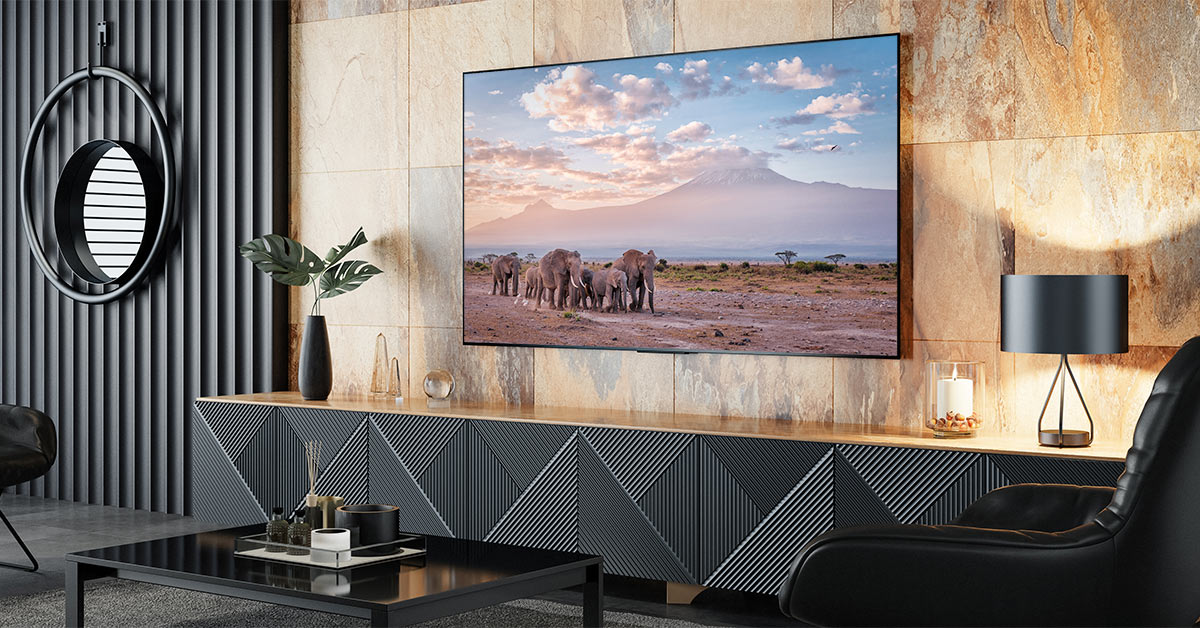
Are high-end TVs worth it?
What do premium TVs offer that budget TVs don't?

In this article: We'll offer some TV shopping advice and talk about the benefits of a high-end TV compared to less expensive models, including...
- Picture quality
- Smart features
- Connections
- Next-gen gaming
- Sound quality
- Craftsmanship
...along the way, we'll hook you up with some quick bargain-hunting tips so you can find a great TV for less.
Modern 4K TVs may seem simple on the surface, but after a quick dive into the details, sorting through it all can feel like quite the task. It's sometimes hard to tell what the real difference is between TV models with very different prices. Why would you pay for a 4K TV that costs $1,000 or more when you can find one sitting in a "big box" retail store for less than half that price?
There are a few answers to this question, but the gist is that the extra money will generally net you much better picture quality with a wider range of additional features. The real question is which of the myriad TVs on offer will fit your needs and budget better.
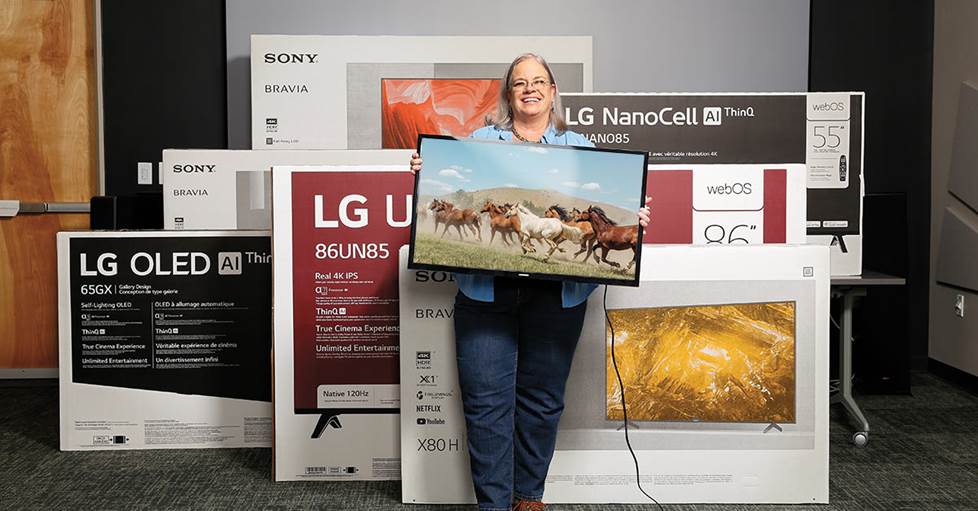
It can be hard to sort through all the noise with so many TVs on offer. Let's simplify things a bit so you can find the right one for you.
How do you choose the right TV?
Let's start by asking: why are you buying a new TV? Has your old TV finally kicked the bucket? Are you adding a TV into a secondary room? Or do you have a new piece of gear that isn't compatible with your old TV? It might make sense to spend more on your primary TV than one in the kids' playroom, for instance.
When I purchased a new TV recently, I did it to find something that would help me take full advantage of my PS5. That meant I was looking for specific features, like a fast response time and an HDMI 2.1 port for 4K/120Hz support (more on these later). If I was mostly into movies, that would've loosened up my search up a bit.
Your "why" will help guide your budget and which features you're looking for. Check out our TV buying guide for even more info on how to narrow your search and find a TV with the specific feature set you're looking for.
How often do you use your TV?
The more you watch TV, the more it makes sense to invest into your TV purchase. If you only watch a couple hours of a week, it probably doesn't make sense to spend as much on a TV purchase, unless maybe those hours are dedicated to a regular movie night.
In my case, my new TV was going to be our primary TV, which we use for everything from kids' cartoons to big movie nights (and a ton of gaming in between). We were going to be looking at that screen a lot. The last thing I wanted was to drop a bunch of money on a purchase that left me feeling even a little disappointed.
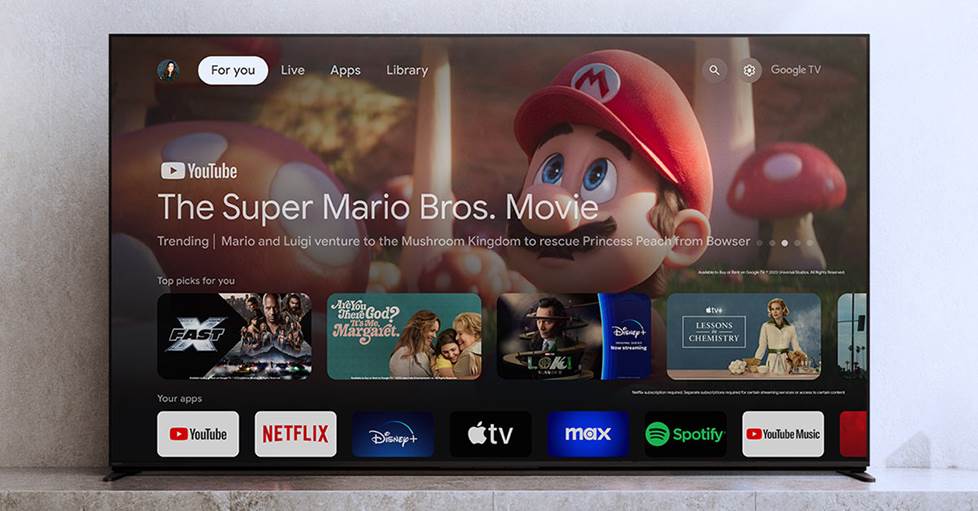
The more you watch TV and the more varied your needs are, the more you'll benefit from a better TV.
What do you watch (or play)?
If you mostly watch the news, you won't benefit as much from the improved visual fidelity of a high-end TV. But if you're regularly binging the latest streaming sensations, like Shogun or 3 Body Problem, then the boost in quality you get from a high-end TV will be pulling a lot more weight for you.
The same goes if you plan on using the TV for gaming, either on a next-gen console or a PC rig. Cinematic AAA games like Final Fantasy VII Rebirth can be absolutely stunning on a high-quality screen. If you mostly play retro games or indies, these games will still look better on a nice TV, but you might not need quite as much wow-factor in the visual department to get there.
Do you want (or need) a bigger TV?
The bigger your TV's screen, the easier it is to see all the little details it has to offer. If you get close enough, you can even see the screen's pixel structure. You don't want to be too close or too far from your TV. We have a whole article on TV sizes and viewing distances that breaks down just how far away you should be from your TV for this very reason.
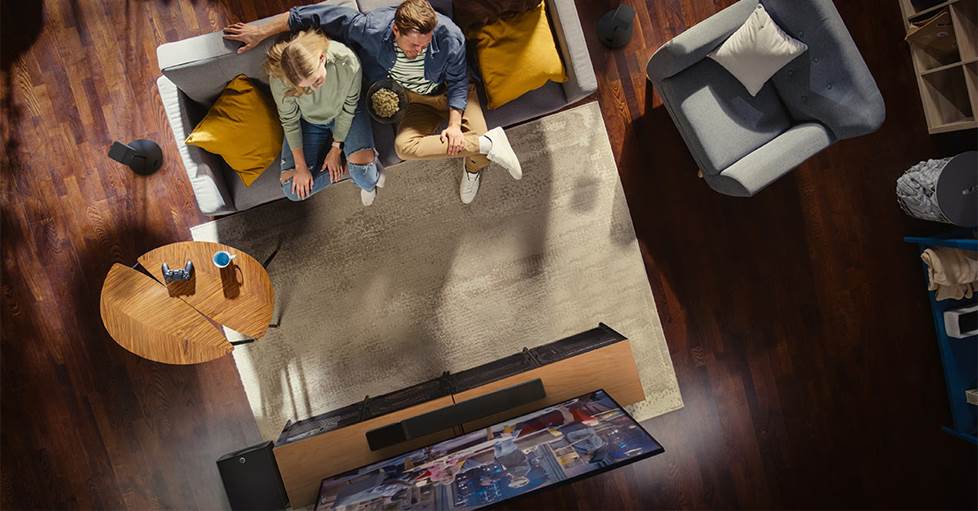
With a bigger screen, you're seeing more of your TV, making its picture quality even more important than usual.
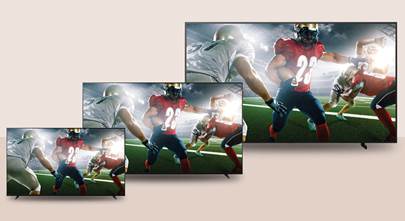
If you're looking for a bigger screen, either to fit into a large room or just because a big TV looks awesome, you'll benefit more from great picture quality. A big screen accentuates everything a TV has to offer visually, whether good or mediocre. If you're putting a 32" in your bedroom, you're not going to notice all the little nuances you would with a 75" in your living room. So, if you have the budget for a big TV, you might as well make sure it has a stellar picture to match.
Finding a reliable TV brand
When I'm buying anything, let alone a big purchase like a TV, I gravitate towards well-known brands because these tend to offer the most reliable performance and build quality. I don't want to pick up something that seems cool on the surface, but ultimately feels cheap or fails right outside of warranty.
This part's easy at Crutchfield. We carry three of the most respected consumer TV brands available: Samsung, Sony, and LG. Each of these manufacturers has a long history with us and in the TV business. They each offer a wide range of models, too, so it's not difficult to find something that fits your needs and budget.
What's the difference between a budget and a premium TV?
If you're paying more for a TV, you should expect an increase in quality. While not every high-end TV has the exact same set of technologies and features, there are a few key areas where you tend to see improvement. Let's get down to brass tacks.
Picture quality
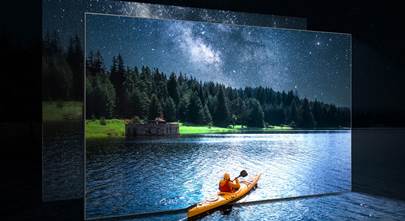
This is the most obvious place you'll see a high-end TV outperform a budget model. While all 4K TVs offer the same native resolution, there are lots of other factors that are just as (or more) important to overall picture quality.
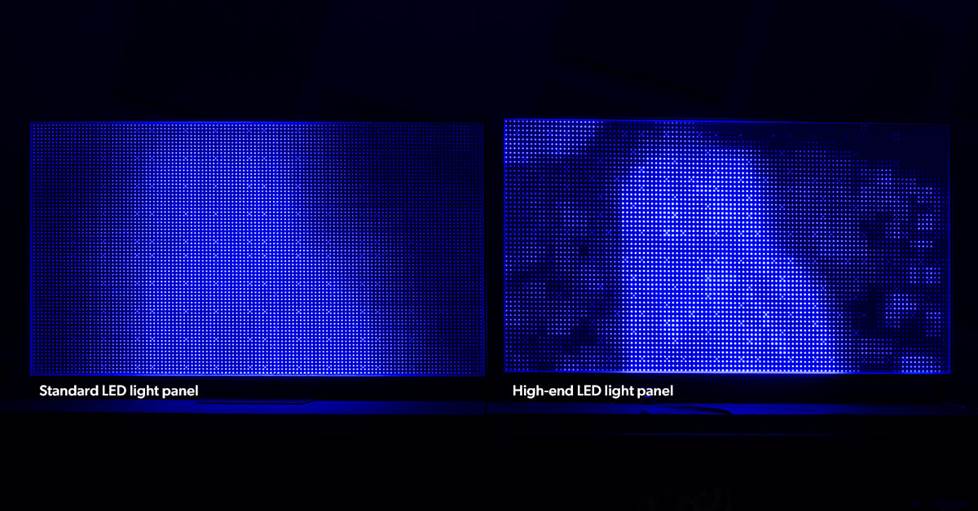
A more advanced TV will provide a greater degree of control over its lighting, which provides enhanced contrast and detail for a much better looking picture overall.
Better backlight technology: probably the most important component of a great picture. Mini LED, RGB, and OLED TVs currently offer the most advanced backlighting available, with superb contrast that cleanly outperform other TVs. Head to our OLED vs LED TV article for more info.
Brighter picture: high-end TVs are generally much brighter than budget ones, and this brightness results in a clearer image and better performance in rooms with a lot of ambient light. Because we perceive brighter colors as more vibrant, a higher brightness also means that your colors pop more. RGB models are a great example, because they produce an exceptionally wide range of bright colors. Check our article on Sony's RGB TVs models for a quick rundown.
More powerful processing: high-end TVs often have advanced AI-based processing that enhances the picture. It's especially useful for upscaling, where a TV takes a standard or high-definition content and "fills in the gaps" to bring what you're watching to near-4K resolution.
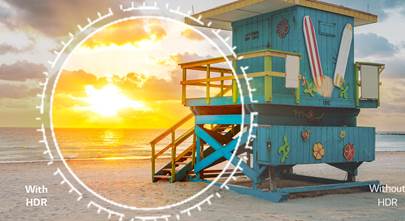
Support for more advanced HDR formats: HDR (High Dynamic Range) encoded content expands a picture's color and contrast. But not all HDR is equal. Virtually all 4K TVs support the standard HDR10 format, but high-end TVs often support HDR10+ or Dolby Vision. Both of these "dynamic" formats adjust your picture on a scene-to-scene basis to better capture specific moments.
Higher refresh rates and motion technology: the more often your screen refreshes its image, the smoother the picture, especially fast-moving objects onscreen. High-end TVs generally come with a 120Hz refresh rate, as compared to the standard 60Hz. Their advanced processing also tends to feature additional motion smoothing technologies.
Wider viewing angles: if you have a great picture, you don't want to lose the effect by sitting a little too far off to the side. High-end TVs often feature screens designed to be viewed from off-axis angles, as well as anti-reflective coatings and brighter backlighting to keep glare out of sight.
Quantum Dots: a special layer of nanocrystals that boosts a TV's colors, making your picture more vibrant. Not all high-end TVs feature quantum dots, but those that do, like Samsung's famous QLED TVs, have a reputation for exceptionally rich colors.
Support for over-the-air 4K broadcasts: while not universal, high-end TVs tend to feature an ATSC 3.0 tuner, which lets you pick up 4K broadcasts if you have them in your area.
Smart features
Most TVs are "smart" these days, but you tend to see a greater range of smart features with high-end TVs.
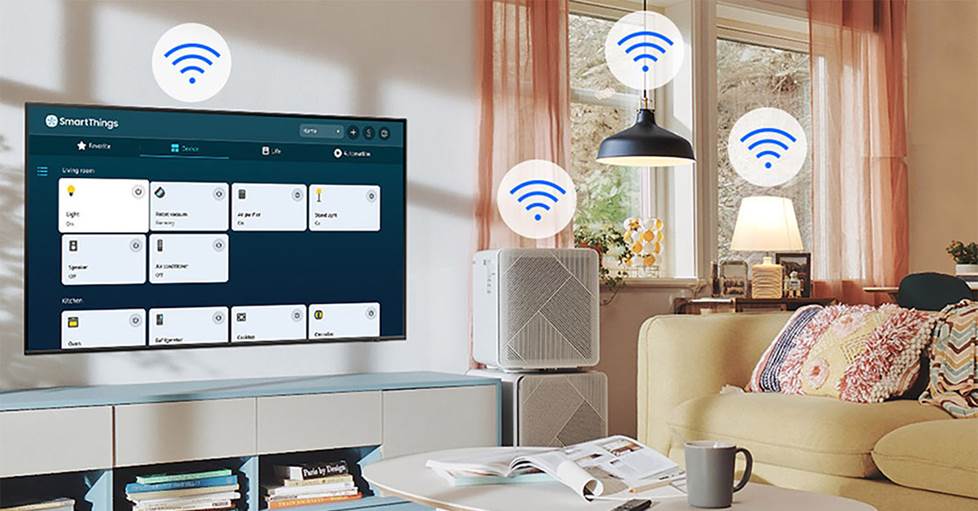
Premium TVs can often be tied into larger smart ecosystems, letting you keep all your gear tied together and easier to control.
Smoother, faster menu navigation: high-end TVs combine powerful processing with more refined operating systems for faster, more responsive navigation. I find waiting on a TV to catch up with me or watching a spinning "loading" icon frustrating, so this is a big win for me.
More built-in apps, including free TV: budget smart TVs often come with a few streaming apps, but a high-end model will almost always come with more options built in and plenty of others available to download. One of the coolest premium smart features is built-in free TV. Whether it's LG Channels, Samsung TV Plus, or Sony BRAVIA Core, these services let you stream shows and movies without a subscription.
Video or audio streaming from your phone: most high-end TVs have several different ways to get what's on your phone onto the TV, from built-in Bluetooth and Wi-Fi to services like Apple Airplay 2 and Chromecast.
Voice control and smart home integration: built-in voice control with Amazon Alexa or Google Assistant is a common feature for premium TVs. These services let you stream, change channels, and more, with just the sound of your voice. You can also tie most high-end TVs into a larger smart home ecosystem, like Samsung's SmartThings.
Connections
Premium TVs tend to come equipped with more (and better) connections than their competitors. This additional flexibility can make your set up a lot more convenient.
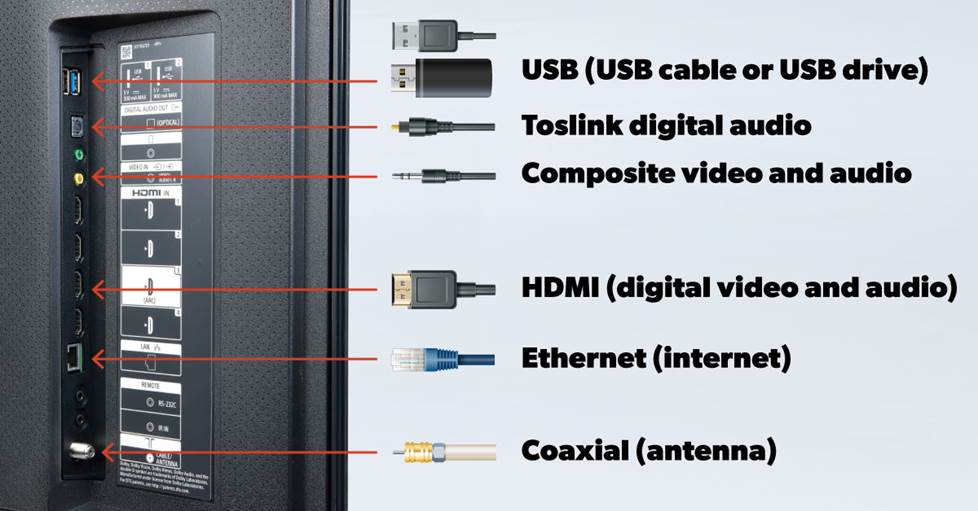
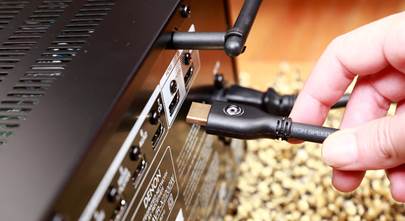
High-end TVs generally come with additional connections for more flexiblity and support for the latest tech for easier integration.
More options: the cheaper a TV, the fewer types of connections you'll see on the back panel. Having a few additional HDMI ports can go a long way if you want to hook up multiple sources directly to your TV.
The latest HDMI: HDMI is the standard connection for most A/V sources these days. And premium TVs generally offer a full suite of HDMI 2.1 ports, the most updated version of this key technology. HDMI 2.1 allows a TV to pass the highest-bandwidth signals like 4K/120Hz from a next-gen gaming console or 4K Blu-ray player.
HDMI eARC: an eARC (enhanced Audio Return Channel) port allows you to connect a sound bar or other sound system to your TV with a single cable and supports high-bandwidth audio signals like Dolby Atmos in the process. Budget TVs often only feature a standard ARC connection, which has a much lower bandwidth.
Next-gen gaming
If you plan on using your TV with a PS5, Xbox Series X/S, or gaming PC, you'll want to look at a higher-end TV. When I was shopping for my TV, it was basically impossible to find a budget model that had all the next-gaming features I was looking for.
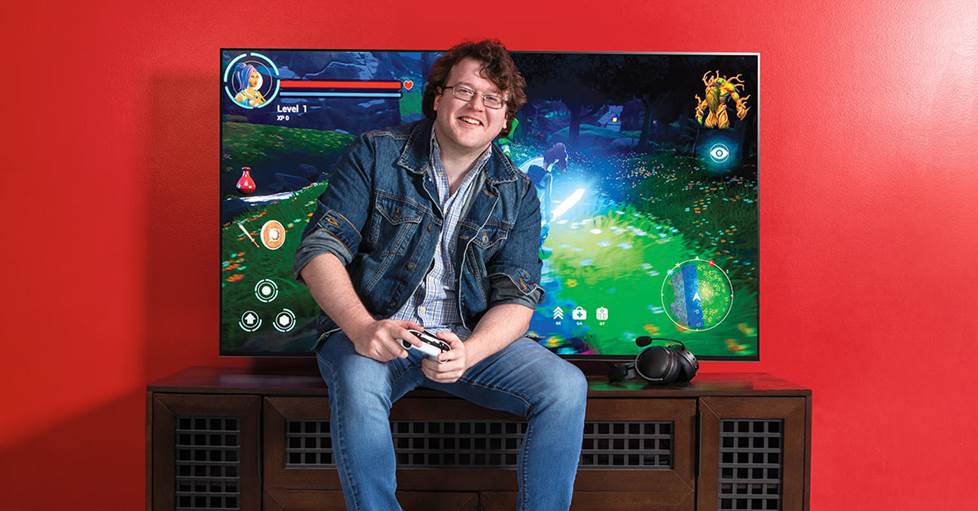
If you're a gamer with a next-gen console or high-end gaming PC, a premium TV will have more of the key features you need for a smooth, responsive experience.
4K/120 Hz: one of the key performance benefits of a next-gen console is support for 4K/120Hz. This gives you a detailed picture with super-smooth motion. If your TV doesn't support 4K/120Hz, then you're not taking full advantage of the power of a next-gen console. It's that simple.
Low latency: high-end TVs, especially OLEDs, tend to feature much faster response times. This means there's less of a gap between your fingers hitting the buttons and the results onscreen, which can be vital for some genres, like FPS (first-person shooters) and fighting games. They also often support ALLM (Auto Low-latency Mode), which automatically shifts your TV to lower-latency modes when a gaming source like a console is detected.
VRR: if a game's frames per second oscillate too much and are mismatched with your TV's refresh rate, it can cause screen tearing and other artifacts. High-end TVs frequently feature VRR (Variable Refresh Rate) to prevent this, automatically adjusting your TV's refresh rate to match your game.
Sound quality
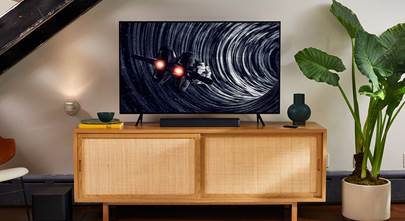
TV speakers have a reputation for being a little lackluster, but premium models generally feature a boost in this area. This can be a nice extra, especially if you're not planning to upgrade to a separate sound system.
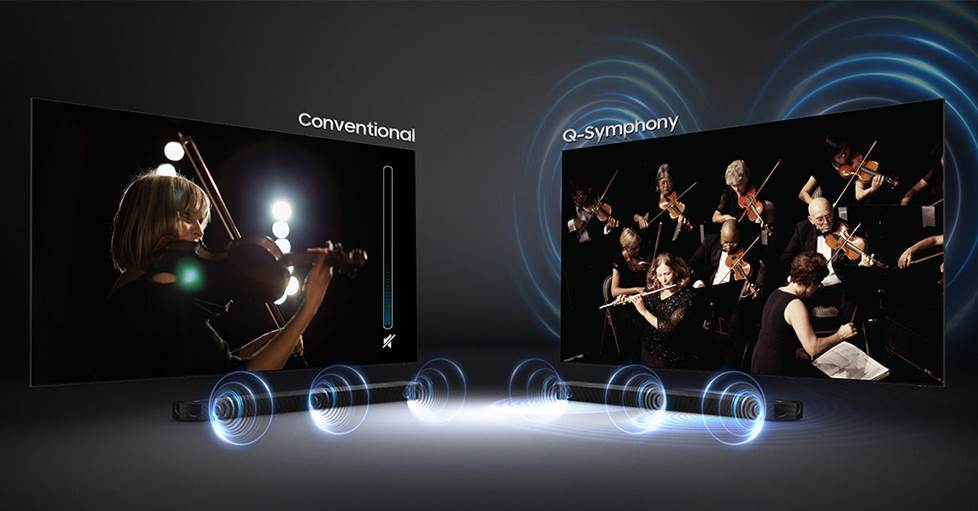
Premium features like Q-Symphony provide a welcome boost to your sound by synergizing the TV's speakers with compatible same-brand sound bars.
More robust built-in sound: most budget TVs feature a pair of small speakers for basic stereo sound. Higher-end models may include systems with several speakers, including up-firing drivers, for a surprisingly wide soundstage for a TV. This is often coupled with AI-powered sound processing that can calibrate the sound to your room.
Support for high-bandwidth audio formats: premium TVs generally support decoding for high-bandwidth audio formats like Dolby Atmos® for more detailed sound.
Improved synergy with same-branded sound systems: high-end TVs are often designed to play nice with sound bars from the same manufacturer. This can take the form of a simplified setup or control, wireless transmission, or even enhanced sound — like Samsung's Q-Symphony or Sony's Acoustic Center Sync, which combine the TV's speakers with the sound bar system's for even bigger sound.
Craftsmanship
High-end TVs tend to be built and look better than budget TVs.
Robust build quality: the last thing you want is a TV that falls apart after the warranty expires. Premium TVs generally have a lower failure rate and last longer than their budget siblings. And most 55" and up premium TVs include in-home service or pickup in their warranty if something should arise.
Sleeker design: when you drop a decent chunk of change on something, it should look nice, right? Premium TVs generally feature elegant, minimalist designs with ultra-thin screens and vanishing bezels that make it easy to blend them into almost any home.
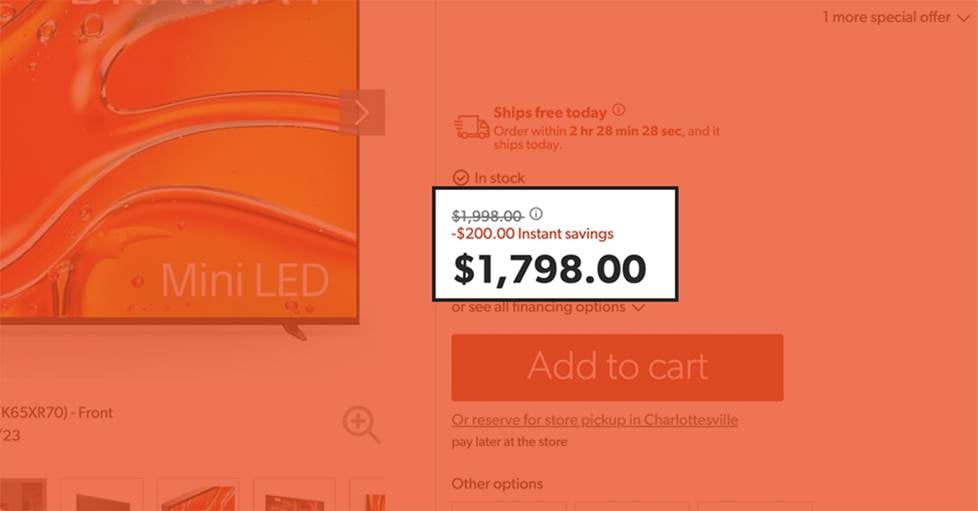
If you shop smart, it's not hard to pick up a great TV for less.
How to get a premium TV for less
You may find the quality and features that you're looking for in a new TV would take a bigger bite out of your wallet than you'd like. That's okay, you only need to be a little patient and look in the right places. Chances are, you'll be able to find what you're after or something very close. I'm an unabashed bargain hunter, so let me walk you through some of my own strategies for finding a good deal.
Last year's TVs still rock
Most TV manufacturers update their line every single year. And TV technology gets incrementally better each year, but the margin of that improvement isn't all that wide. This means the easiest way to get a good deal on a great TV is to look for models from the year prior — while they're still in stock.
Last year's high-end TVs won't be quite as fancy as this year's, but they'll usually be pretty darn close. This is exactly what I did when I purchased my TV. I kept an eye on the model I wanted, waited for the new version to come out, and then struck when the price (and stock) was low. I saved a couple hundred bucks in the process.
Wait for a sale
If you've got a little time on your hands, you can wait for big sales, like Black Friday or Cyber Monday. If you don't want to wait until the Holiday season, you can also add an item to your wishlist on our website. While signed into your account with us, you can set up notifications for special offers on anything in your wishlist. This will hook you up with an email if an item you're eyeballing ends up getting a sweet deal down the line.
We also offer 60-day price-drop protection on everything that we sell. Basically, if you purchase a TV from us and we drop the price within 60 days after you purchased it, we've got your back. Just get in touch with our Customer Support team and they'll refund you the difference. Cool, right?
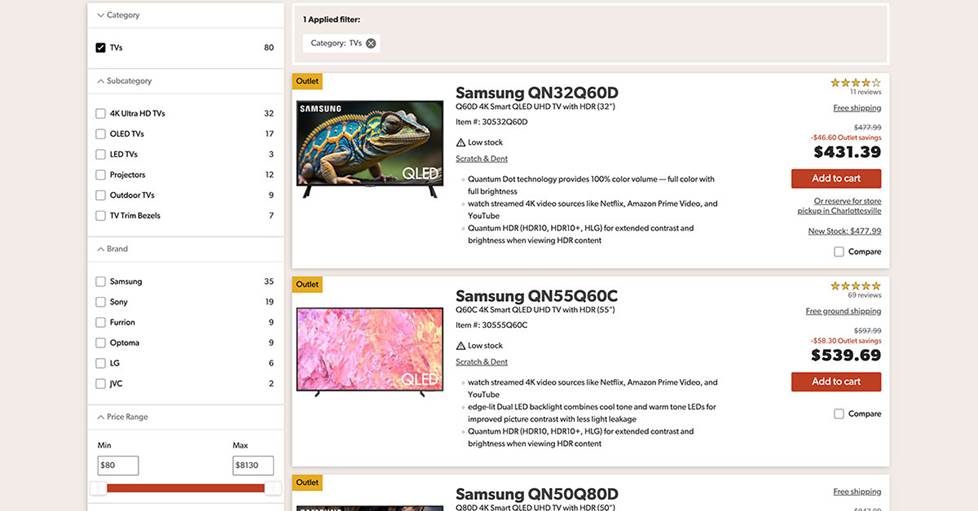
Our Outlet is a great place to look if you're hunting for a great bargain on a high-quality TV.
Buy from Outlet
You can find solid deals in our Outlet. Our team thoroughly inspects and tests all of our Outlet items to ensure they're in good working condition. We sometimes have TVs in our Open Box or Scratch & Dent categories. It's an easy way to find a new TV with a hefty discount.
Open Box items are "like new." The original packaging has just been opened at some point. I was already saving money by picking up last year's model, but my TV was also Open Box. Getting an even deeper discount was pretty sweet and it was impossible to tell the TV was from Outlet when it arrived.
Scratch & Dent might sound ominous for a TV, because these items can have cosmetic damage, but the key word there is "cosmetic." Our Scratch & Dent TVs cannot be sold with blemishes on the screen itself. It's not for everyone, but I for one don't care if there's a little nick on the stand or the bezel if the TV's screen is doing all the work anyway.
We can help!
There are tons of great TVs to choose from, and we're here to help. We have a ton of insightful articles on our website (like this one!) to help you make an informed purchase. From a list of our Best TVs to everything you need for 4K TV, we've got you covered with plenty of info. A little research goes a long way, especially when you're making a big purchase.
You can also work directly with one of our expert Product Advisors, who receive extensive training before they ever make it on the phones. They do way more than just that initial training, though. Our Advisors take part in regular ongoing refreshers, including from our vendors directly, who visit several times a year to provide hands-on training with their latest gear.

Our expert team of Advisors can help make sure you're getting the best TV for your needs and budget.
Our Advisors work hard to point you in the right direction, tailoring their recommendations for your specific needs. But we've got your back after the sale, too. Every purchase from us comes with Lifetime Technical Support. We know that modern electronics can get pretty complicated, so our Techs are trained to help with everything from installation and setup to troubleshooting the occasional hiccup.






James from BAY CITY
Posted on 9/20/2024
Why get a 4K TV if my provider does not broadcast/transmit 4K? I guess I need to be enlightened.
Colin M. from Crutchfield
on 9/26/2024