Q&A: Yamaha RX-V4A home theater receiver
Answers to common questions
This content was created with the help of AI to summarize our data, then edited and revised by a Crutchfield writer.
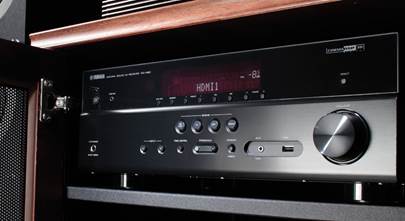
The Yamaha RX-V4A is a 5.2-channel AV receiver built for modern living rooms, with 4K HDMI support, MusicCast multi-room audio, and Yamaha’s YPAO automatic room calibration. It’s designed to be easy to set up while still offering advanced features like voice control and support for wireless surround sound with compatible speakers. Here are the answers to some of the most common setup and feature questions.
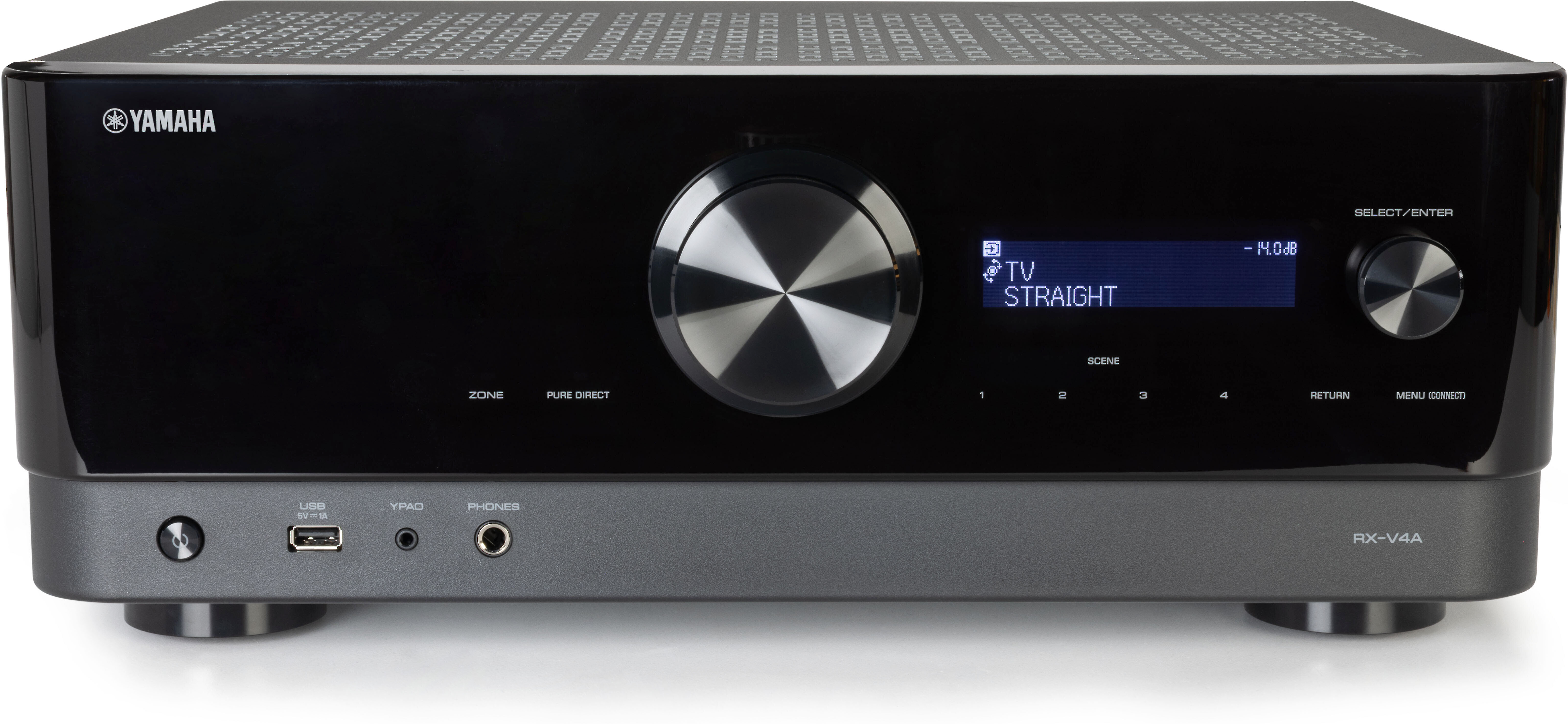
How do I set up the Yamaha RX-V4A for the first time?
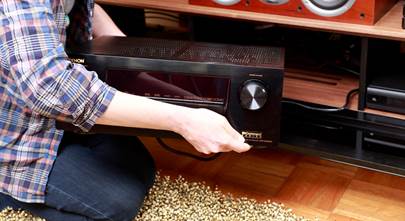
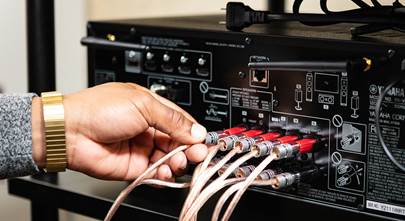
Start by connecting your speakers to the receiver via speaker wire and connect your TV using an HDMI cable. Once those are connected, plug in the receiver and power it on. When you turn the receiver on for the first time, the on-screen setup guide walks you through network setup and basic configuration. You can also choose your preferred on-screen language right away.
Quick take
-
guided on-screen setup
-
first-time startup walks you through networking
-
simple language selection from the Setup menu
Want to learn more?
Check out our Home Theater Receiver Setup Guide and Home Theater Receiver Placement Guide.
How do I connect the RX-V4A to Wi-Fi?
You can connect the receiver to your wireless network directly from the receiver’s Setup menu or by using Yamaha’s MusicCast app. The receiver supports several Wi-Fi methods, including WPS and manual network selection. Yamaha recommends using the MusicCast app because it configures both Wi-Fi and multi-room features at the same time.
Quick take
-
built-in Wi-Fi
-
multiple connection methods (WPS, list, manual)
-
easier setup through MusicCast
What is YPAO and how do I use it?
YPAO (Yamaha Parametric room Acoustic Optimizer) is Yamaha’s automatic speaker calibration system. You plug in the included microphone, place it at your main listening position, and follow the on-screen instructions. The system measures speaker distance, levels, and acoustics, then automatically applies optimized settings.
Quick take
-
included YPAO microphone
-
automatic speaker distance and level adjustment
-
optimizes sound for your specific room
How do I stream music with Bluetooth on the RX-V4A?
Press the Bluetooth button on the remote to set the receiver into pairing mode, then select the RX-V4A from your phone or tablet’s Bluetooth device list. Once paired, you can play music directly from any app on your device.
Quick take
-
quick pairing from the Bluetooth button
-
streams directly from phones and tablets
-
simple device-list connection
What is MusicCast and how does it work?
MusicCast is Yamaha’s wireless multi-room audio platform. By installing the free MusicCast Controller app, you can stream music from your phone, internet radio, or streaming services and share it with MusicCast devices in other rooms. You can also link multiple Yamaha devices together for whole-home audio.
Quick take
-
free MusicCast Controller app
-
multi-room wireless audio
-
works with streaming services and local music
Can the RX-V4A use wireless surround speakers?
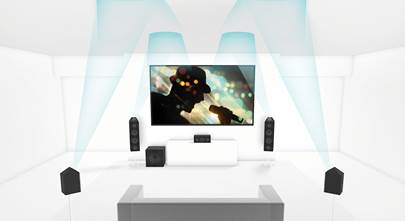
Yes. The RX-V4A supports MusicCast Surround, which allows compatible MusicCast wireless speakers to be used in a 5.1 setup. This reduces the need for speaker wires running around your room.
Quick take
-
supports wireless surrounds and subwoofer
-
cleaner room setup with fewer cables
-
requires compatible MusicCast speakers
How do SCENE buttons work on this receiver?
SCENE buttons let you recall a complete setup with a single press. Each button can store an input, sound mode, and other preferences, so you can switch from “Movie Night” to “Music” instantly.
Quick take
-
one-touch input and sound switching
-
customizable presets
-
great for quick day-to-day use
Does the RX-V4A support voice control?
Yes, it works with Amazon Alexa through MusicCast. You link the receiver using the MusicCast skill in the Alexa app and can control power, volume, and inputs with voice commands.
Quick take
-
works with Amazon Alexa
-
voice control for power and volume
-
uses MusicCast skills
What do customers say about this receiver?
Most customers treat the RX-V4A as a reliable, value-packed “sweet spot” receiver — a strong choice for anyone upgrading from a stereo amp or sound bar, or building an entry- to mid-level home theater. It gets high marks for sound quality, ease of setup/use, and modern streaming features. Owners appreciate that it covers “most common needs” — movies, music, gaming — without fuss or high-end complexity.
However, some users who care about the latest in cinematic immersion (height channels, super-powerful amplification, big theater rooms) consider it a stepping stone, not a final destination.
Additional features at a glance
-
80 watts per channel into 8 ohms (20-20,000 Hz) at 0.06% THD, with 2 channels driven
-
Music Enhancer improves sound quality of Bluetooth streams, MP3s, and other digitally compressed music files
-
Apple AirPlay 2 lets you stream directly from an iPhone® or iPad® and ask Siri to play Apple Music®
-
gaming-optimized video processing technologies for a smooth, lag-free gaming experience
-
Ethernet port for network connection
-
full-sized front-panel headphone jack
-
front-panel USB port for music playback from a USB thumb drive
Need help choosing or setting up your receiver?
If you need help choosing the right A/V receiver for your space and budget, take a look at our comprehensive buying guide, or get in touch with our Advisors for personalized shopping help. Free lifetime tech support is included with your Crutchfield purchase.
Other product Q&A articles
Explore all of our popular home and car product FAQs.