Q&A: iFi ZEN DAC 3 desktop USB DAC
Answers to common questions
This content was created with the help of AI to summarize our data, then edited and revised by a Crutchfield writer.
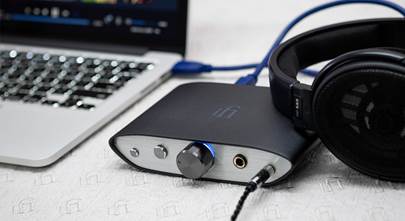
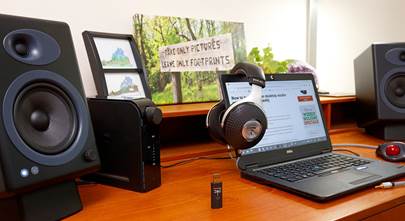
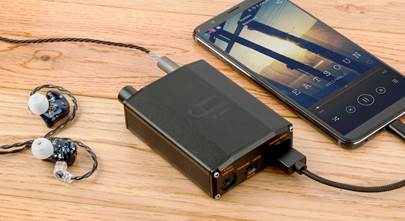
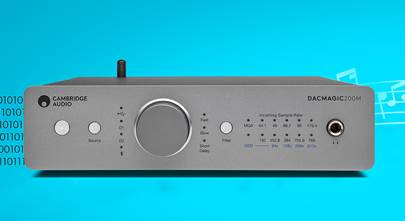
The iFi ZEN DAC 3 is a compact desktop USB DAC with a built-in headphone amplifier that turns digital music into high-quality analog sound. It supports high-resolution audio formats, offers flexible headphone and line outputs, and adds handy features like PowerMatch gain and XBass+ bass enhancement. Designed for use with computers, active speakers, or headphone rigs, it’s a versatile hub for better sound at your desk or audio setup.
How do I connect the ZEN DAC 3 to my computer or phone?
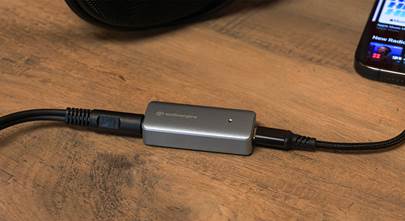
You connect the ZEN DAC 3 to your source using the included USB-C cable — plug the USB-C end into the DAC and the other end into your computer or compatible phone. It uses USB audio to bring digital audio into the unit’s DAC section and convert it to analog sound for headphones or line outputs.
Quick take
-
USB-C to device for digital audio + optional power
-
works with laptops, phones (USB-C), and PCs
-
no Wi-Fi or Bluetooth to configure
Do I need an external power supply?
Not necessarily. You can power the ZEN DAC 3 directly from your computer’s USB port, but many Crutchfield customers and our experts recommend adding a quiet external 5 V power supply to improve sound quality by reducing noise and freeing the USB cable for data alone.
Quick take
-
USB power works out of the box
-
optional 5 V supply (like iFi’s iPower2) can clean up noise
-
cleaner sound with dedicated power suggested
How do I hook up my headphones or speakers to it?
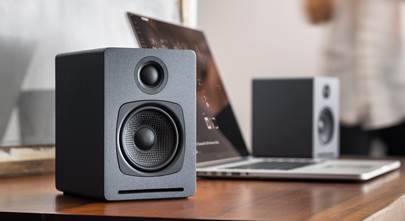
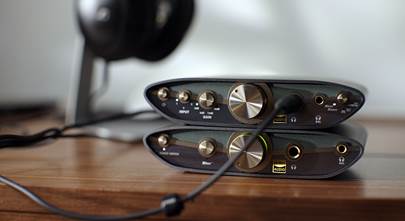
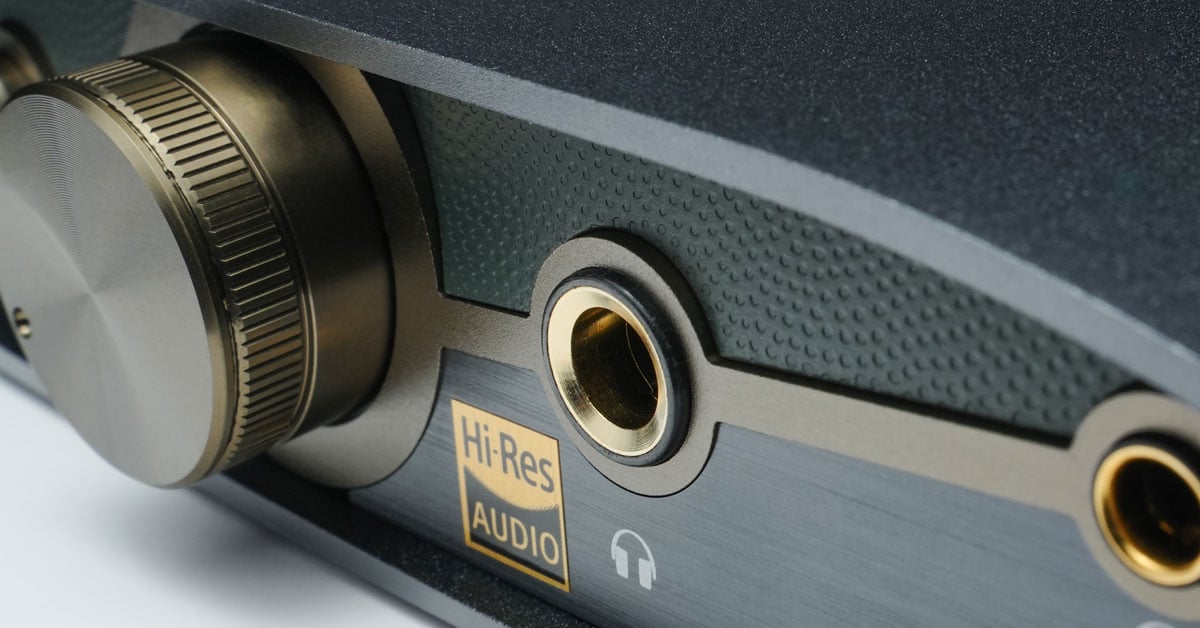
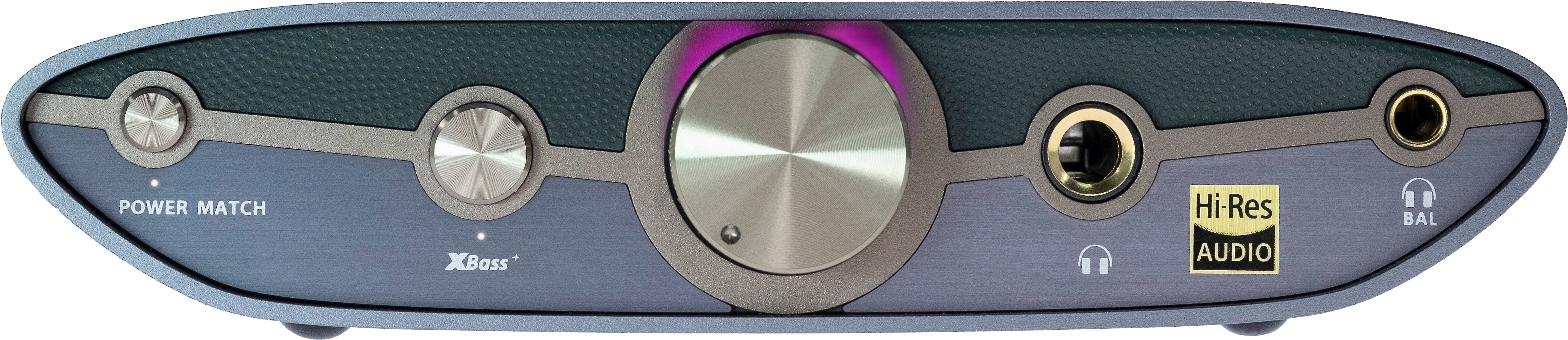
Plug headphones into the front balanced 4.4 mm or standard 1/4″ outputs. For active speakers or a stereo amp, use the RCA line outputs on the back. There’s also a variable/fixed switch to choose whether the ZEN DAC 3’s volume knob controls output level (variable) or acts as a pure preamp (fixed).
Quick take
-
front panel: balanced 4.4 mm + 1/4″ headphone jacks
-
back panel: RCA line outputs
-
variable/fixed switch for volume control behavior
What headphones will it drive?
The built-in amplifier delivers up to ~390 mW into 32 Ω headphones via the balanced output — enough to power many over-ears and demanding cans. The PowerMatch gain switch helps match this output to both sensitive and power-hungry headphones.
Quick take
-
up to ~390 mW balanced output
-
PowerMatch dual gain for easy matching
-
works well with both light and heavy loads
What audio formats and resolutions does it support?
The ZEN DAC 3 handles high-res digital audio — PCM up to 768 kHz and DSD up to DSD512 — and even full MQA decoding for compatible streams. This ensures it can faithfully reproduce the details in a wide range of hi-res files and streams.
Quick take
-
PCM: up to 768 kHz
-
DSD native support (DSD512)
-
full MQA decoding
What do PowerMatch and XBass+ actually do?
PowerMatch boosts the headphone output to better drive demanding headphones, while XBass+ is an analog bass enhancement circuit that restores low frequencies often lost in small or open-back cans for a fuller sound.
Quick take
-
PowerMatch: adjustable gain for a wider range of headphones
-
XBass+: analog bass boost
-
Works with both balanced and single-ended connections
Will this improve my music compared to my computer’s built-in audio?
Yes — most customers report a clear lift in detail, soundstage, and overall musicality compared to onboard audio from laptops or phones, especially with decent headphones. Users often mention fuller bass and clearer highs.
Quick take
-
Bbetter clarity and detail
-
improved bass response
-
bigger soundstage compared to built-in PC/phone audio
What do customers say about this DAC?
Most customers describe the iFi ZEN DAC 3 as a clear upgrade from built-in computer audio, with noticeably cleaner sound, better detail, and a smoother overall presentation. Owners appreciate its compact size, solid build quality, and simple USB setup, and many say it pairs well with a wide range of headphones for desktop listening.
Some reviewers note that while the ZEN DAC 3 handles most everyday headphones well, it may not provide enough power for very demanding models. A smaller number of users mention occasional USB or power-related quirks, but overall sentiment positions it as a strong value DAC/amp for entry- to mid-level audiophile setups.
Additional features at a glance
-
sturdy compact chassis with rubber feet for desktop setups
-
USB-C overvoltage protection and improved DC offset handling
-
works with active speakers in desktop rigs
-
balanced analog design for reduced noise and distortion
Need help choosing or setting up a DAC?
If you still have questions about whether the iFi ZEN DAC 3 is right for you, check out our DAC buying guide. Or contact us for one-on-one shopping help — Crutchfield Advisors are happy to help you find the right setup for your gear and listening goals. Free lifetime tech support is included with your Crutchfield purchase.
Other product Q&A articles
Explore all of our popular home and car product FAQs.