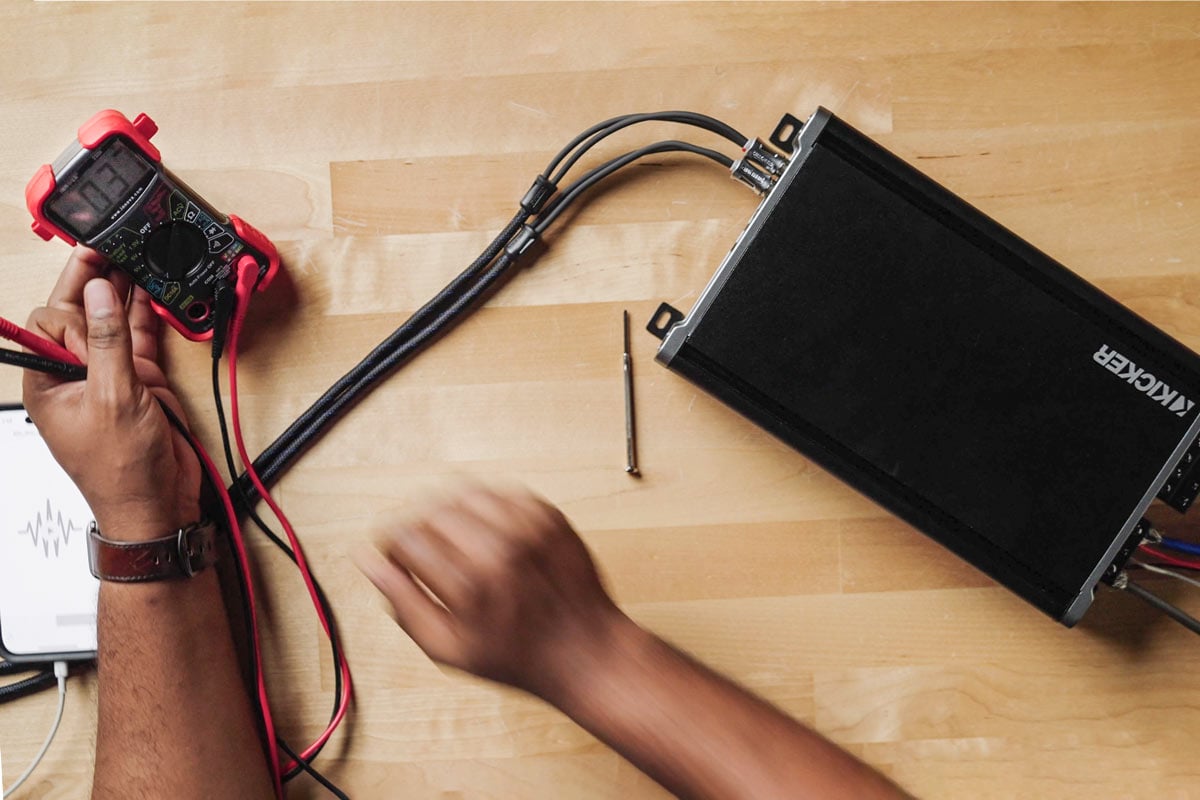
How to set amplifier gain using a multimeter
We show you how to correctly set your amp gain for your speakers or subs

In this article, we'll go over the two main ways to set your amplifier’s gain: with a multimeter and by ear. One way is definitely better than the other (spoilers: it’s using a multimeter), so follow along for a step-by-step guide.
Setting the gain on your car amplifier is an important step in the installation process. You need to match the input stage of your amplifier to the output signal of whatever source you’re feeding it a signal from. This will be a car receiver usually, either from the factory or aftermarket, or a line output converter or DSP.
The gain setting on your amp is not a secondary volume control, and if it’s setup incorrectly it could at best add audible distortion to your music, or at worst damage your speakers. The good news is once you set it, you’re done and never have to touch it again.

In this guide we’ll go over how to set gain with a multimeter, which is the preferred way, and also by ear. Each method will require test tones, so look for some 50Hz 0dB tones if you’re setting gain for a sub, and 1000Hz 0dB tones if you’re setting gain for full range speakers. You can find the test tones you need on Kicker's website.
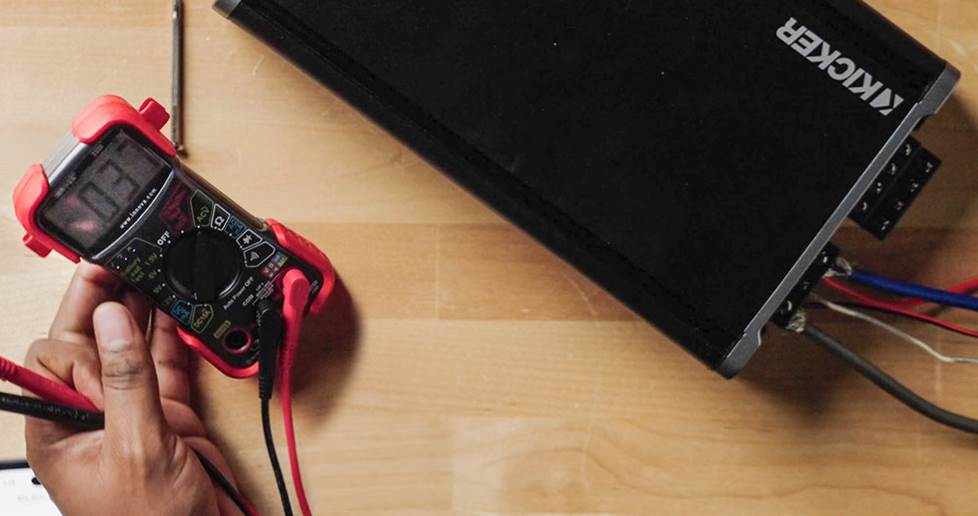
Setting gain with a multimeter
First things first, we need to do some math, as that will tell us what value to look for on the multimeter. We are going to be setting the multimeter to AC Voltage, so we need to figure out the correct amount of voltage to set the gain to. Some amplifier manuals will list this spec to help you out. Other amps include a light on the amp that turns on when it starts to clip. If you don’t have either of those, then you will need to use this equation:
Voltage (V) = √(Power Output × Impedance)
- Voltage is the number we need to know and will be the measurement we want to match on the multimeter.
- Power output is the goal RMS power output of the amp on that channel or channels. This number needs to be within the RMS capability of the amp or lower. You can set a 500 watt RMS amp to 400 watts RMS, but you can’t set a 50 watt RMS amp to more than 50 watts RMS.
- Impedance is either the listed impedance of the speaker or the circuit. If you have a speaker connected directly to the amp, like a 4 ohm speaker, then use 4 ohms as your number. If you’re setting gain for a number of subs wired together in parallel or series, use the end impedance of the circuit as the amp sees it, like two 4 ohm subs wired in parallel would give you a 2 ohm impedance.
- Math: Multiply the values for power output and impedance together, then find the square root of that number to get the target RMS value.
Now that you’ve found target RMS value, it’ll apply to the channels on the gain adjustment, and there’s usually one per pair of channels, or one per subwoofer channel. If you have different speakers with different specs you may need to use the equation again to get the RMS target for those channels too.
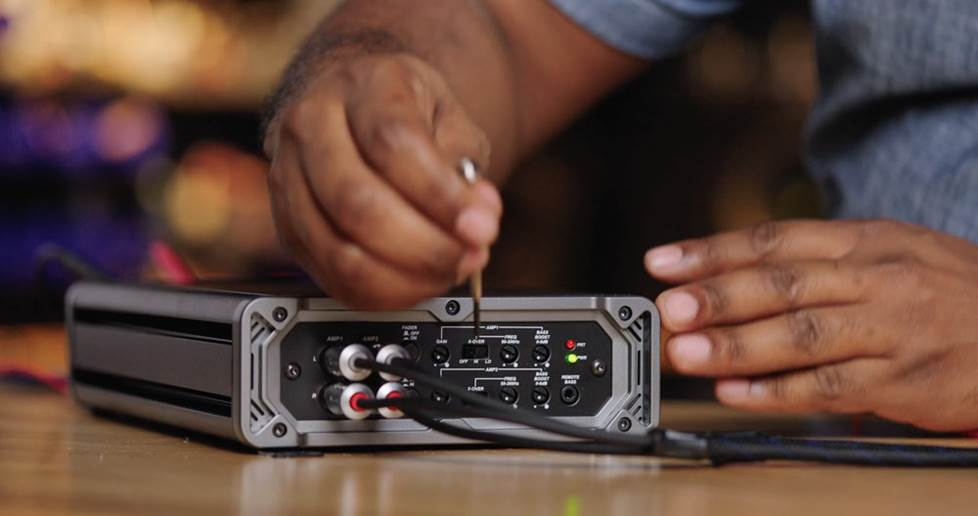
To prep your amp, turn the gain controls all the way down and do the same with any bass boost setting. Set the EQ on your receiver to flat and center the balance.
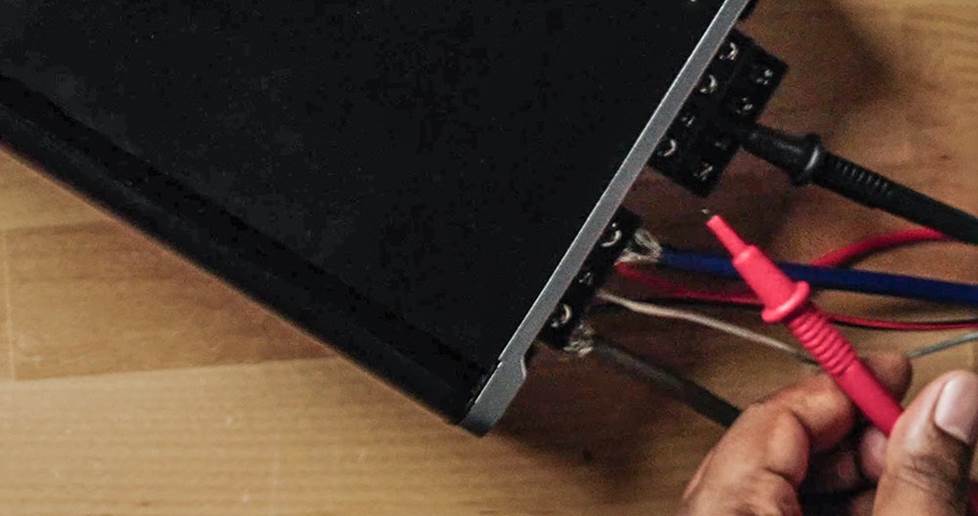
Now we’re ready to set the gain
To prevent damaging your speakers (and your hearing), make sure your speakers are disconnected from your amp before starting this process.
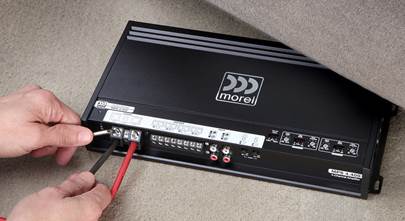
- First, disconnect your speakers from the amp terminals, and connect the multimeter's leads to the terminals for the first speaker channel. Make sure the multimeter is set to Voltage AC.
- Play the test tone on your receiver. Set it to repeat and turn the volume up to 3/4 of the maximum volume.
- Slowly turn the gain control up until it reaches the voltage from the equation, or just under if you can’t nail it exactly.
- Repeat this on any other channels you need to set.
And you’re done and never need to touch that gain control again.
Setting gain by ear
If you don’t have a multimeter (you should get one, they’re inexpensive and useful) then you can set your gain by ear. This process is a little different as you will leave the speakers connected.
People's level of hearing differs and it is possible to create clipping when setting gain by ear. We'd strongly recommend you do this with a multimeter instead.
- Play a song on your receiver that you know very well. Set the receiver at 3/4 of maximum volume.
- Turn up the gain until you hear distortion.
- Back off the gain until the distortion disappears.
- Repeat on any other channels you need to set.
That’s it! Enjoy your great sounding tunes.
Watch the video
In this video, one of our experts shows you how to do this just like we explained it above.
Do you need more help?
If you purchased your gear from Crutchfield, then you have access to free lifetime technical support on your items. Give our techs a call if you get stuck.
Need help getting your subs wired together for the right impedance? Check out our subwoofer wiring diagrams for directions.

_mobile.jpg)


Comments (0)