Enjoying Spotify in your car, at home, and on the go
Essential audio gear for Spotify Premium subscribers

Heads up!
Welcome to this article from the Crutchfield archives. Have fun reading it, but be aware that the information may be outdated and links may be broken.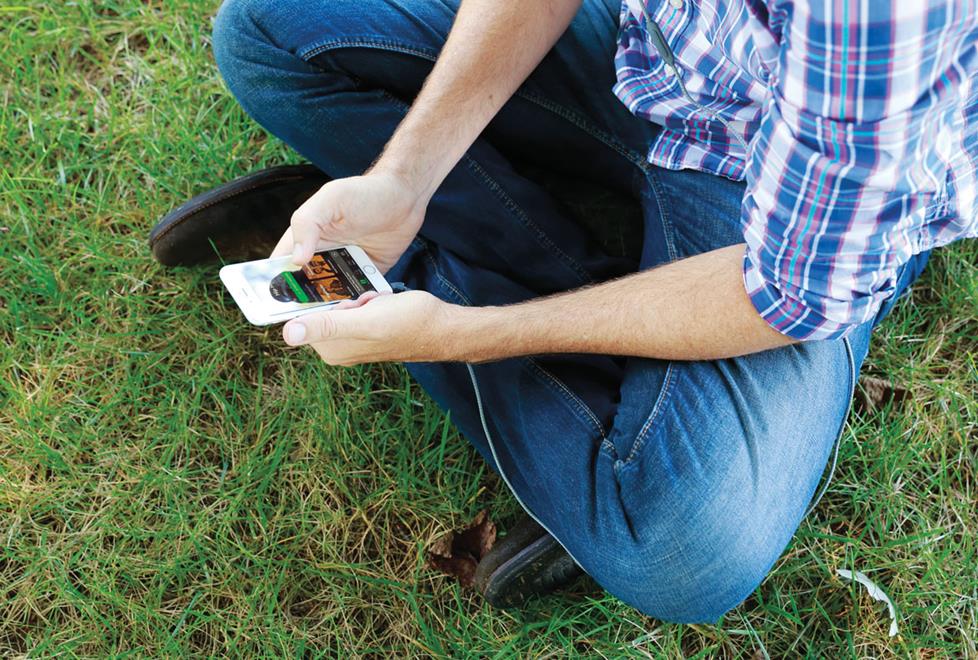
With 30 million Premium subscribers (including a whole bunch of us at Crutchfield!), Spotify is changing the way people listen to music. A quick search on your phone, and almost any song you want is yours to enjoy and share with friends. But while Spotify puts one of the largest music libraries in the world at your fingertips, listening over a lousy phone speaker or free earbuds can suck the fun out of the music. Never fear — we can show you how to enhance the Spotify experience anytime, anywhere.
Pro tip — Share your favorite music with your favorite people
Spotify’s social features are unparalleled. See what your friends like and build group playlists, follow artists for updates, and share your favorites with the world on the social app of your choice.
Listening to Spotify on your car stereo
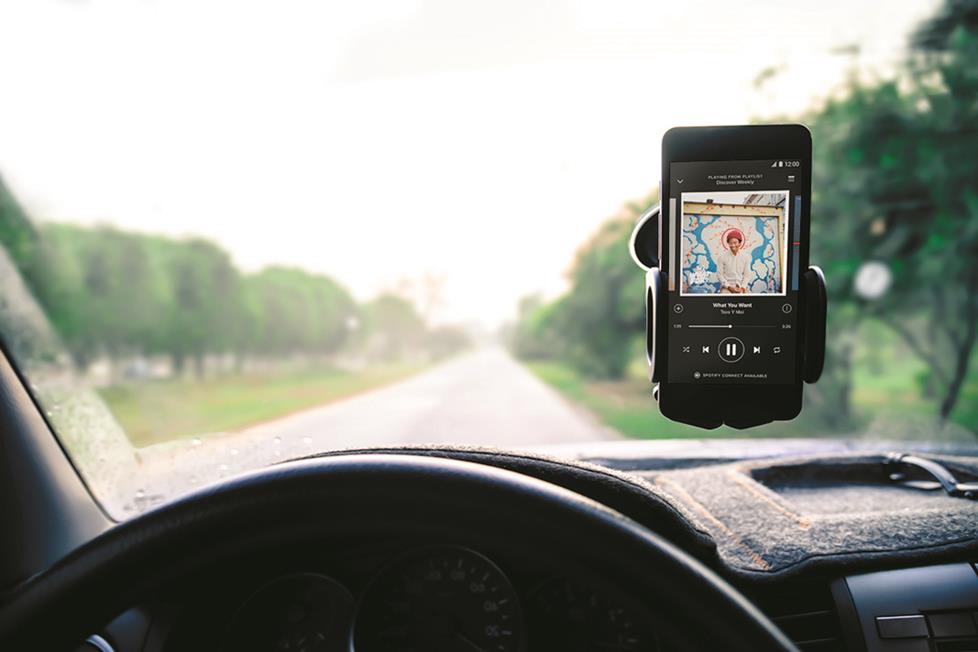
Music colors every experience. That’s why Spotify curates playlists for your life in the car, transforming your ride from ho-hum to awesome. But the question we get all the time is, "How do I listen to Spotify over my car’s sound system?" Answer: It’s all about your stereo.
You’ll find Spotify integration in a variety of 2" and 4" tall car stereos. Some give you the play/pause and track-skipping control you’d expect. But with a wired connection on an iPhone® or a Bluetooth® connection on Android™ phones, you’ll also be able to browse albums and playlists.
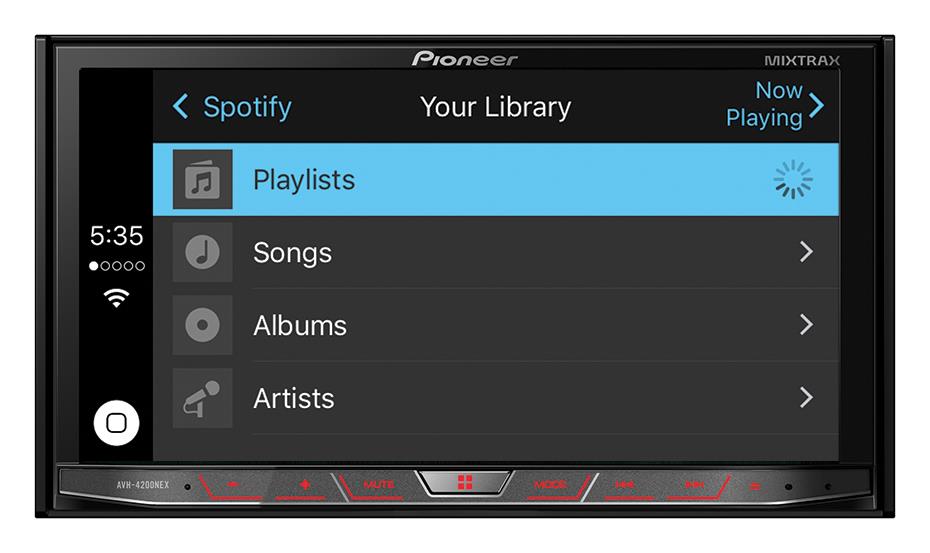
With touchscreen stereos featuring the Spotify app, Apple CarPlay™ or Android Auto™, you’ll gain the best versions of in-dash Spotify. Using the stereo's interface, you get a similar experience to Spotify on your phone, with larger buttons and text to make things much easier to use in the car. If you’re a huge Spotify fan with a compatible dash, this is the way to rock.
Pro tip — Download songs instead of streaming and save on data
Before you hit the road or go for a jog, use Wi-Fi® to download favorite albums or playlists to your phone so you don't use any data. You'll use up a bit of storage space, but Spotify makes music files easy to manage.Listening to Spotify at home
By now, we all know that the bummer of using your phone as a music player is that, sooner or later, you’re bound to get one of those pesky things called a “phone call.” It doesn’t matter if you’re entertaining or just taking it easy, waiting for an incoming call to go away or hearing a text ding in the middle of your favorite jam is akin to an old school record scratch.
Well, with your premium subscription, you can make use of Spotify Connect to enjoy great-sounding audio without interruption. Rather than stream music to your phone, you’ll stream directly to your home receiver, game console, or any other compatible device on your Wi-Fi network. (It's also a great opportunity to use Spotify’s Extreme sound quality setting.) Then, your phone works as a remote control to access your full Spotify profile and manage your music, all while doing double-duty as an actual phone.
Your home receiver or other device must be compatible with Spotify Connect. You'll find this info in the receiver's "Details" tab on our website, or you can find a full list on Spotify's site (via the link above).

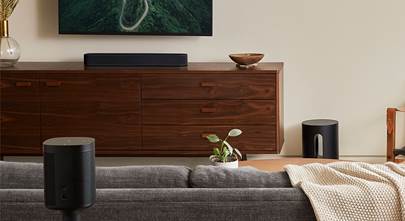
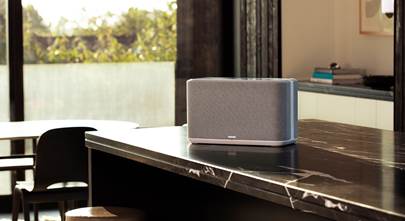
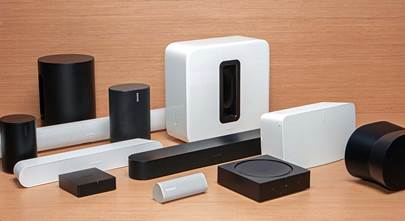
While a receiver and speakers offer the best Spotify experience when it comes to sound quality at home, there are lots of other options. Sonos offers an easy way to add music to multiple rooms, as well as easy Spotify control. If flexibility is what you need out of a home audio system, check out the Sonos Era 100 streaming smart speaker. Compact and powerful, this impressive speaker is the perfect first step into the world of whole-house wireless audio. Add one to every room or expand your system with more Sonos gear.
Pro tip — Use Spotify's Extreme setting for better sound quality
Maximize your Spotify subscription by setting your music quality to Extreme (320 Kbps). You’ll use more data if you’re not on Wi-Fi, but you’ll hear a more robust sound.
Make working out more fun with Spotify
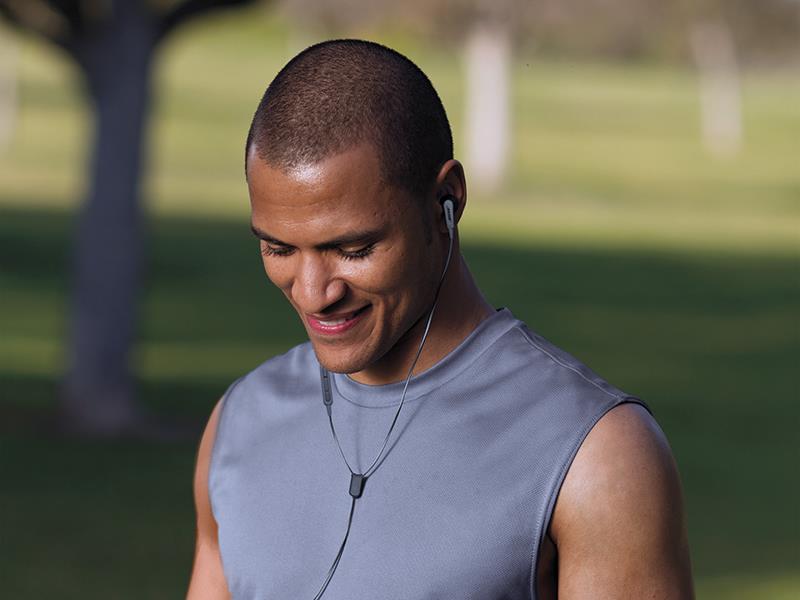
What better time for tunes than a workout? With a pair of sport headphones, you’ll be free to lose yourself in the moment. These tiny headphones are built for comfort and durability, as well as great sound quality.
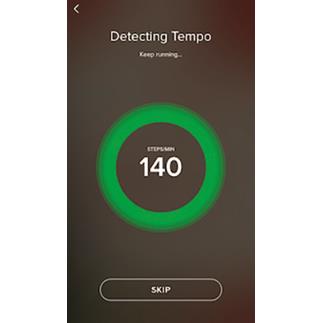
Get in the zone by selecting a Spotify workout playlist. If you choose one of Spotify’s many Running playlists, the app will even measure your cadence while in motion, then match it with music of a similar tempo. Talk about motivation...
Pro tip — Integrate your old music files
Already have a large (and rare) music library? If you create a Spotify playlist using local music files on your computer, that playlist will appear on your mobile device as well. Using Wi-Fi, you can download those tracks to your mobile device for offline listening via the Spotify app.
Take a Bluetooth speaker for Spotify wherever you go
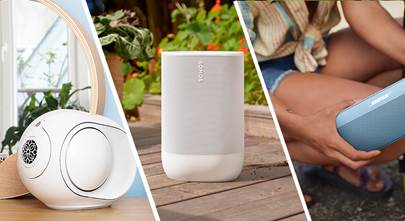
A durable, loud Bluetooth speaker is perfect for taking your tunes with you — throw it in a bag if you’re going camping, heading to the beach, or just hanging by the pool. Some speakers are even waterproof, so they’re ideal for taking outside.
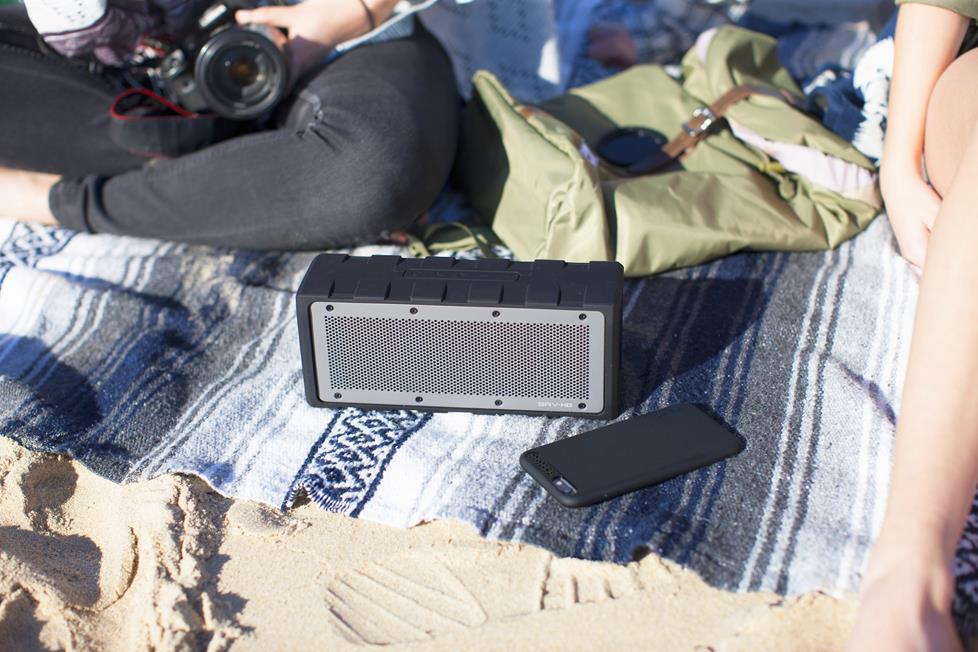
Take-it-easy time is also prime music discovery time with Spotify’s Discover Weekly playlist. After studying your tastes, Spotify offers you a customized playlist every Monday.
Questions about Spotify?
If you have any questions about how to incorporate Spotify into your life, just give us a call. Wondering what songs our audio experts and music lovers recommend? Follow Crutchfield on Spotify.



nic! from seattle
Posted on 5/31/2020
how do I get a clean input (output?) from spotify to drive an old McIntosh amp hooked to old CV D-9s or a pair of Bose 801 IVs? Surface pro4 has a noticeable artifact in headphone output as does S9+, especially if hooked to factory power supply. Also if a proprietary device is required, will it work with Mixcloud/Soundcloud sources inside Opera browser?