Guide to high-fidelity computer audio
How to get better sound and hear it throughout your home

Your computer is a versatile audio component. It’s great for storing your digital music files and for discovering new music online. Here's how you can get great sound from your computer, tie it into your home audio system, and improve your user experience.
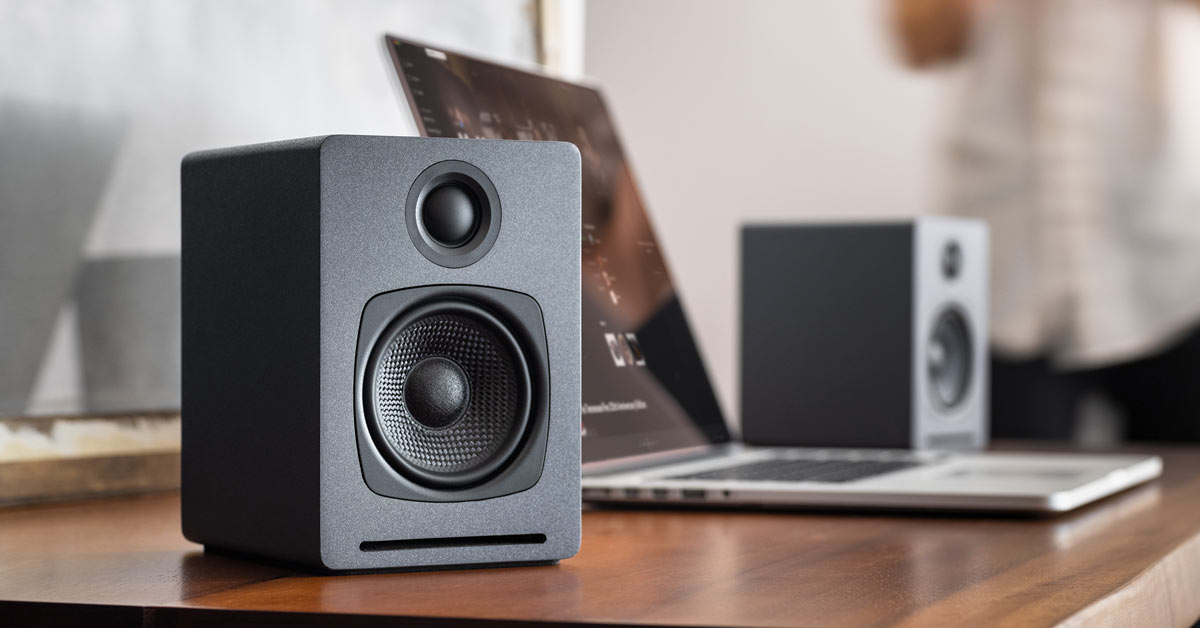
A computer-based audio system can be ideal for an office or den. Add a pair of high-quality speakers to transform your work computer into an audio system.
You can also tie your computer into your high-performance home A/V system. And you can even make your computer part of a wireless multi-room audio system
In the video below, we compare five different pairs of computer speakers. Each pair gives you a different set of options.
Optimize headphone listening
Plugging a set of headphones into your computer is the simplest way to hear music from it. With a few additions, you can get high-fidelity music through your ‘phones.
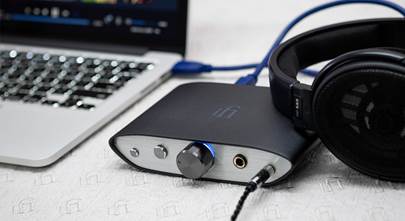
Inside your computer is a digital-to-analog converter (DAC). This translates your music files into analog signals for your headphones. An external DAC bypasses your computer’s inferior DAC. You get sound that's more accurate and detailed.
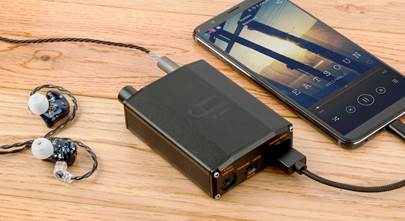
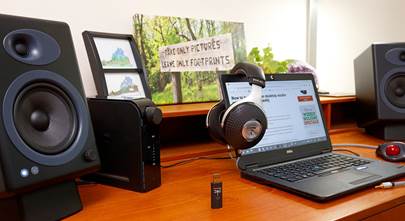
Small portable DACs are a great option for laptops and travel. Plug the DAC into your computer, then plug your headphones into the DAC for great sound.
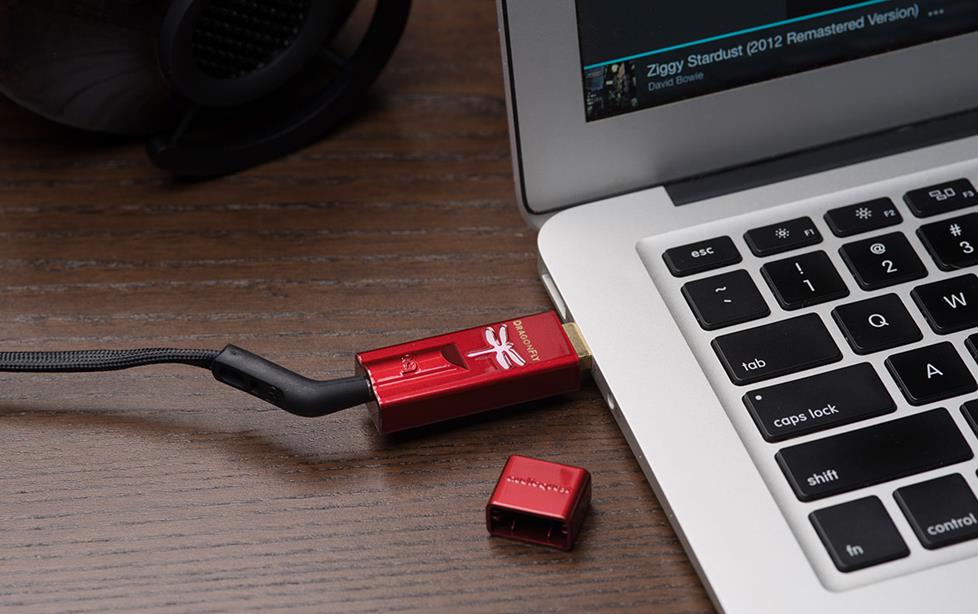
The AudioQuest DragonFly® Red v1.0 DAC/headphone amplifier plugs into your computer's USB port.
Use better quality headphones
There's another easy way to get more from your computer’s audio files. Upgrade to high-performance headphones. Such headphones are more responsive and can reveal more detail. But they need more power than a headphone jack can supply for peak performance.
A headphone amp can provide that extra power. With it, your high-performance headphones sound the way they should. An external DAC/headphone amp combo gives you better sound and more power.
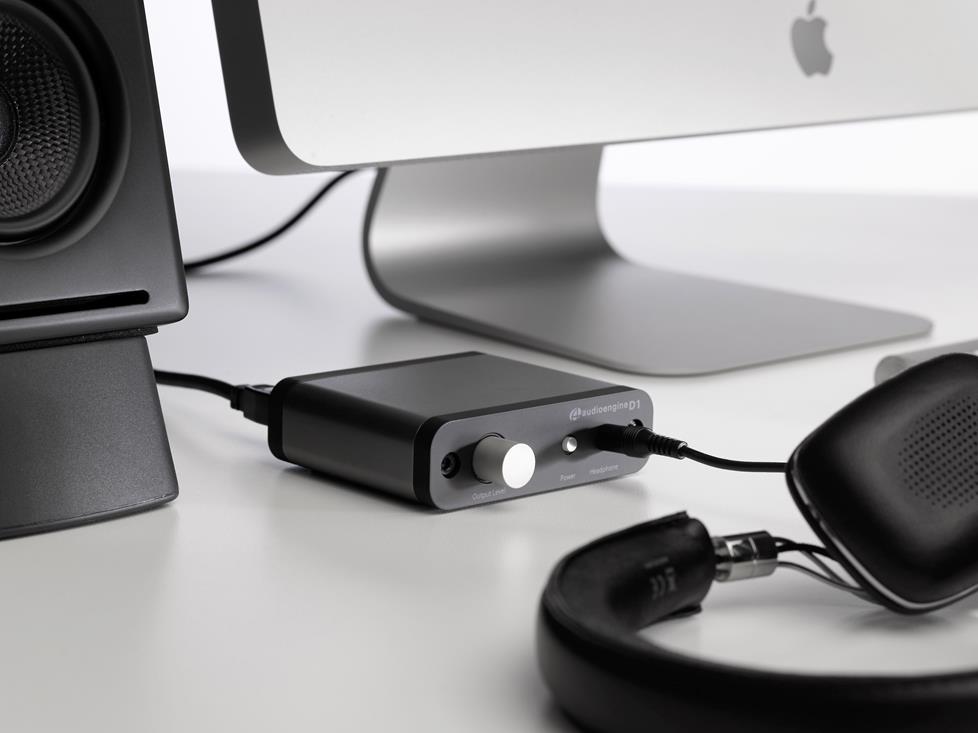
The headphone amp inside the Audioengine D1 DAC delivers rich, detailed sound.
Upgrade your desktop speakers
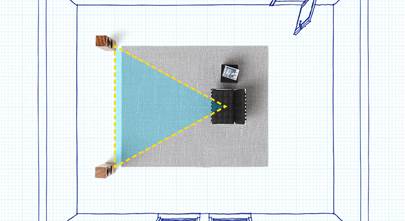
A computer connected to two speakers makes a great audio system for an office or den. But don’t settle for the speakers that came with your computer. Many computer speaker systems deliver great sound without taking up a lot of space.
Some systems have built-in DACs for higher quality decoding (and thus better sound). For speakers without one, using an external DAC can have the same effect.
Most computers come with Bluetooth® and Wi-Fi® built in. A wireless speaker system eliminates cable clutter.
If you use your computer for gaming — or want bigger sound — you might consider a sound system with a subwoofer. Computer audio subwoofers are compact enough to fit under a desk. And like their companion desktop speakers, made for near-field listening.
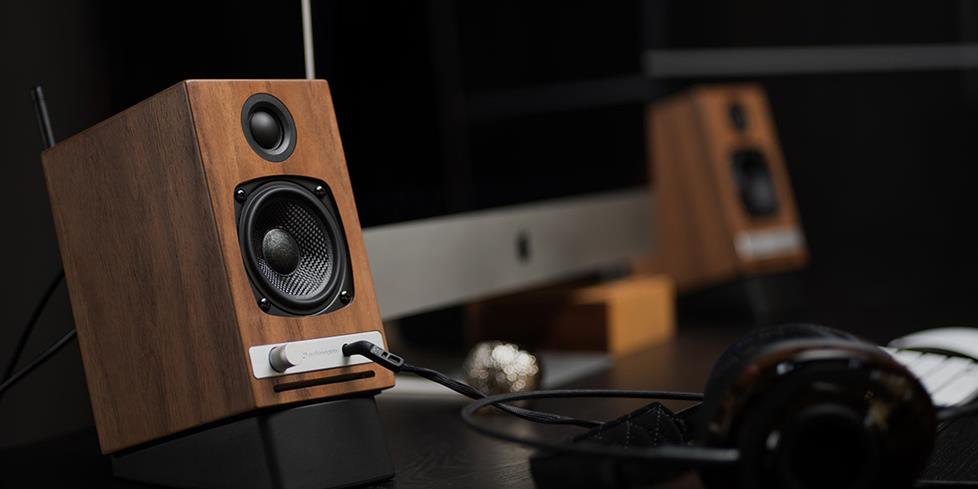
Powered home stereo speakers make great computer speakers, too.
Computer-to-home-A/V-system options — wired
There are several ways to integrate your computer into your home audio system. You can use a simple 3.5 mm-to-RCA cable to connect your computer’s headphone jack to an aux input on your receiver.
For improved audio, use a USB DAC. The DAC plugs into your computer’s USB port, and has analog output (often RCA stereo output) for your receiver.
Computer-to-home-A/V-system options — wireless
Can your receiver and your computer connect to your home Wi-Fi® network? You should be able to stream music from your computer to your receiver via the network. And you don’t need a multi-room system for this.
Or you can use a wireless USB DAC. This device has two pieces. A USB DAC with a wireless transmitter, and a signal receiver with analog output. The transmitter connects to your computer via its USB port. The signal receiver connects to your stereo receiver or speakers.
Multi-room audio
Wireless multi-room audio systems such as Sonos, and Denon HEOS can access music stored on a computer that's connected to a home network.
Does your digital music library include high-resolution audio files? Consider a multi-room audio system designed to play them with all their sonic detail. Bluesound has such system, as does Yamaha MusicCast. DTS Play-Fi is also compatible with high-resolution streaming. See Wireless Multi-Room Audio Systems for more information.
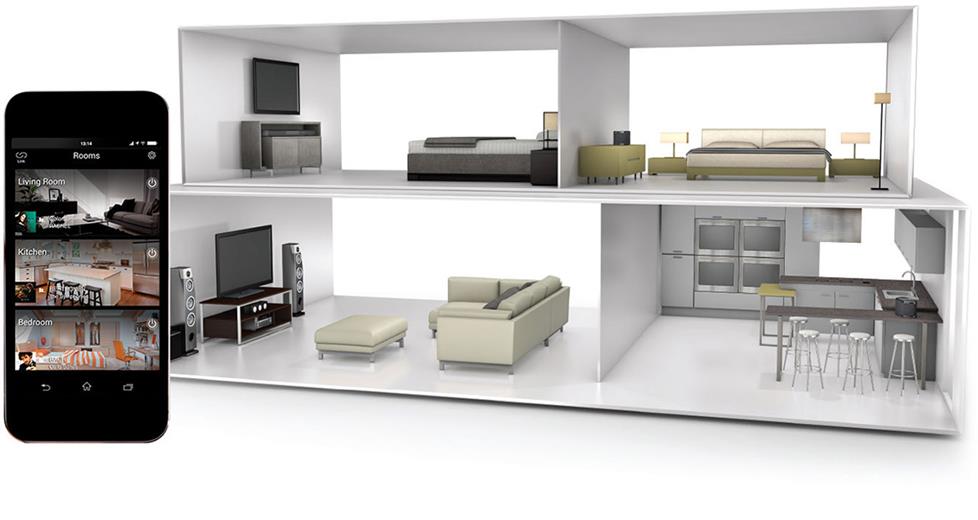
With a multi-room audio system such as Yamaha's MusicCast, you can play music stored on your computer throughout your home.
Controlling your system
Virtually all multi-room audio systems are controlled with smartphone and tablet apps. Third-party apps can also add to your experience, and make your system even more manageable and fun to use. Roon, for example, helps pull together all your music from various sources. It provides bios, discographies, related artists and other info to enrich your listening experience.
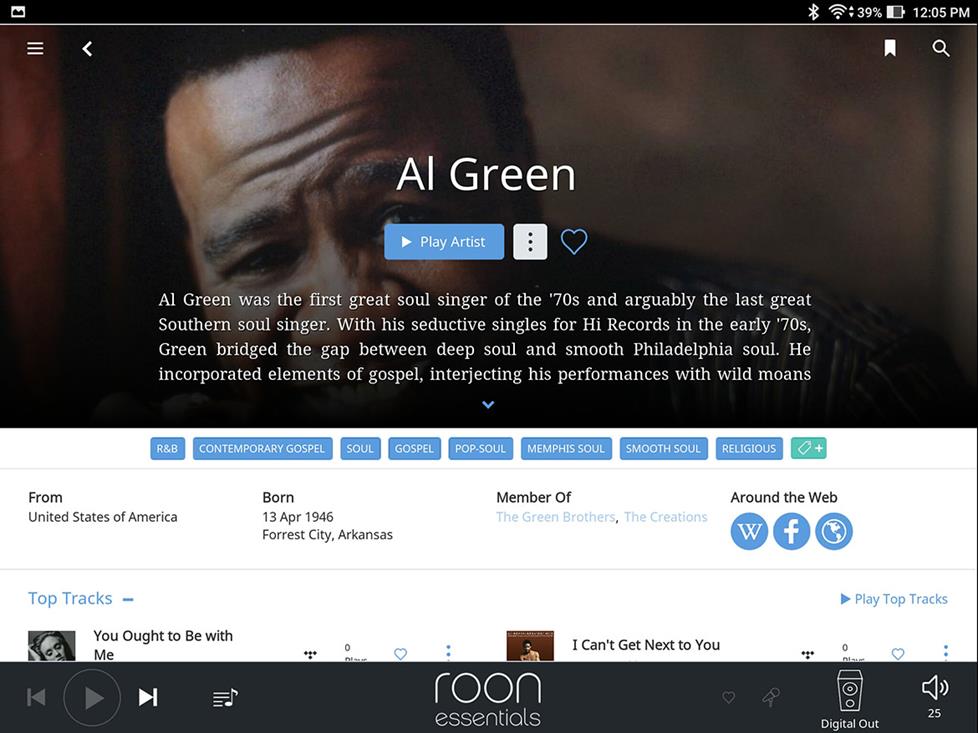
Roon puts your music files and songs from the Tidal streaming service into the same fun-to-use interface.
High-performance sound for high-resolution audio
The secret to getting the optimal sound from your computer’s music library is simple. Build your digital music collection using the highest quality song files possible.
When you rip CDs, for example, take a moment to check the settings of your music or editing software program. The default file settings aren’t usually the highest resolution possible. Changing them is pretty simple. In iTunes, for example, you can access the import settings through “Preferences.” AudioQuest has a helpful guide for setting up a high-performance computer audio system.
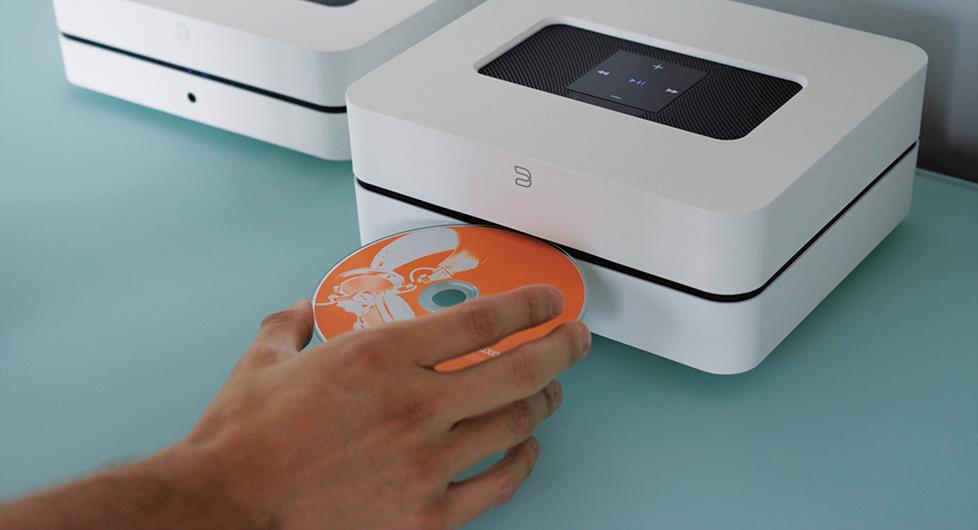
The Bluesound Vault 2i Streaming music player has a 2TB storage drive. You can set its built-in CD ripper to save to FLAC or WAV formats.
Hi-res downloads
If you download music, check for high-resolution format options. High-resolution downloads often deliver better than CD-quality sound. There are sites that specialize in high-resolution downloads. HDTracks, ProStudio Masters, and Acoustic Sound Super Res are good examples.
High-resolution files are usually large. An external hard drive, music server, or NAS drive usually has more memory than a computer. Plus, it helps keeps the computer’s memory freed up for other functions.
Hi-res streaming
Most music streaming services offer two tiers. There's a free, ad-supported service, and a subscription ad-free service. Most free services stream at 128kbps. The sound quality is usually adequate, but not exceptional. Subscription services can stream at 320mbps. Some are transitioning to higher-resolution streaming formats.
TIDAL offers a high-res stream that uses MQA encoding. MQA allows high-resolution files to stream without requiring extra bandwidth. Amazon Music HD streams in the FLAC format.
Three levels of hi-res audio are available from Qobuz, depending on your subscription plan. They offer 320 kbps MP3s for their basic plan, 16-bit/44.1 kHz FLAC files for their intermediate plan, and 24-bit/up to 192 kHz hi-res FLAC files for their premium plan.
His-res streaming offers a significant difference in sound quality that you should be able to hear. Especially if you use high-performance speakers, headphones, or your A/V system.
Is your network ready for hi-res streaming?
Plan to stream high-resolution audio files from your computer? Make sure your home Wi-Fi network can handle them.
One way to improve performance is to hardwire your computer and your receiver to your router. You can do this with Ethernet cables.
You also might want to upgrade your router. A multi-room audio system streaming high-res audio requires more bandwidth. A high-performance router can handle that increased demand.
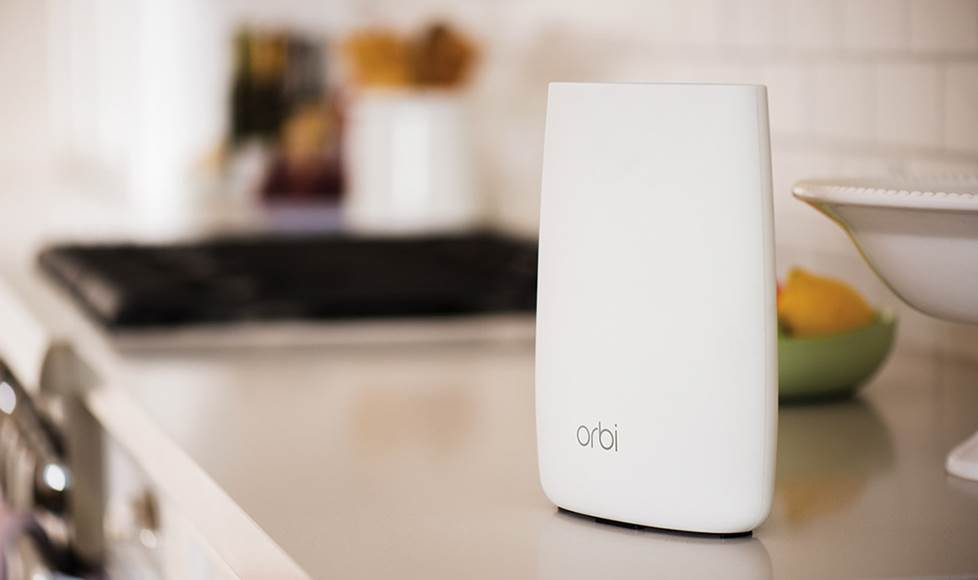
A high-performance Wi-Fi router can ensure reliable high-res audio streaming.
mobilee.jpg)