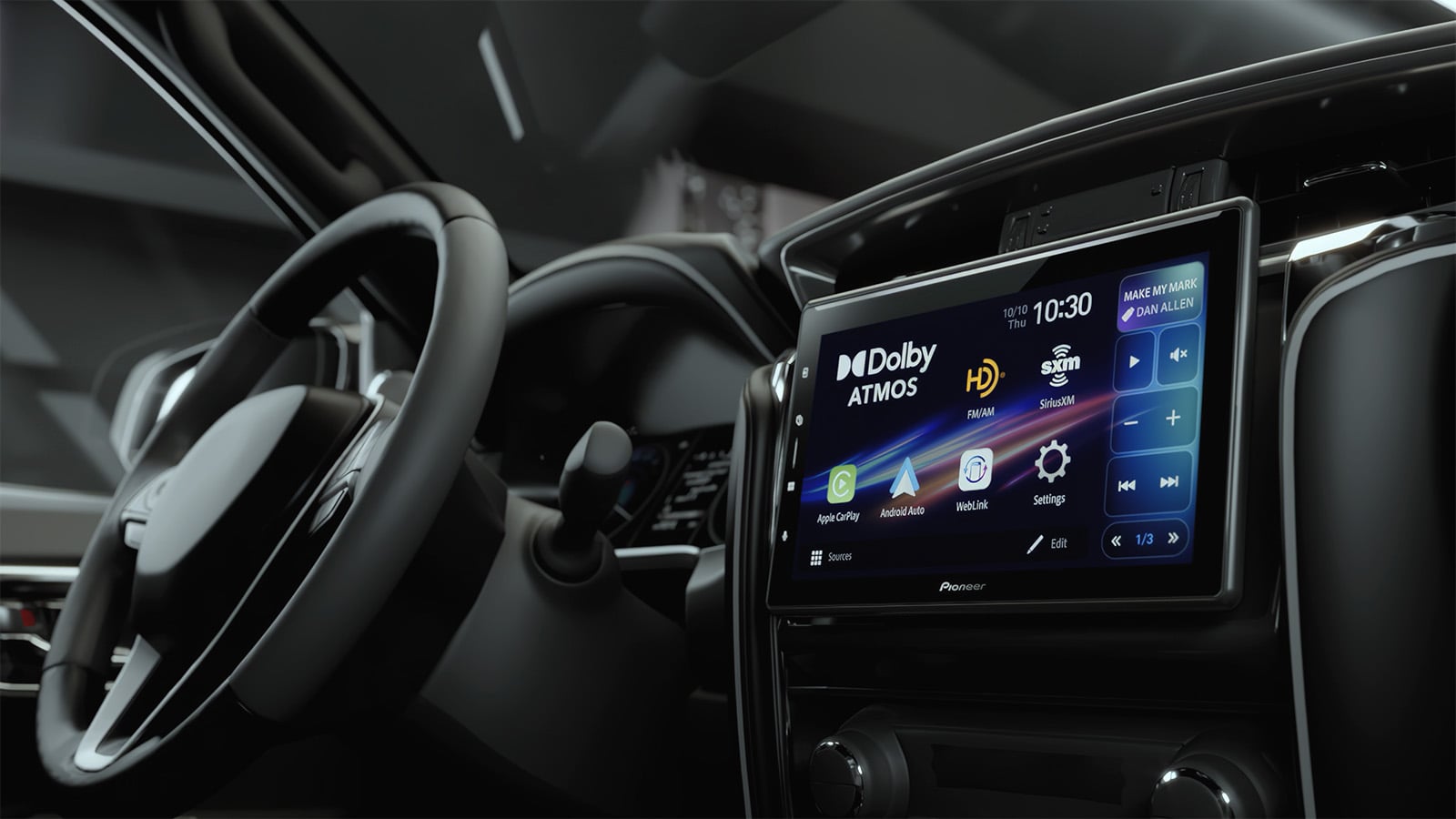
Pioneer SPHERA car stereo review
A look (and listen) at the first aftermarket car stereo with Dolby Atmos® decoding

The Pioneer DMH-WT8000NEX receiver, better known as SPHERA, is the first aftermarket car stereo that offers Dolby Atmos decoding. Pioneer provided us with a sample, which we installed in my 2016 Toyota Camry. Several Crutchfield employees had the chance to listen and share their impressions of this latest in-car technology.
W
e get excited when new tech features begin to pop up in the gear we carry at Crutchfield. But the brief whispers of a car stereo that would work with Dolby Atmos encoded audio quickly accelerated that excitement to a fever pitch — even more so when we got the chance to hear it. Pioneer's SPHERA is the first of its kind. It can decode Dolby Atmos audio from sources like Apple Music® and Audible®, and also create a simulated spatial audio experience for other streaming audio sources.
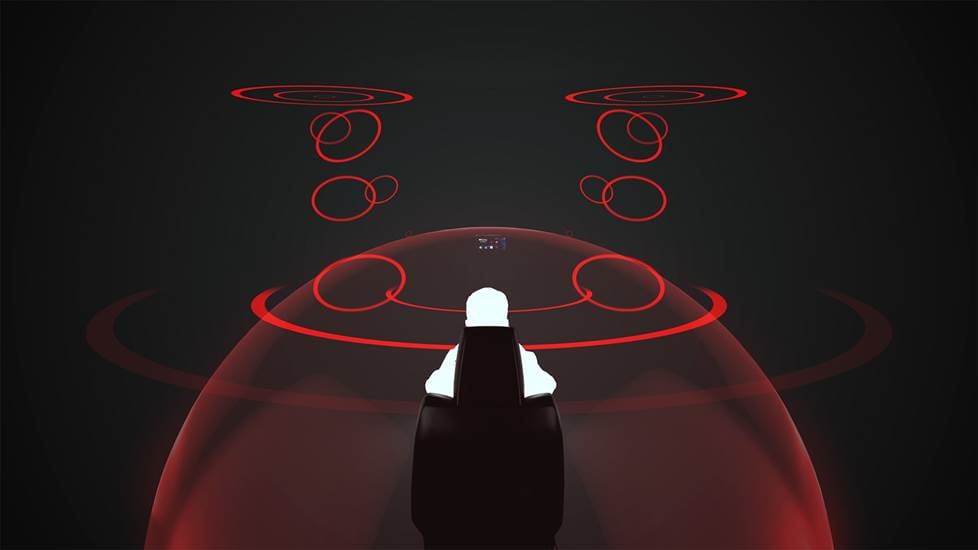
Largely known as a surround-sound format for home receivers and headphones, Dolby Atmos is now available when you hit the road. SPHERA's immersive, spacious sound puts you smack in the middle of the studio, soundstage, or concert hall.
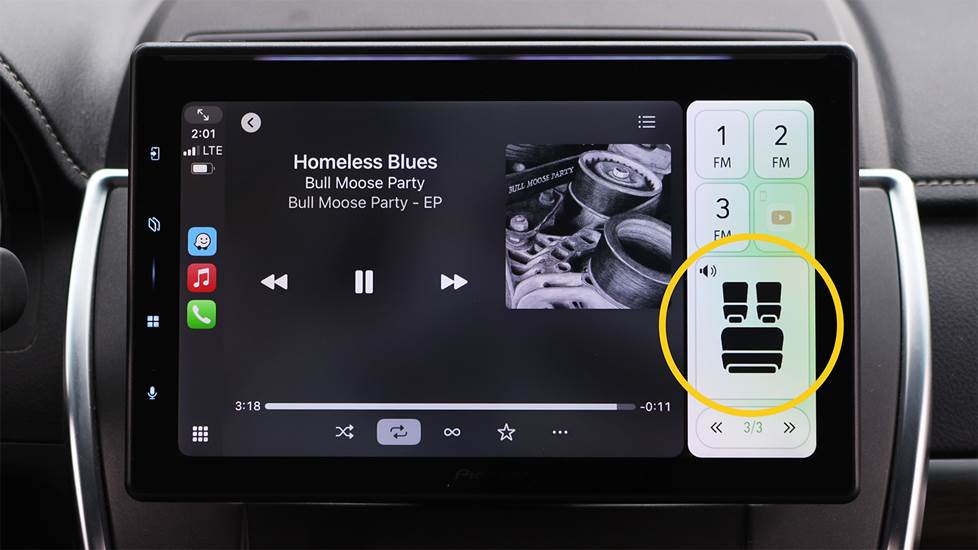
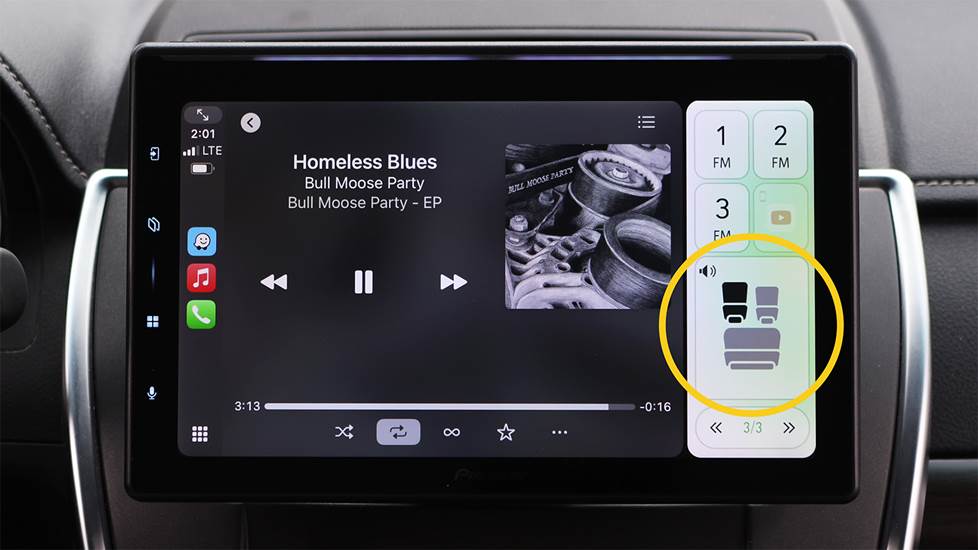
Be in the middle of the sound stage without changing seats. Once the autotuning is complete, you can adjust the seating switch on the fly to listen when you're driving solo or share the best imaging for everyone in the vehicle.
As with a home theater system, specific sounds go to specific channels. And what makes this receiver a game-changer is Pioneer's exclusive autotuning calibration system. Once SPHERA has done its thing, you’re likely to hear individual instruments and vocals moving between individual speakers — giving you a sense that you’re in the middle of the staging. Best of all, SPHERA's built-in processing lets you change the sound on-the-fly for the number of people in the vehicle — so everyone feels like they're in the middle of the music (if you want to share, that is).
What you need
With the SPHERA receiver and at least four speakers in your system, you’ll use an iPhone® linked to Apple CarPlay® to stream Dolby Atmos tracks from Apple Music®, Apple Music® Classical, and Audible®. Pioneer let us know that they're working on more compatible apps.
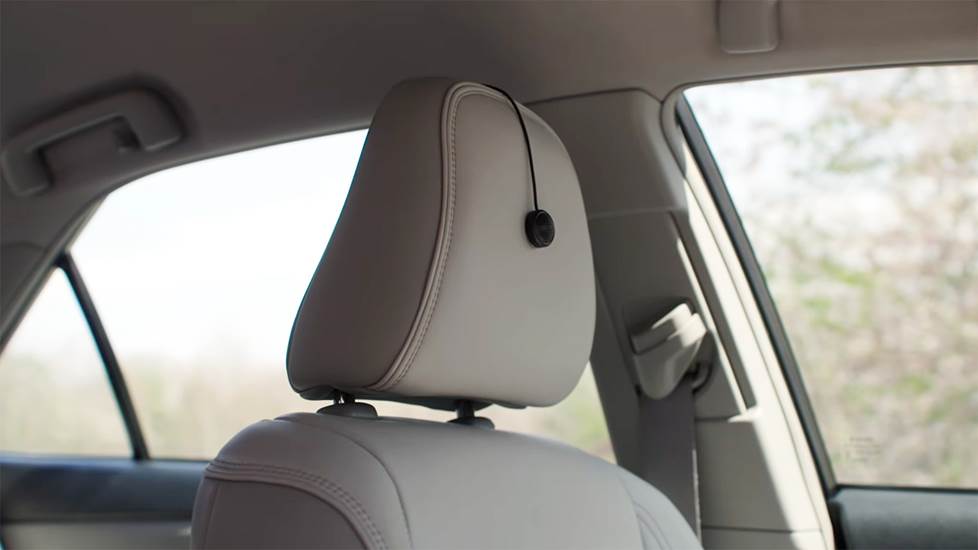
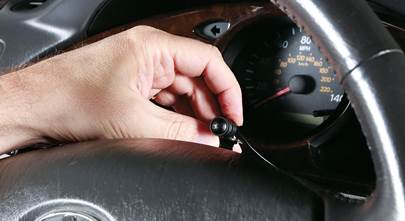
Pioneer recommends that you place the included autotuning microphone on the front of the driver's headrest.
During the autotuning process, the receiver measures your vehicle’s acoustics through the included microphone connected to the receiver's AUX input. SPHERA uses this info and its Dolby Atmos decoding to deliver a sonic experience tailored to your space and the current audio gear you have. And if you upgrade your sound system later on, you'll want to recalibrate to get the sweetest sound from your new gear — that means hang onto that microphone and keep it handy to use after your upgrade.
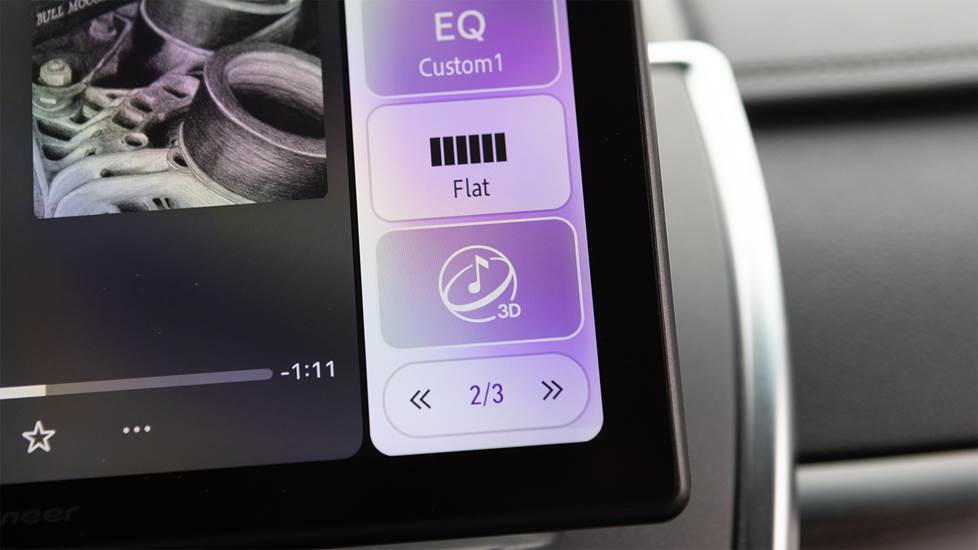
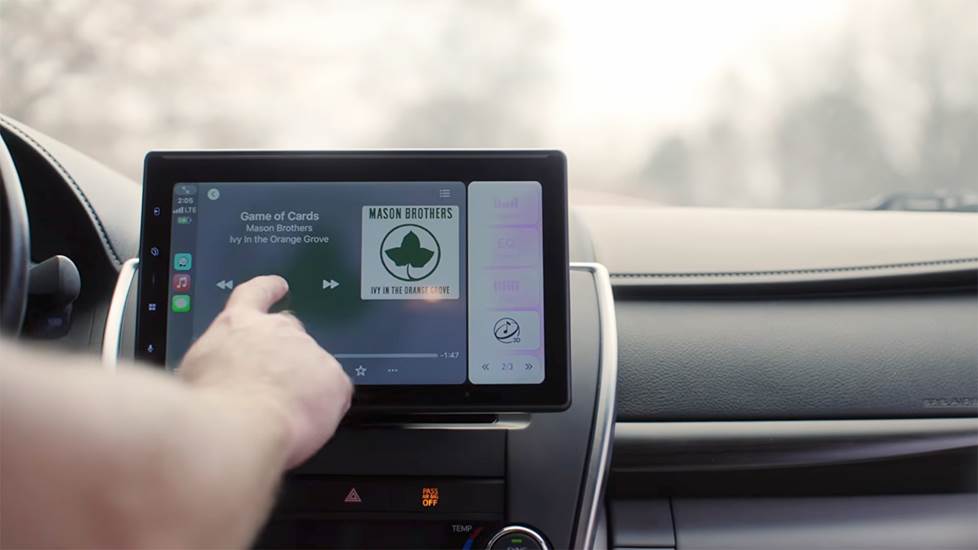
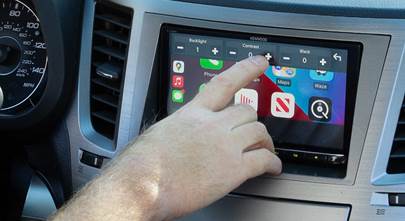
When not listening to a Dolby Atmos track, you still can get that amazing simulated spatial audio sound. This onscreen "3D" button is dark when it's active, or you can turn it off for traditional stereo sound.
If you're not listening to streaming audio with Dolby Atmos, don't despair. That same calibration and processing work for audio without Dolby Atmos using SPHERA’s simulated spatial audio option, which you can switch on and off as you prefer. In addition, Pioneer still includes its full arsenal of sound-shaping tools, so you can zero in on the sound that suits your taste.
Our SPHERA experiences
Matt, my editor and longtime car guy, and I installed DMH-WT8000NEX in my 2016 Toyota Camry, which still has the 10-year-old factory rear deck and front door speakers with dash tweeters (yes, I'm so ashamed). We plugged the included microphone into the receiver, followed the simple onscreen instructions to calibrate the interior of the Camry, and hopped out while the Pioneer took several minutes to do its thing. We didn't have to tell the stereo anything about the current system. Once it was done with its beeps and boops, we opened Apple CarPlay and settled in to hear the difference from Dolby Atmos encoded music I'd gathered in a playlist.
Jimi Hendrix's “All Along The Watchtower” kicked on, and both Matt and I immediately put our heads against the headrests and looked at each other in amazement with eyes opened wide. Immediately, all the sound rose from the lower door and side dash corners to a full sound array at the dash (and ear) level. Instruments were more distinguishable and separated. The lead vocal was dead center — impressive considering there's no center speaker.
One standout Dolby Atmos song we listened to was Lorde’s “Royals.” During the chorus, we heard her voice at dash level, while the backup vocals came from the rear speakers. And the impressive bass throughout rattled the junk in my door pockets, even with no sub. I’d created a matching playlist on YouTube Music for songs without Dolby Atmos and played that too. We really dug SPHERA’s simulated spatial audio option. While it doesn’t have that same channel separation that Dolby Atmos tracks have encoded, it’s still amazingly enveloping.
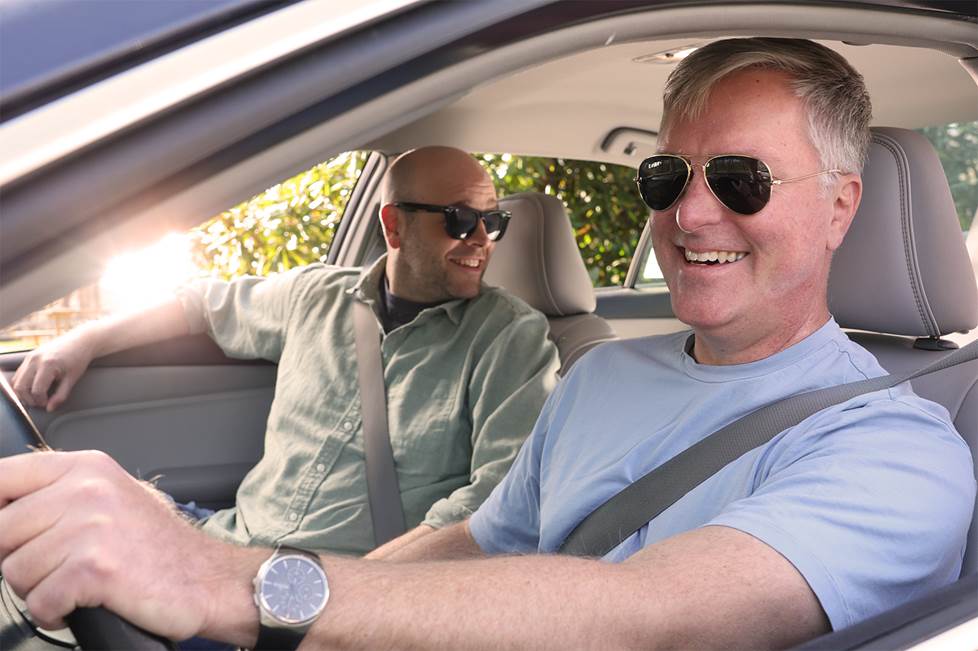
Our headphone writer, Jeff, wasn't the only one shocked to hear background singers actually coming out of the back speakers. The sound truly surrounds you, much like a home theater system does.
The next thing we knew folks from different departments at our headquarters, who’d heard about SPHERA, were showing up to have a listen. I loved watching their reactions as I switched the calibration on and off and adjusted the seat position switch. Some didn't believe that the remainder of the sound system was factory gear. Spacious, expansive, impressive, and amazing were adjectives I heard more than once. Our home A/V editor, Dave B., has a lot of experience with Dolby Atmos in home theater systems. After hearing a few tracks, he mused, "I don't know what they’re doing in there, but it's working.”
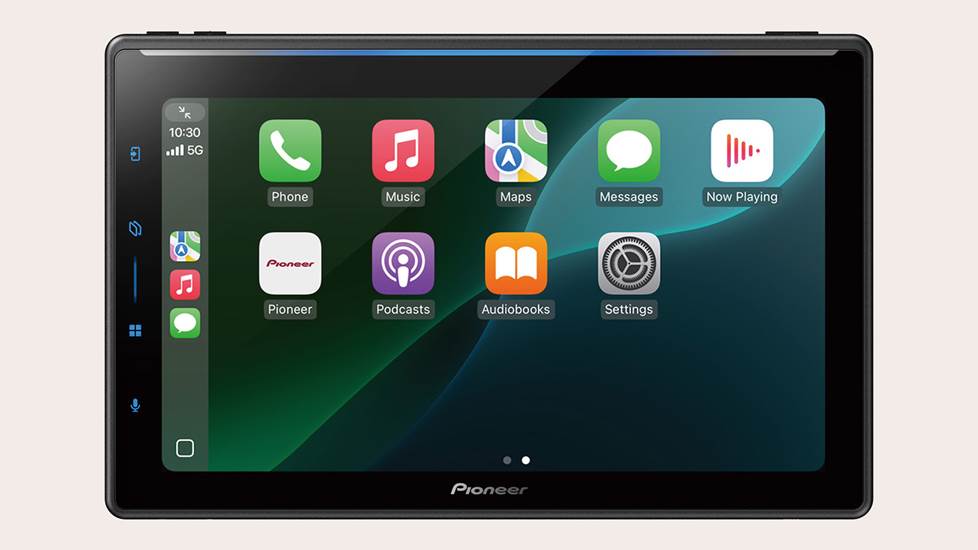
It's a great car stereo, too
The SPHERA's 10.1" floating touchscreen display shows off your Dolby Atmos music details beautifully, but it also provides crystal-clear resolution for your navigation apps, music info, and onscreen controls. Its split-screen capabilities work with wired or wireless Apple CarPlay and Android Auto™, so you can tweak your EQ and spatial audio and still get directions to your destination. This Pioneer has a single-DIN (2" tall) chassis, so it can fit in a wide variety of vehicles.
Pioneer's free PxLink smartphone app lets you unlock even more display options, including setting customizable wallpapers from your phone's images, reorganizing the screen's shortcut key layout, and using your phone as a remote control for the receiver.
More audio options
In addition to the audio apps you can use with your smartphone, SPHERA plays high-res music files stored on a USB drive, including WAV and FLAC files. It sounded amazing with songs from my FLAC library. In addition to working with the calibration mic, the rear aux input gives you the option of playing from a portable music player, cassette, or CD player. You can also add a SiriusXM tuner (and a subscription) to this Pioneer to enjoy satellite radio's deep programming. You can stay in tune locally as well and enjoy crystal-clear audio from participating stations with this Pioneer's built-in HD Radio™ tuner.
Control and expansion options
Pioneer includes a 13-band parametric equalizer, digital time alignment, and bass/subwoofer controls that can be part of your home screen for quick adjustments on the go. SPHERA also includes three pairs of 4-volt RCA preamp outputs that provide an ultra-clean signal when you add amplifiers to your system. Imagine what Dolby Atmos would sound like with those additions.
Answers to early SPHERA FAQs
- Currently, the Dolby Atmos decoding only works within Apple CarPlay and only using Apple Music, Apple Music Classical, and Audible. Pioneer has stated that compatibility with more apps that offer Dolby Atmos audio will be coming, but they have not released any time estimates.
- Dolby Atmos decoding is not currently active through Android Auto.
- Dolby Atmos decoding does not currently work with any streaming video content.
- The simulated spatial audio currently only works with audio streaming within Apple CarPlay. It is not active with other sources like AM/FM radio or music on a USB drive. However, seating position calibration does work with all sources.
- SPHERA's Dolby Atmos decoding requires a minimum of four speakers in your system.
- If you upgrade any part of your vehicle's audio system, including speakers, subs, amplifiers, and/or even sound-deadening material after installing SPHERA, we recommend that you recalibrate the system for the best experience — so you'll want to keep that microphone handy.
- Want to impress your passengers? You can select the autotuning as a favorite in the receiver's settings and quickly turn it on and off as you show off your Atmos wizardry.
Watch our video review
Pioneer's SPHERA definitely impressed us
Some skeptics didn't think that a car stereo with Dolby Atmos encoding was going to make a big difference in a vehicle's sound system. Those doubts quickly disappeared after they gave it a listen, and this stereo's autotuning had a lot to do with that. The SPHERA has the potential to signal a real evolution in how calibration can improve the overall sound with car speakers in less-than-ideal locations. I still have folks coming up to me weeks later exclaiming, "that stereo was incredible."
If you have any more questions about Pioneer's SPHERA, get in touch with us via phone or chat. Our Advisors can give you more details on the DMH-WT8000NEX and check to see if it will work in your vehicle.

Comments (0)