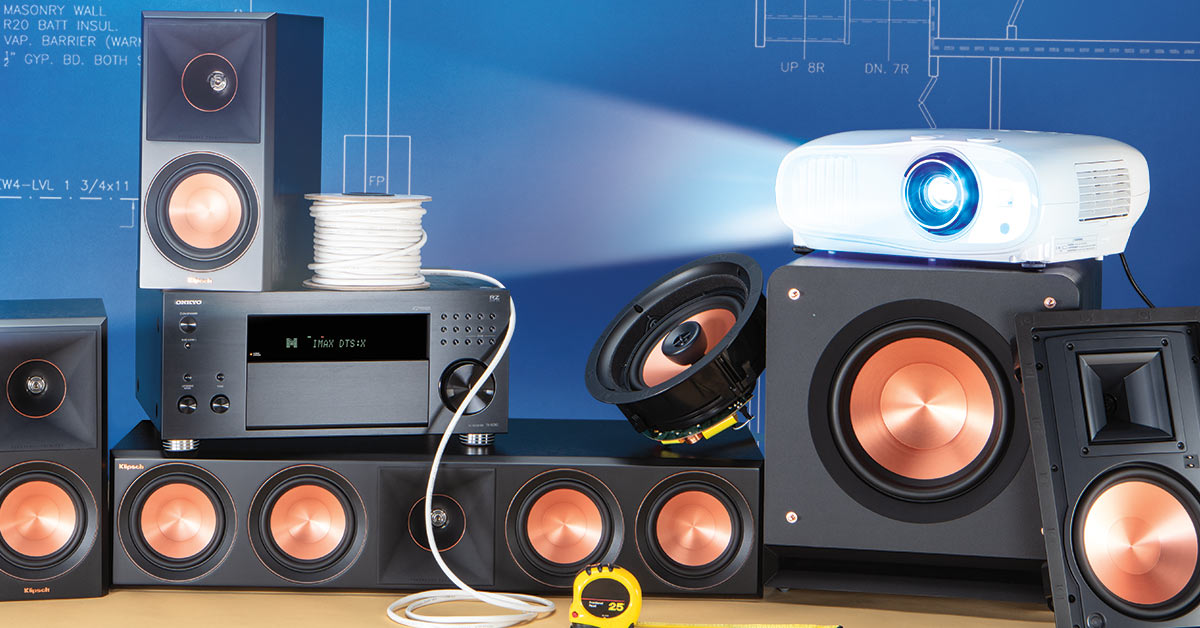
How to turn your basement into a home theater
A Crutchfield employee's journey, plus tips for creating a cinema-like setup in any space

In this article: We'll talk about what makes basements great for home theater as we follow Crutchfield software specialist Keri through her planning and installation, and offer tips to help you dream up a system that's perfect for your own subterranean space, including...
...and we'll discuss accessories and installation tips that can help your system sound and look its best.
Crutchfield software development director Keri had unfinished basement space that she wanted to remodel into a living area with a TV room for her in-laws. When she pitched the idea to her family, her teenage daughter got especially excited about the proposed TV room.
“She said, ‘No Mom,’” Keri explained, “’Let’s make it a theater, with a big screen, a projector, and surround sound!’”
Keri was inspired by her daughter’s idea, but she didn’t know much about home theater installation. So she enlisted the help of Norm from Crutchfield’s A/V Design team — something any customer can do with a phone call or email.
But you can also put together a cool basement home theater system on your own. Read on to learn about Keri’s project and get tips for planning your own home theater.
Why set up a home theater in your basement?
Most basements are surrounded on three or four sides by earth. That means they're naturally dark, and if they do have windows, they're usually easier to cover up than in above-ground rooms.
Being underground gives basements an advantage when it comes to sound, too. Inert earth is a great sound insulator.
Most basements tend to be outside of a home's main traffic flow, so there's less interruption from others in the household.
And basements are often the last rooms in a house to get finished. That makes it much easier if you want to run wires or install speakers in your walls and ceilings without ripping out drywall.
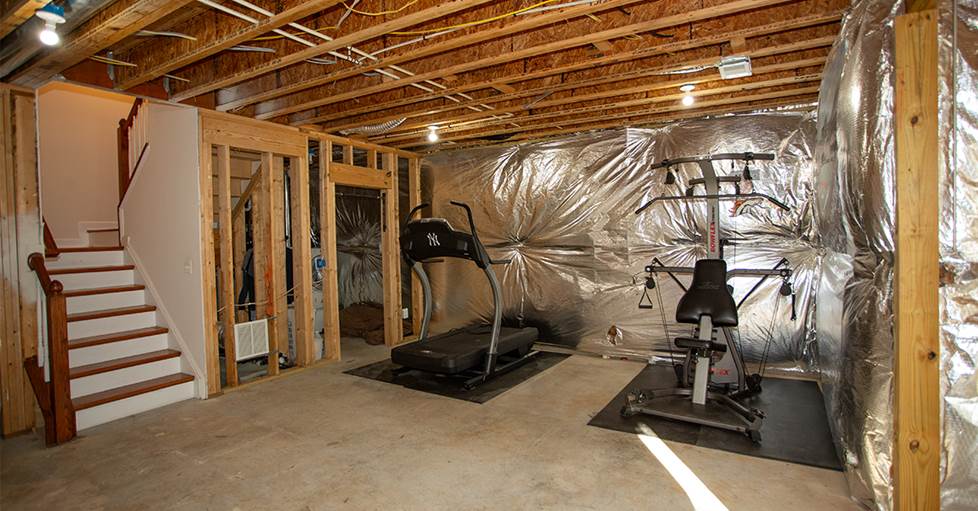
Unfinished basements make it easy to run wires behind drywall. But almost any basement has great home theater potential.
Finding the right gear for your space
You don't need to run wires through your walls to put together a great basement home theater. Just like basements, home theater gear comes in a lot of shapes and sizes. It's a matter of thinking about your space and finding the best fit.
Keri was already working with a contractor to remodel her unfinished space, which also included a kitchen and new bathroom. Before they got started, Norm looked at Keri's basement theater space and helped her envision the optimum layout.
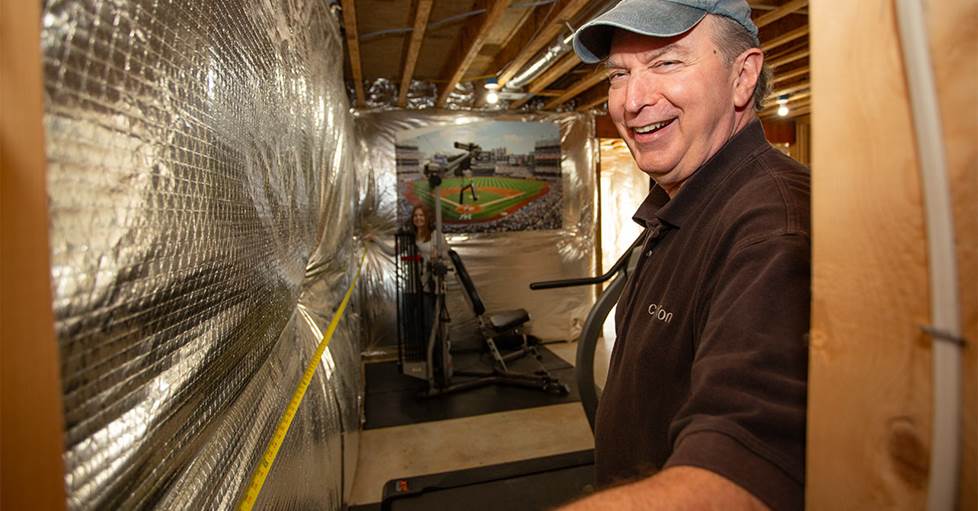
Norm helped Keri see that by placing her screen on the biggest wall, she could accommodate a 120" screen.
The first thing to figure out is where your TV or projector screen will go. Keri had been thinking of putting the screen on one of her smaller walls, but Norm pointed out that she'd be able to fit a much bigger 120" screen and get a wider soundstage by putting it on the bigger back wall.
A lot of your other home theater layout questions will flow more easily once you've figured out where your screen will go and where you'll be sitting while you watch. Maybe you even want to consider theater seating. You definitely need to think about where you'll place your speakers
Norm helped Keri put together a plan, with a shopping list that included everything she'd need for the installation. She would guide the contractor on wiring and other pre-installation stuff. Then Keri and her husband and daughter would do the final installation.
Limited space for your basement home theater?
If you're working with a smaller space, check out our ideas for a small home theater, wherein we discuss how to get maximum home theater sound in a smaller floorplan.
But if you intend to take it to the max for your basement, there are some really cool options for building a system that delivers a truly cinema-like experience like Keri's.
Should you use a TV or a projector?
We recommend getting the biggest screen you can fit and still have an unobstructed view. If you have room for a screen bigger than 85", you should at least consider a projector — although you can get a 98" TV. If using a projector, you’ll need to consider the throw distance and brightness as well.
A screen/projector setup can provide a more authentic cinema experience. The Epson Home Cinema 3800 projector and 120" Stewart Filmscreen Wallscreen Norm recommended for Keri are a perfect match.
Our articles talk more about how to choose a projector and screen and we've also put together a list of some of our our favorite projectors.
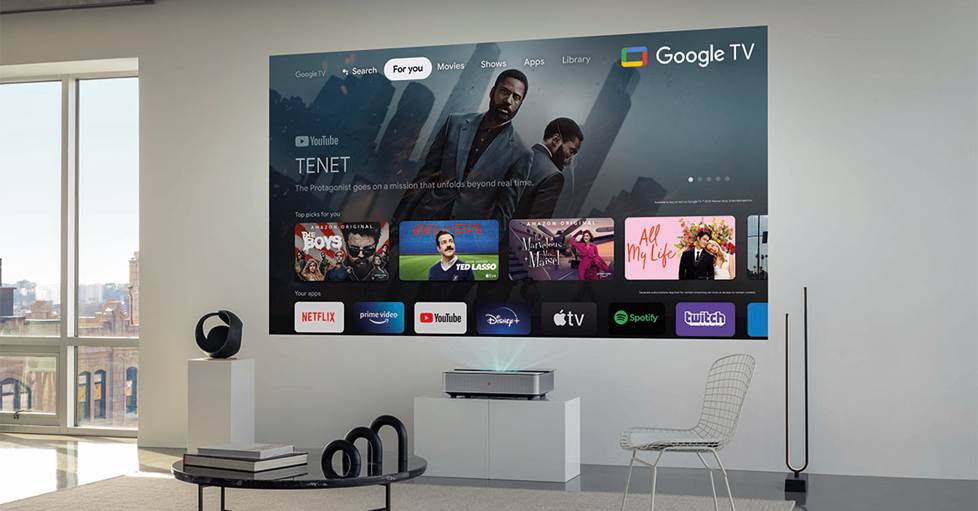
TVs are easier to install and set up, but you can get a much bigger, cinema-like screen with a projector.
A TV can be simpler and provide an excellent picture too. If you're going with a TV and your basement is nice and dark, consider an OLED TV with its cinema-like black levels. Our article can help you learn more about how to choose a TV, and we've compiled a list of our favorite TVs.
Treat your TV like a movie screen by placing it in the perfect viewing location. Check out our article to learn more about best practices for placing your TV, and we have a guide for wall-mounting your TV.
Planning your home theater sound system
Immersive surround sound formats like Dolby Atmos and DTS:X are awesome, but you can also get powerful, effective sound with scaled-down speaker configurations. Some sound bars can deliver convincing 3D surround sound and/or include a subwoofer. In short, there are a ton of options for getting great home theater soundtrack audio.
If you want to get real 360º and overhead sound effects, you can install larger speakers all around your basement theater. That's what Keri did, since she had the space and the luxury of unfinished framing for easier installation.
Home theater speakers
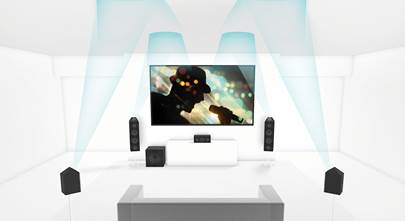
Norm recommended a 5.1.2-channel Dolby Atmos system for Keri, with front, rear, and overhead speakers. Here's a crash course on what those numbers mean: 5 speakers in your horizontal listening plane, 1 subwoofer, and 2 overhead speakers. Check out our article to learn more about the different surround sound formats.
Your configuration might be different from Keri's. Our introduction to home theater speakers can help you figure out what will work best in your space. And check out our home theater speaker placement guide to learn some tested strategies for different room layouts. One of our editors also makes a good argument for a 3.1 home theater system.
Ideally, it's best if you can get speakers from the same brand and series for the most cohesive sound. On Norm's recommendation, Keri went with Kipsch’s freestanding Reference Premiere lineup for her front speakers.
"They sound clear and clean, with wide sound dispersion," Norm said. "And they’re efficient, so they can get plenty loud without a massive amount of power."
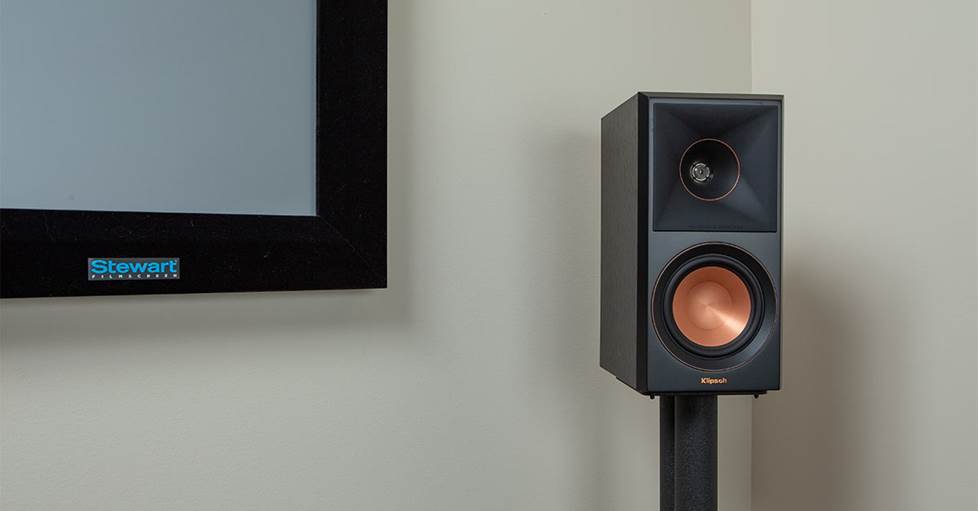
Keri went with Norm's recommendation to use Klipsch Reference Premiere RP-500M II as her front left and right speakers.
There’s another vitally important speaker for home theater: the center channel speaker. That’s where almost all of the dialogue in TV and movie soundtracks comes from.
"About 60% of soundtrack dialogue comes from your center speaker," Norm said. He recommended the RP-504C — a beefy center channel that Keri’s large room had plenty of space for.
Center channel speakers come in a range of sizes. Check out our buying guide to learn more.
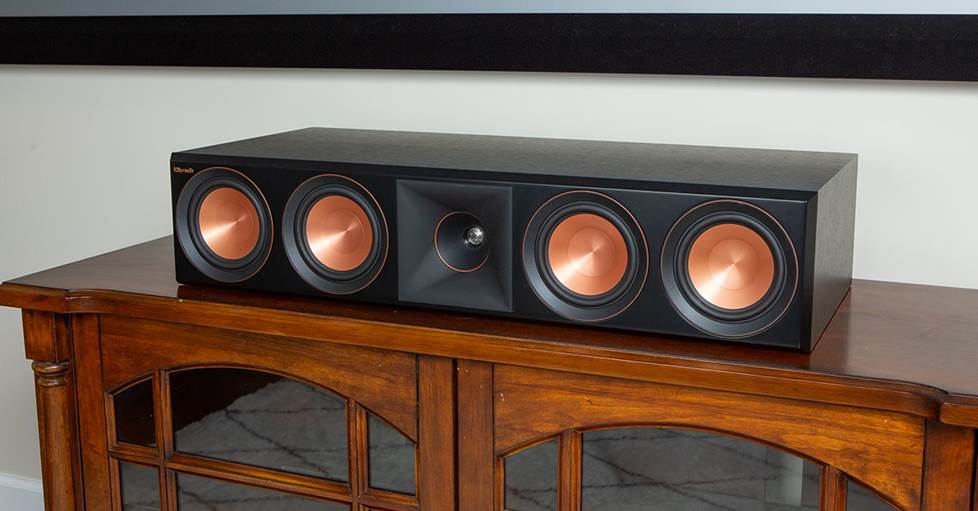
A center channel speaker like Keri's Klipsch Reference Premiere RP-504C is key for reproducing clear, intelligible dialogue.
Using in-ceiling and in-wall speakers in your basement home theater
In-wall and in-ceiling speakers have a streamlined look with paintable grilles that disappear into your décor.
Installing them takes more work, but once they're in you don't have to think about them. And they can really add to the cinema-like experience. Check out our guide to in-wall and in-ceiling speakers and our top in-wall and in-ceiling surround sound speaker picks to learn more.
You can set up an entire home theater with in-wall and -ceiling speakers, but Keri just chose them for her surround speakers. Norm recommended Klipsch 5800 in-wall and in-ceiling models for consistent sound.
During construction, she had her contractor run in-wall speaker wire according to Norm's recommendations, including extra length at either end for easy connections.
She also had her contractor put in the pre-installation speaker brackets Norm had included on her shopping list. That way, they knew exactly where and what size to cut holes for them after the drywall went up.
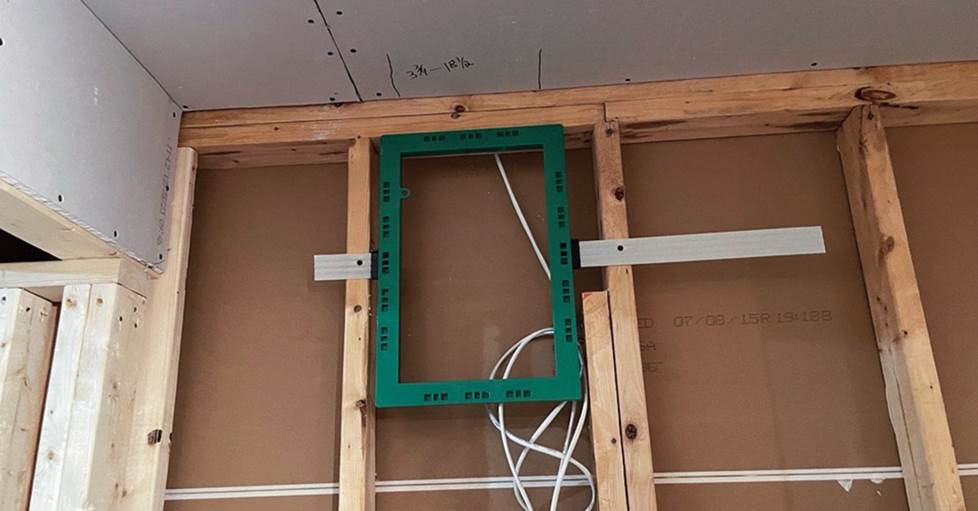
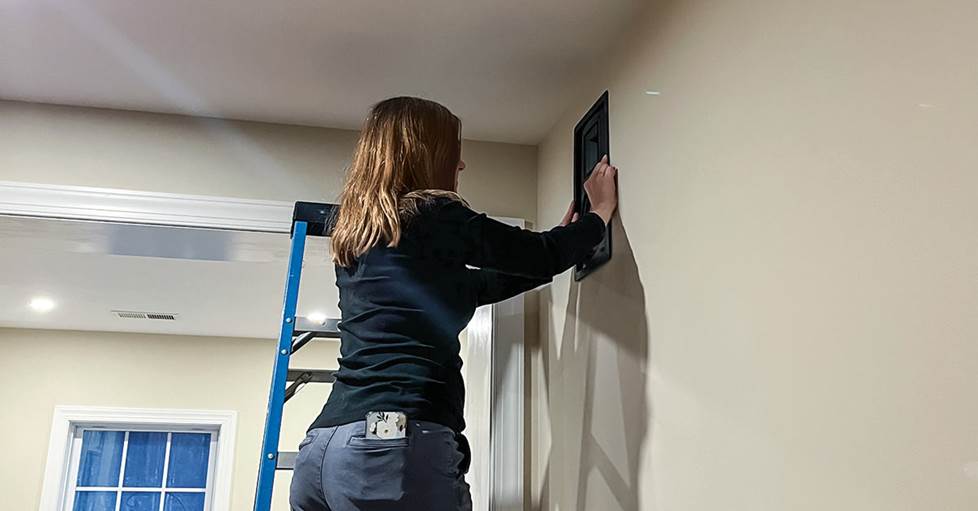
Keri's contractor installed in-wall speaker brackets before the drywall went up. That made the final speaker installation much easier.
Keri did the final installation of her in-wall and in-ceiling speakers. If that inspires you, check out our article on in-wall/in-ceiling speaker placement and installation.
Add a subwoofer for deep bass impact
Let's face it: explosions, earthquakes, crashes, landings, etc. have more impact with a subwoofer that lets you feel the low-frequency effects. Keri added a 10" Klipsch Reference Premiere RP-1000SW powered subwoofer for impactful subsonic bass.
You can get free-standing models and in-wall models. And you can use more than one in your home theater — some home theater receivers have as many as four subwoofer outputs. Check out our subwoofer buying guide and subwoofer connection guide to learn more.
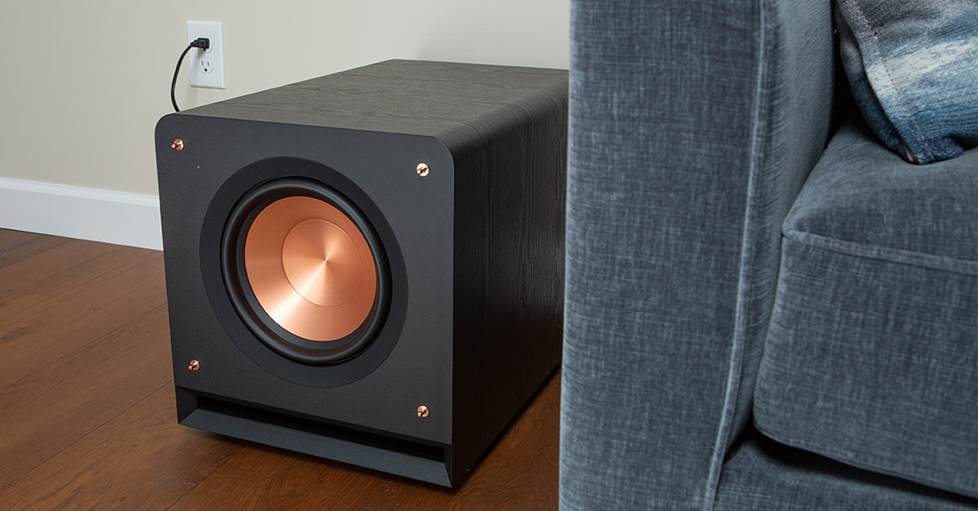
Feel the impact of low frequency effects with a subwoofer.
Using a sound bar for home theater
Some spaces and situations don't have room for a bunch of speakers. There are some really impressive sound bars available these days — some even offer full-fledged surround sound with separate wireless surround speakers and a wireless subwoofer.
Check out our sound bar buying guide and look at our favorite wireless surround sound systems to learn more.
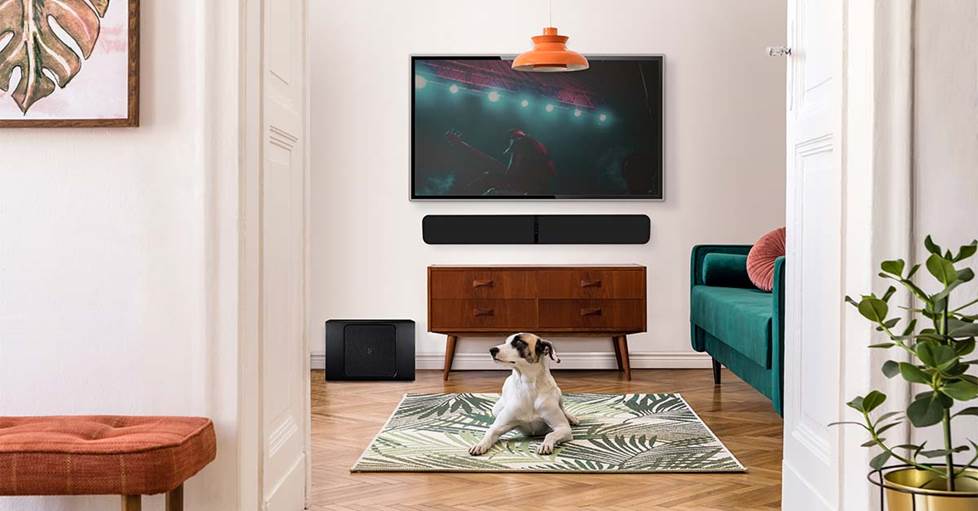
Sound bars can provide a powerful surround sound experience with easier installation.
Home theater receivers
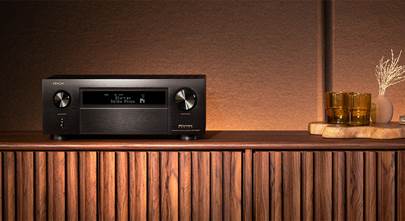
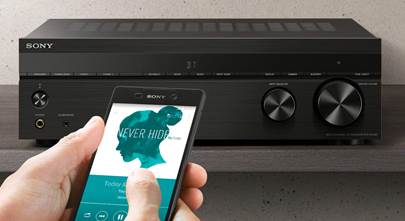
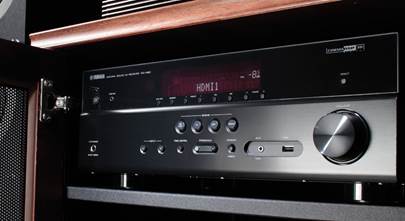
Home theater receivers can power multiple speakers in your basement cinema system. A receiver acts as a connection hub for your TV and other A/V components like Blu-ray players, gaming consoles, and more. They also have inputs for music sources like turntables, CD players, and music streamers. Some of them even have wireless network streaming built in.
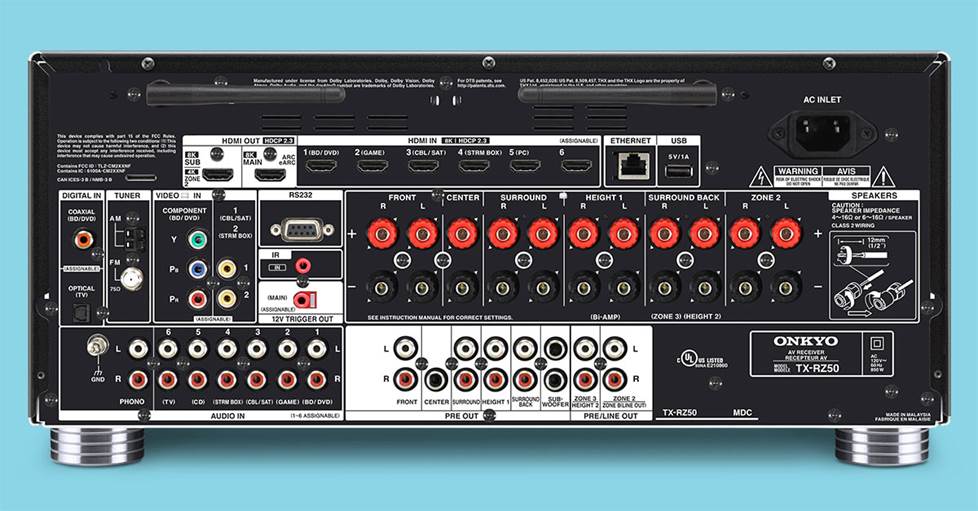
Home theater receivers let you connect all of your speakers, plus Blu-ray players, gaming consoles, music sources, and more.
Check out our guide to home theater receivers to learn the basics. Already have an A/V receiver that isn't pulling its weight? There are a lot of reasons why you might want to upgrade your old home theater receiver.
Even though Keri went with a 5.1.2 system, Norm suggested the 9-channel Onkyo TX-RZ50, a 30-plus-pound beast with advanced processing and all the power and connectivity Keri would need to expand.
"Having extra headroom and speaker outputs makes it easier to add or upgrade speakers," Norm explained.
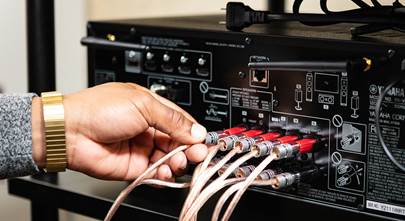
A 5.1.2 setup like Keri's requires a lot of speaker connections. It's not rocket science, but it can be complicated. Our home theater receiver setup guide can help make it a little easier.
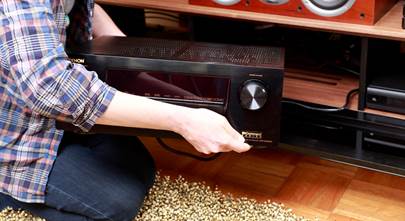
You can place your home theater receiver front and center on a credenza under the TV, or keep things cinema-sleek and put it in a rack or cabinet tucked into a closet or corner where nobody can see it. That's what Keri did. Check out our home theater receiver placement tips to get some ideas.

Keri placed her Onkyo home theater receiver out of the way in a utility closet. Since it's got Wi-Fi, Keri mostly uses her phone to control it.
Use A/V separates for greater control
You can also get a home theater preamplifier/processor if you want more flexible amplification options.
They have all the same inputs, speaker connections, and features that you'll find on A/V receiverss, but they let you use one or more separate power amplifiers to drive your speakers. Learn about the benefits of this type of system in our article on preamps and power amps.
Accessories that help your basement home theater look and sound its best
You'll need an HDMI cable to connect your TV or projector to your sound system, plus additional HDMI cables for any video components you want to add. If you're using a receiver, you'll also need speaker cables. Check out our buying guides for HDMI cables and speaker wire to learn more.
Once you have all your gear connected and working, you can put the finishing touches on your room.
If you're going to run a lot of wire to separate speakers like Keri did, you'll want to get proactive about cable management. Here are some tips to help you keep it all from looking like a rat's nest.
If you've got a hard floor and bare walls, sound reflections can muddy your soundtrack audio. Keri put an area rug between her viewing area and the front speakers and screen to dampen the sound — the thicker the better.
You can get acoustic panels to hang on your walls to keep sound reflections at bay. You can also use quilts, tapestries, and other fabric hangings. A bookshelf full of books also works great to absorb sound.

The Hue Play Gradient can help set the mood in your basement home theater with smart, colorful, interactive backlighting.
Smart lights can also help set the mood, whether it's game night, movie night, or even for those in-between times when you might be using the room to hang out and listen to music. If you're using a TV, check out this full-color backlight that changes color to match what's happening on your screen.
What else? Maybe a popcorn machine?
Enjoy movie night any night
Keri might’ve gone into the project for her in-laws and daughter — and they will enjoy it immensely — but she’s in love with the immersive sound and big clear picture on the screen.
"It’s been a whole new experience to see some shows again on a big screen," she said. "The details on the costumes, etc. really stand out. Sports are also really fun to watch on the large screen."
But there are other benefits, Keri explained: "We love having the extra living room space available and use it every day. My daughter uses it a lot to play music while she's doing homework on the sofa. When she has friends over, they can stay up and watch movies until whenever they want, and it doesn’t affect the rest of the house going to bed."
"It takes a lot of time and energy to plan and install a home theater," she admits. "But the payoff has been even better than I expected."
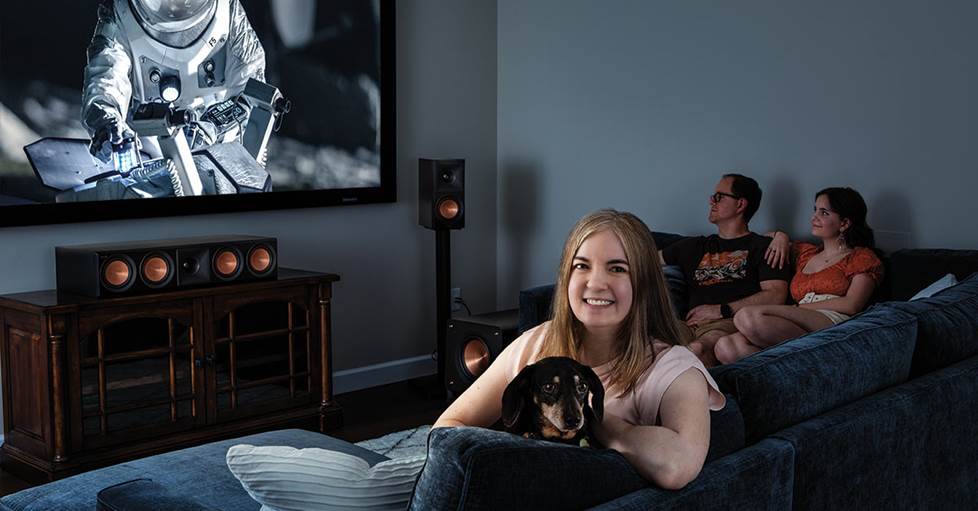
Keri originally conceived it as space for her visiting in-laws, but says she and her family love using their new home theater every day.
Personalized advice from our team of experts
Need some help choosing equipment for your basement home theater? Our expert Advisors know the gear inside and out. Contact us today.
Free lifetime tech support is included with every Crutchfield purchase.




Comments (0)